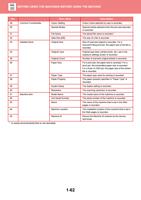
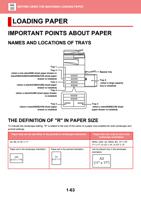
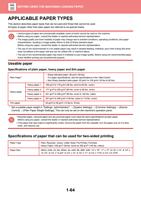
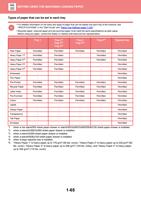
- You are here:
- AM.CO.ZABuythisCNC Utilities Homepage
- Office-Softwares
- Sharp MX Printer Manual.pdf
- Page 6 of 934
BEFORE USING THE MACHINE►BEFORE USING THE MACHINE
BEFORE USING THE MACHINE
PART NAMES AND FUNCTION
EXTERIOR
(1)
(2) (3)
(1)
(4)
(5)
(6) (7)
(8)
MX-3050N/MX-3060N/MX-3550N/
MX-3560N/MX-4050N/MX-4060N/
MX-5050N/MX-6050N
MX-3050N/MX-3060N/MX-3070N/
MX-3550N/MX-3560N/MX-3570N/
MX-4050N/MX-4060N/MX-4070N
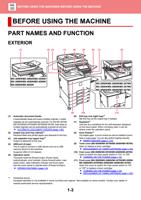
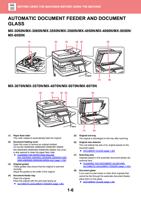
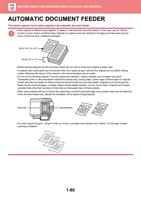
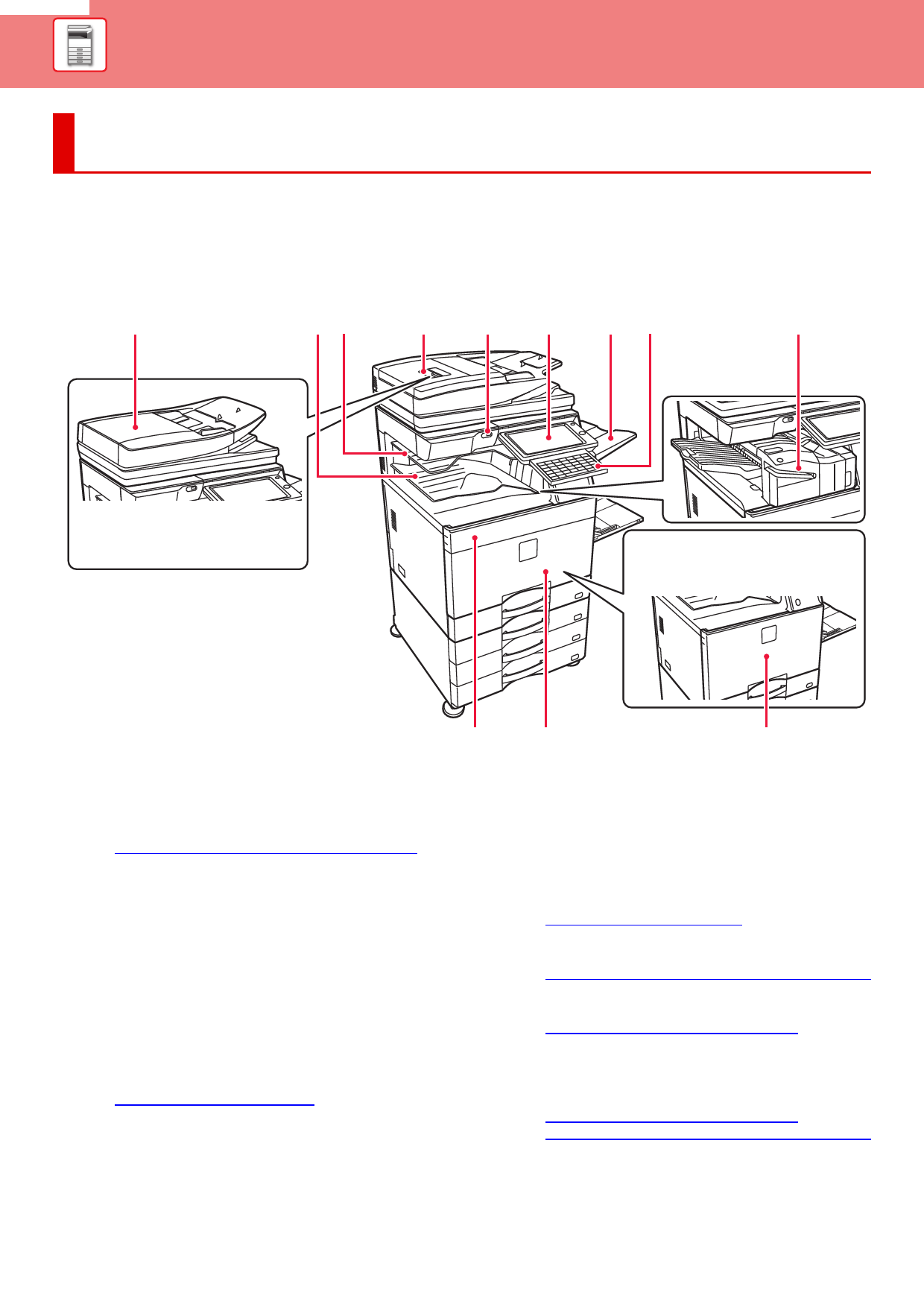
(1) Automatic document feeder
It automatically feeds and scans multiple originals. 2-sided
originals can be automatically scanned. For the MX-3070N/
MX-3570N/MX-4070N/MX-5070N/MX-6070N, both sides of
2-sided originals can be automatically scanned at one time.
► AUTOMATIC DOCUMENT FEEDER (page 1-80)
(2) Output tray (exit tray cabinet)*1
Received faxes and printed papers are delivered to this tray.
(3) Job separator tray (upper tray)*1
Output is delivered to this tray.
(4) USB port (A type)
This is used to connect a USB device such as a USB
memory device to the machine.
Supports USB 2.0 (Hi-Speed).
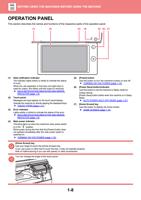
(5) Operation panel
This panel hosts the [Power] button, [Power Save]
button/indicator, error indicator, [Home Screen] button, main
power button, data notification indicator and touch panel.
Use the touch panel to operate each of these functions.
► OPERATION PANEL (page 1-8)
(9)
(10)
(11)
(6) Exit tray unit (right tray)*1
Set this tray as the output tray if needed.
(7) Keyboard*1
Use this as a substitute for the soft keyboard displayed
on the touch panel. When not being used, it can be
stored under the operation panel.
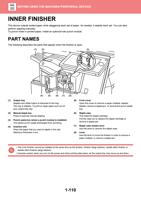
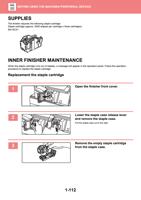
(8) Inner finisher*1
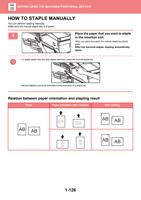
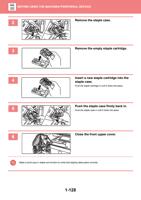
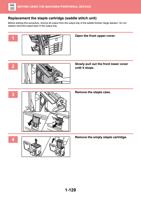
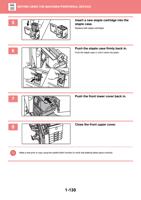
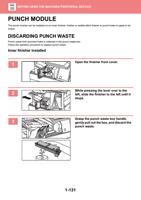
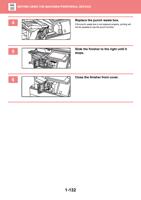
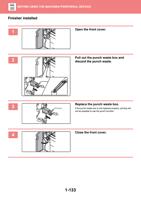
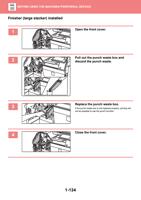
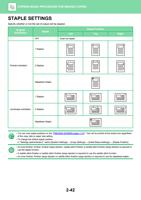
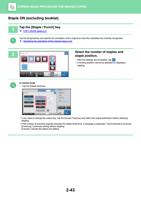
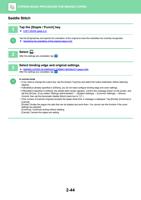
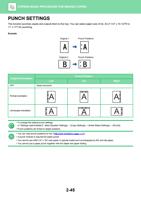
This staples paper. A punch module can also be installed to punch
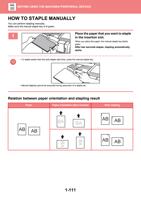
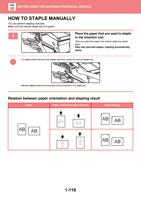
holes in output paper. You can also perform stapling manually.
► INNER FINISHER (page 1-110)
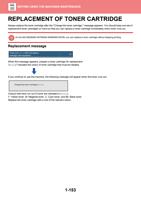
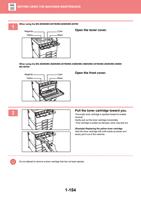
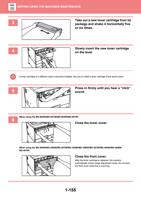
(9) Toner cover (MX-5050N/MX-5070N/MX-6050N/MX-6070N)
Open to replace a toner cartridge.
► REPLACEMENT OF TONER CARTRIDGE (page 1-153)
(10) Front cover (MX-5050N/MX-5070N/MX-6050N/MX-6070N)
Open to switch the main power switch to "On" or "Off".
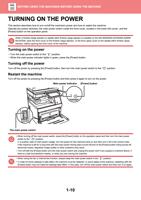
► TURNING ON THE POWER (page 1-10)
(11) Front cover (MX-3050N/MX-3060N/MX-3070N/MX-3550N/
MX-3560N/MX-3570N/MX-4050N/MX-4060N/MX-4070N)
Open this cover to switch the main power switch to "On"
or "Off" to replace a toner cartridge.
► TURNING ON THE POWER (page 1-10)
► REPLACEMENT OF TONER CARTRIDGE (page 1-153)
*1 Peripheral device.
Equipped standard or not available in some countries and regions. Not available on some models. Contact your dealer or
nearest authorised service representative.
1-3