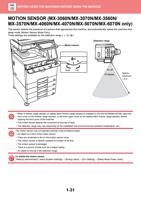
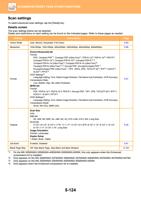
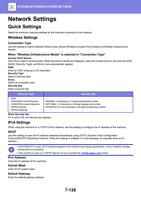
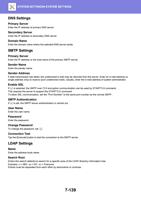
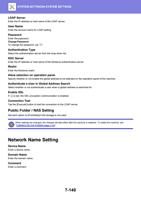
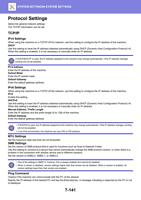
- You are here:
- AM.CO.ZABuythisCNC Utilities Homepage
- Office-Softwares
- Sharp MX Printer Manual.pdf
- Page 33 of 934
BEFORE USING THE MACHINE►BEFORE USING THE MACHINE
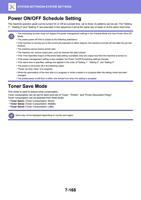
POWER ON/OFF SCHEDULE SETTING
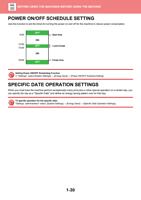
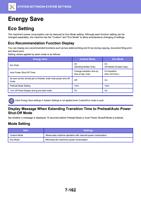
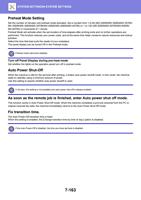
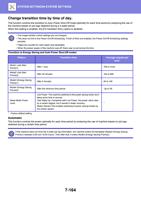
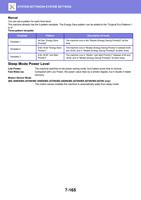
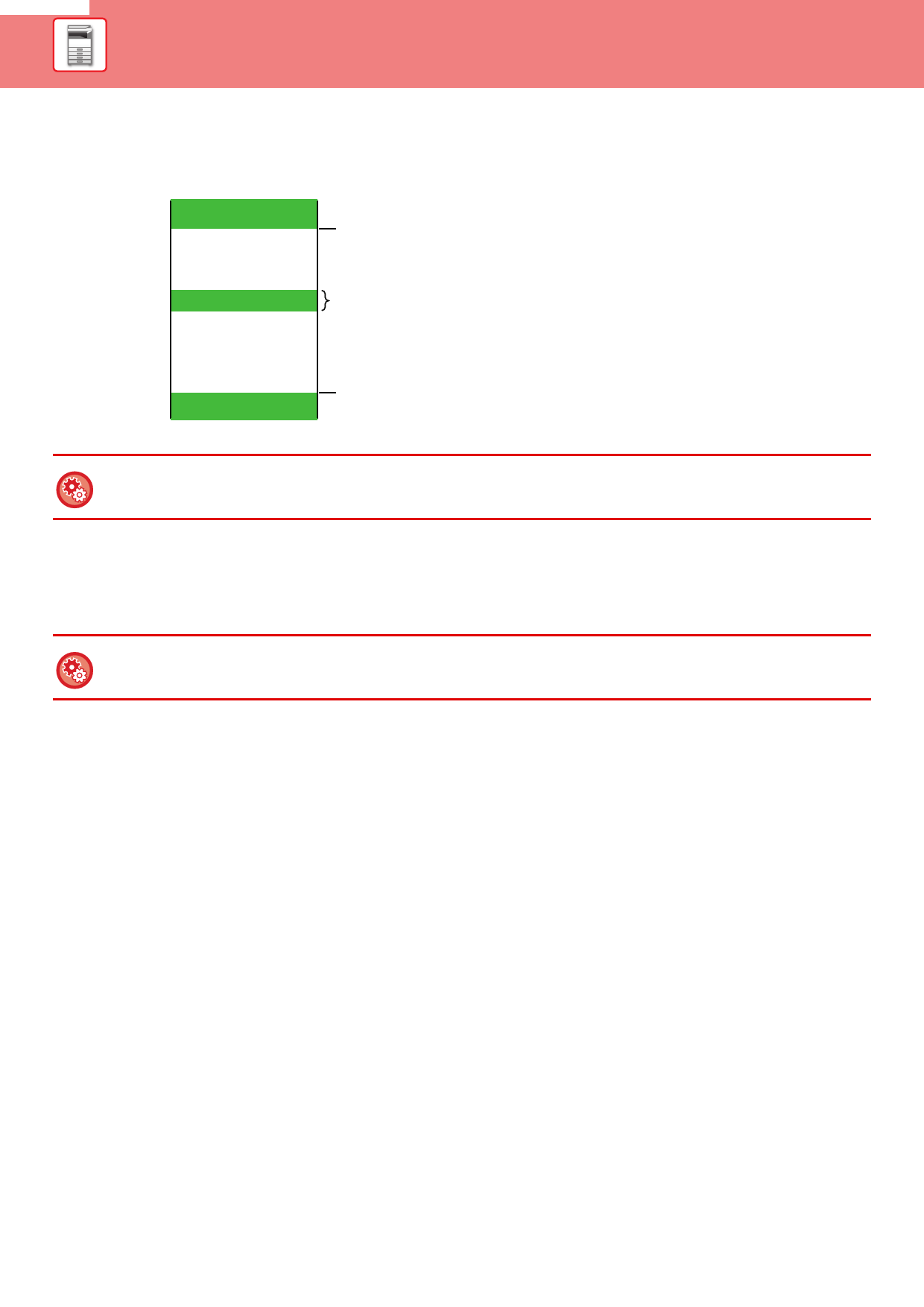
Use this function to set the times for turning the power on and off for the machine to reduce power consumption.
9:00
12:00
13:00
18:00
OFF
ON
OFF
ON
OFF
Start time
Lunch break
Finish time
Setting Power ON/OFF Scheduling Function
In "Settings", select [System Settings] → [Energy Save] → [Power ON/OFF Schedule Setting].
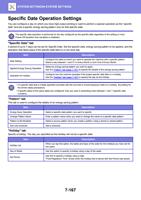
SPECIFIC DATE OPERATION SETTINGS
When you must have the machine perform exceptionally many print jobs or other special operation on a certain day, you
can specify the day as a "Specific Date" and define an energy saving pattern only for that day.
To specify operation for the specific date:
"Settings (administrator)" select [System Settings] → [Energy Save] → [Specific Date Operation Settings].
1-30