- You are here:
- AM.CO.ZABuythisCNC Utilities Homepage
- Office-Softwares
- Sharp MX Printer Manual.pdf
- Page 36 of 934
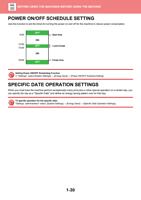
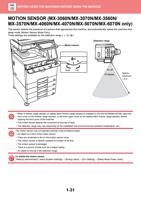
BEFORE USING THE MACHINE►BEFORE USING THE MACHINE
2
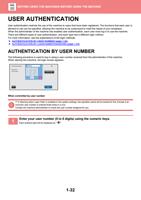
(1) User Authentication
7
89
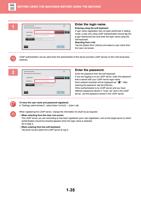
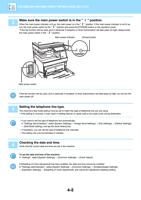
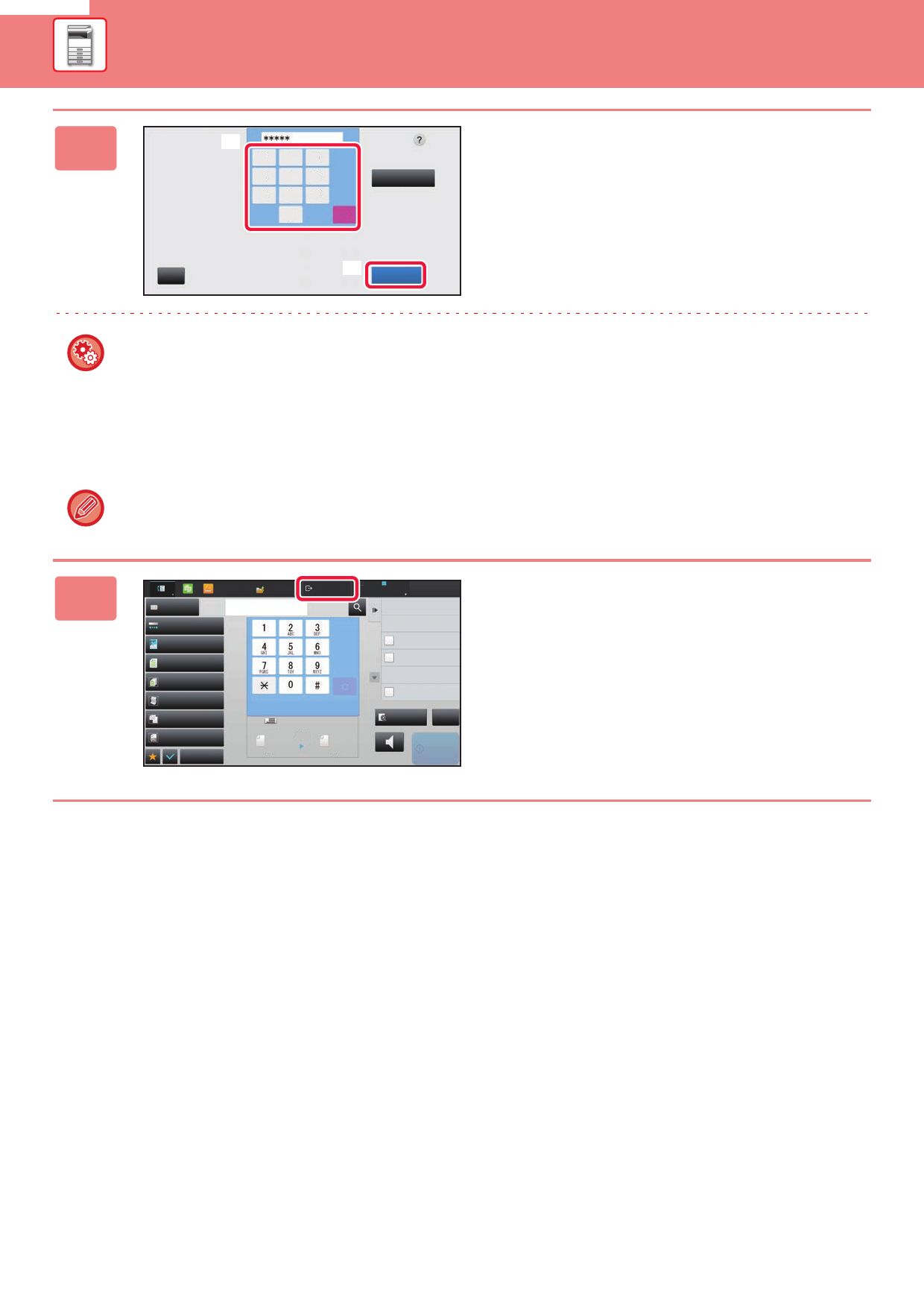
Enter your
user number.
4 56
Admin Login
1 23
0
C
(2)
CA
OK
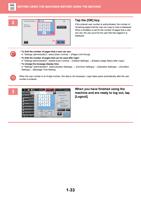
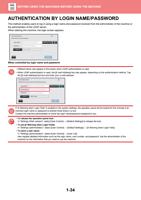
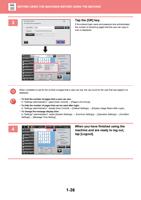
Tap the [OK] key.
If the entered user number is authenticated, the number of
remaining pages that the user can copy or scan is displayed.
When a limitation is set for the number of pages that a user
can use, the use count for the user that has logged in is
displayed.
• To limit the number of pages that a user can use:
In "Settings (administrator)", select [User Control] → [Pages Limit Group].
• To hide the number of pages that can be used after login:
In "Settings (administrator)", disable [User Control] → [Default Settings] → [Display Usage Status after Login].
• To change the message display time:
In "Settings" (administrator)", select [System Settings] → [Common Settings] → [Operation Settings] → [Condition
Settings] → [Message Time Setting].
When the user number is an 8-digit number, this step is not necessary. Login takes place automatically after the user
number is entered.
3
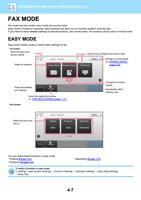
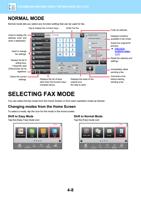
Easy
Scan
HDD
File retrieve
Address Book Address Fax Number
Exposure
Auto
Resolution
Super Fine
Original
Logout
Admin
Job Build
Slow Scan Mode
Mixed Size Orig.
Original Count
Others
Scan Size
Auto
Send Size
100%
Auto
A4
reception memory
A4
100%
LINE
PRINTER
Job Status
Sending History
Call Search Number
Direct TX
Verification Stamp
Call Program
Call Registered settings
Send Same Image
as Fax Address
Preview
CA
Speaker
Start
When you have finished using the
machine and are ready to log out, tap
[Logout].
1-33