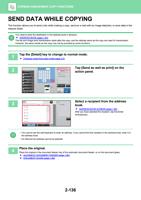
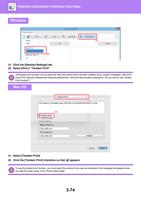
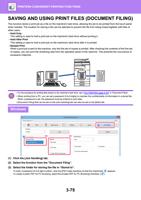
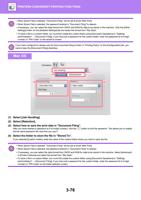
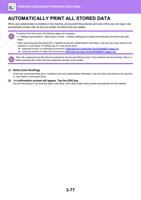
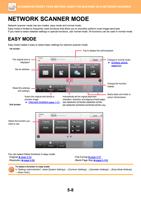
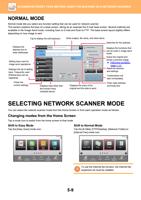
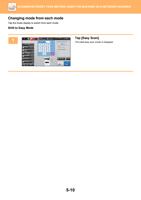
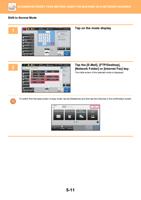
- You are here:
- AM.CO.ZABuythisCNC Utilities Homepage
- Office-Softwares
- Sharp MX Printer Manual.pdf
- Page 19 of 934
BEFORE USING THE MACHINE►BEFORE USING THE MACHINE
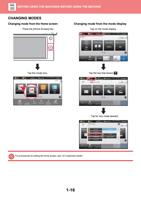
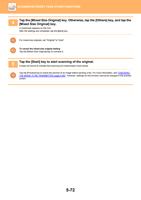
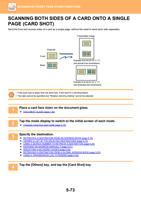
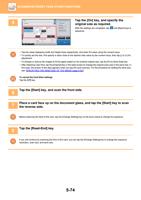
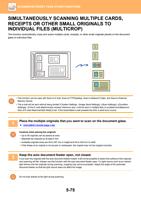
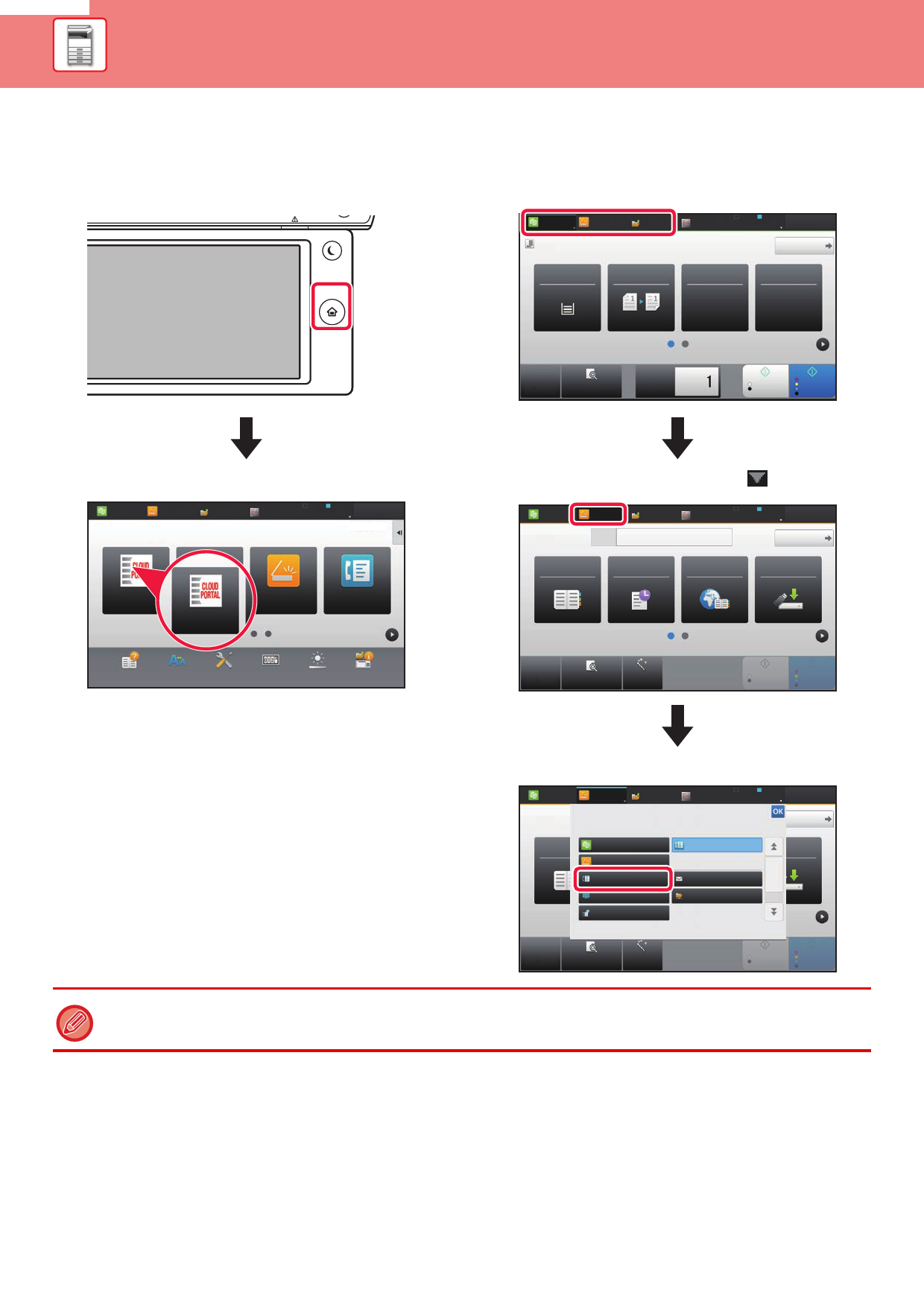
CHANGING MODES
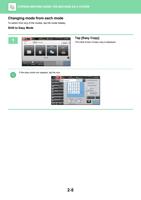
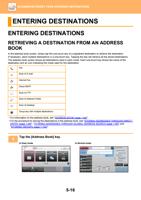
Changing mode from the Home screen
Press the [Home Screen] key.
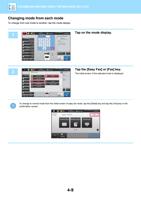
Changing mode from the mode display
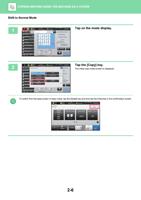
Tap on the mode display.
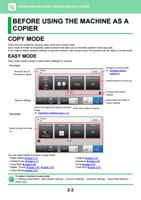
Easy
Copy
Original
A4
Easy
Scan
HDD
File retrieve
Paper
Select
A4
2-Sided Copy
Tray 1
1 → 1
Sharp OSA
LINE
PRINTER
Job Status
Detail
Copy Ratio Staple / Punch
100%
Off
CA
Preview
Copies
B/W
Start
Colour
Start
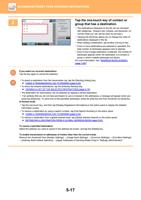
Tap the mode icon.
Easy
Copy
Easy
Scan
HDD
File retrieve
Sharp OSA
LINE
PRINTER
Job Status
10:15
CLOUD PORTAL
CLOUD PORTAL
Easy
Scan
Easy
Fax
Operation
Guide
Enlarge
Display Mode
Settings
Total Count
Brightness
Adjustment
Job Status
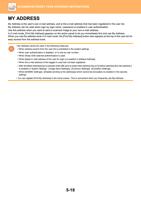
Tap the key that shows .
Easy
Copy
Original
A4
Easy
Scan
HDD
File retrieve
Address Fax Number
Sharp OSA
LINE
PRINTER
Job Status
Detail
Address Book
History
Global
Scan to HDD/
Address Search
USB
CA
Preview
Auto Set
B/W
Start
Colour
Start
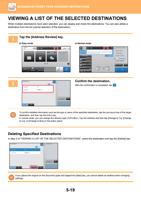
Tap for any mode desired.
Easy
Copy
Original
A4
Easy
Scan
HDD
File retrieve
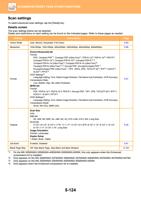
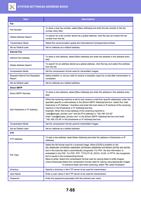
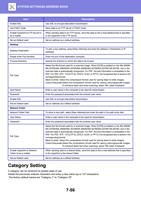
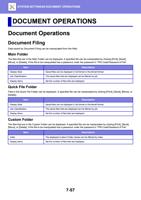
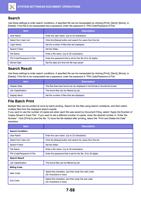
Select the mode.
Address Fax Number
Address Book
Easy Copy
Easy Scan
Fax
FTP/Desktop
Internet Fax
Sharp OSA
LINE
PRINTER
Job Status
Detail
Easy Fax
Scan to HDD/
USB
E-Mail
Network Folder
CA
Preview
Auto Set
B/W
Start
Colour
Start
For procedures for editing the home screen, see "U/I Customize Guide".
1-16