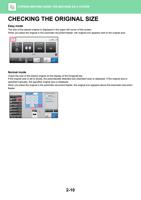
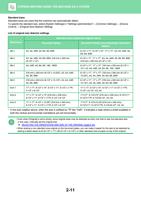
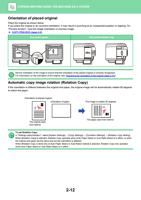
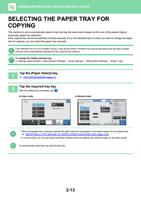
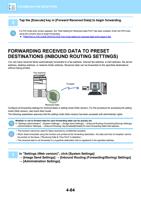
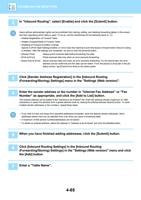
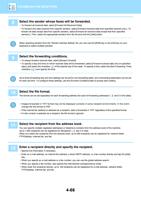
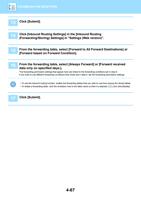
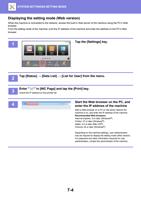
- You are here:
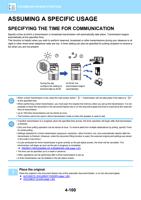
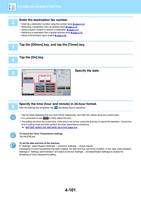
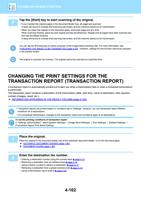
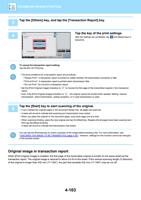
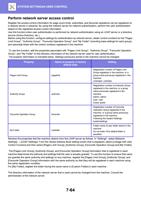
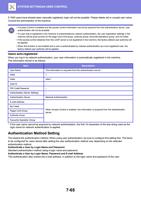
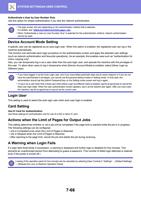
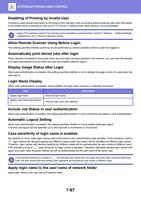
- AM.CO.ZABuythisCNC Utilities Homepage
- Office-Softwares
- Sharp MX Printer Manual.pdf
- Page 12 of 934
BEFORE USING THE MACHINE►BEFORE USING THE MACHINE
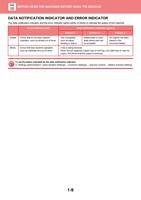
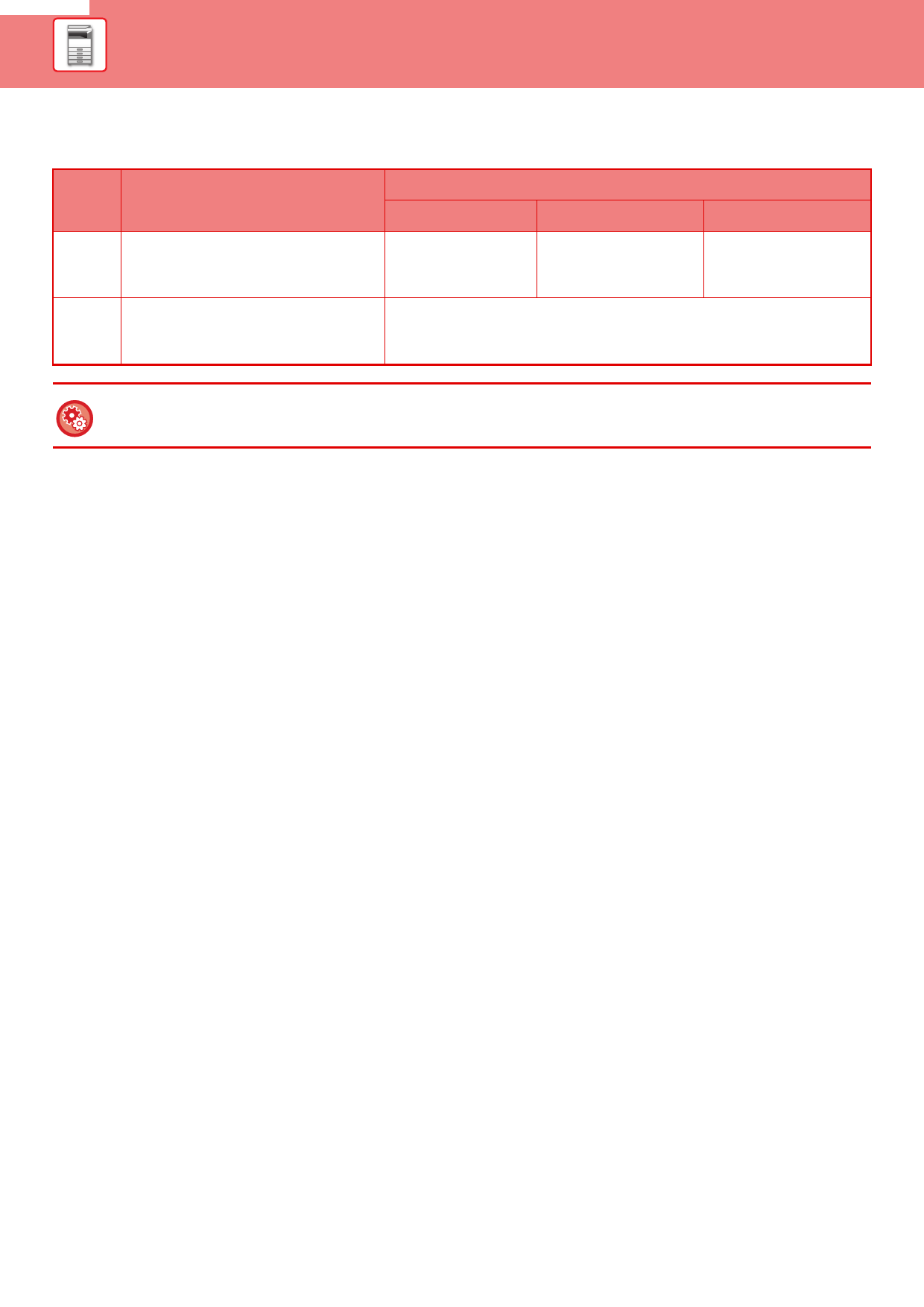
DATA NOTIFICATION INDICATOR AND ERROR INDICATOR
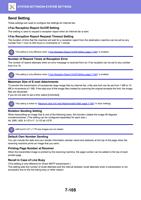
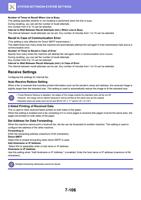
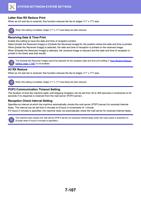
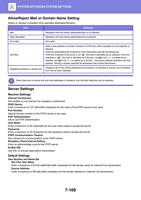
The data notification indicator and the error indicator lights solidly or blinks to indicate the status of the machine.
Solidly
Blinks
Error indicator (red)
Errors that do not stop machine
operation, such as almost out of toner.
Errors that stop machine operation,
such as misfeeds and out of toner.
Data notification indicator (green)
Pattern 1
Pattern 2
Pattern 3
Job in progress,
such as paper
feeding or output.
Ready state or other
state where jobs can
be accepted.
An original has been
placed in the
document feeder
A fax is being received
When the job separator (upper tray) or exit tray unit (right tray) is used for
output, this blinks until the output is removed.
To set the status indicated by the data notification indicator
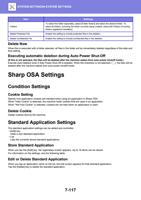
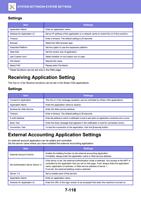
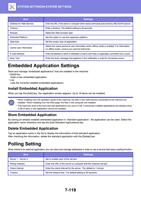
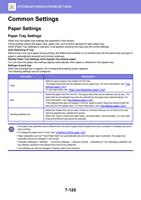
In "Settings (administrator)", select [System Settings] → [Common Settings] → [Device Control] → [Status Indicator Setting].
1-9