- You are here:
- AM.CO.ZABuythisCNC Utilities Homepage
- Office-Softwares
- Sharp MX Printer Manual.pdf
- Page 16 of 934
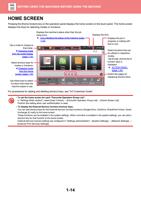
BEFORE USING THE MACHINE►BEFORE USING THE MACHINE
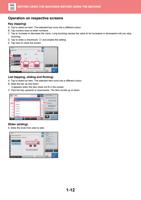
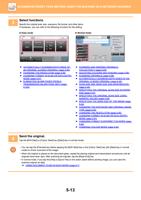
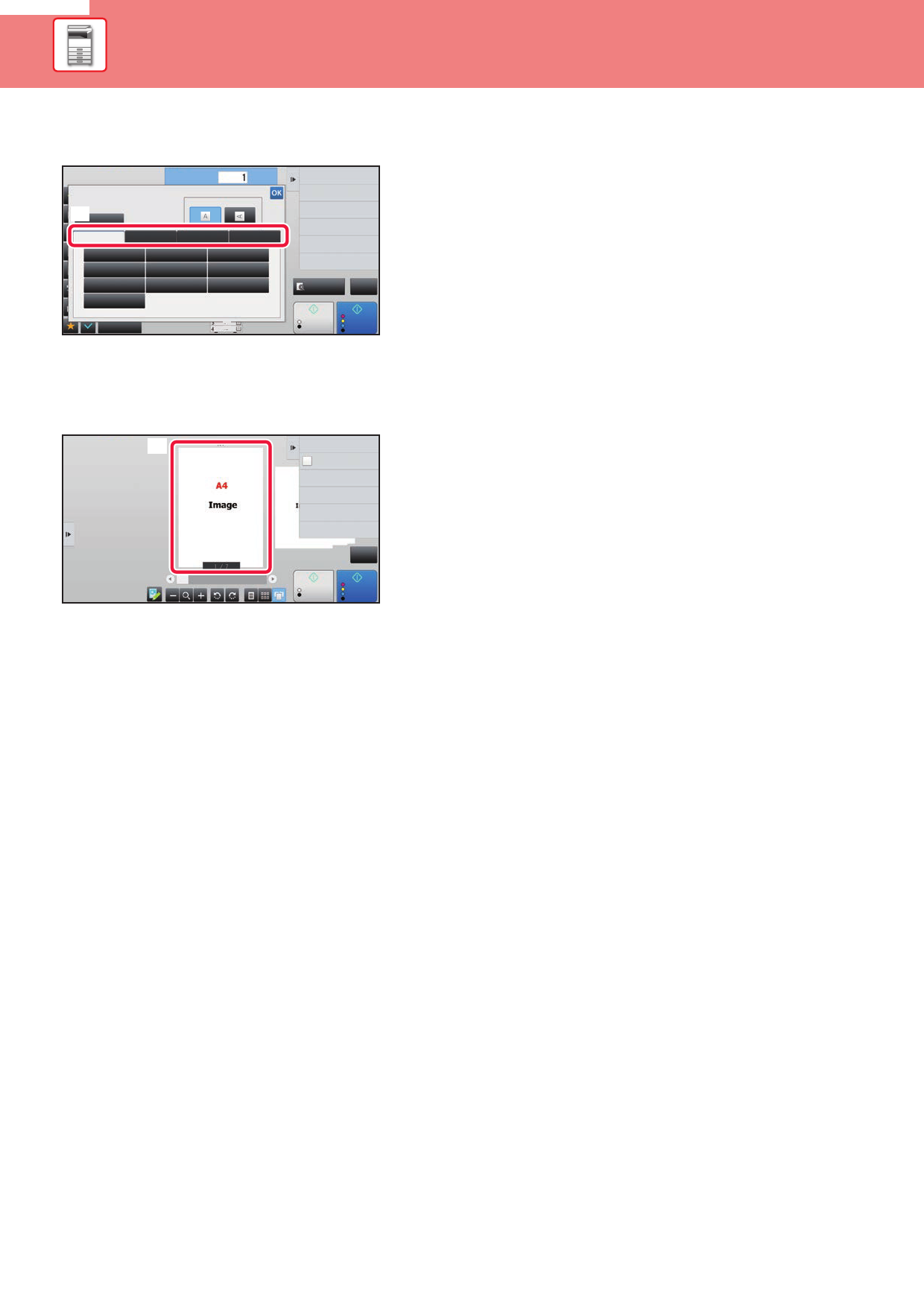
Tab (tapping)
A. Tap a tab to switch what is displayed.
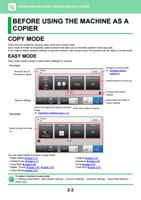
Original
(A)
Auto
AB
A5
A5R
B5
216 x 343
No. of copies
Image Orientation
Inch
Direct Entry
Custom Size
B5R
B4
A4
A3
A4R
216 x 340
Others
A3
Colour Mode
2-Sided Copy
Background Adjustment
Blank Page Skip
Skip Blank Page in Original
Copy Ratio
Enlarge/Reduce Copy
Preview
CA
B/W
Start
Colour
Start
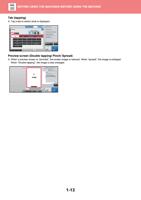
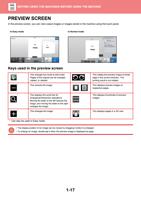
Preview screen (Double tapping/ Pinch/ Spread)
A. When a preview screen is "pinched", the screen image is reduced. When "spread", the image is enlarged.
When "Double tapping", the image is also enlarged.
(A)
Send as well as print
Quick File
Store Data Temporarily
File
Store Data in Folder
Scan Original Again
Without change Settings
CA
B/W
Start
Colour
Start
1-13