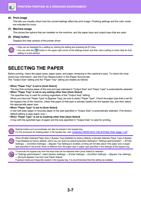
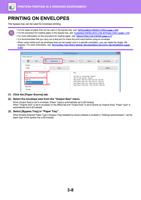
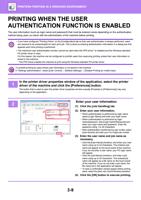
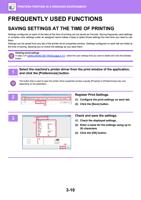
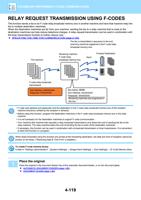
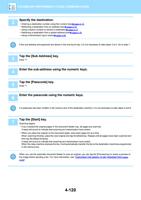
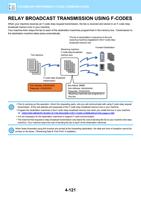
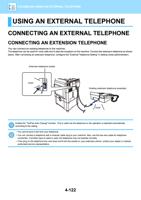
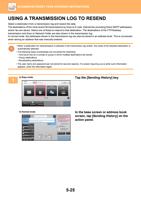
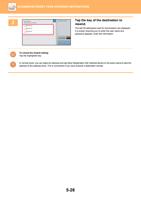
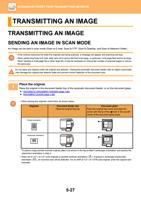
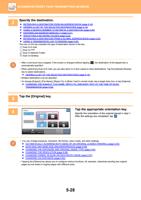
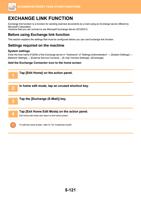
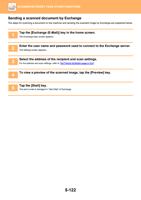
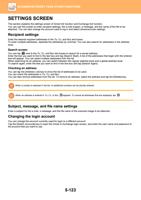
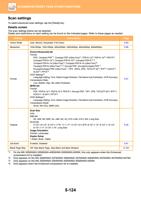
- You are here:
- AM.CO.ZABuythisCNC Utilities Homepage
- Office-Softwares
- Sharp MX Printer Manual.pdf
- Page 26 of 934
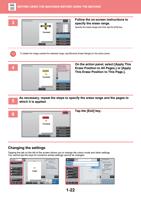
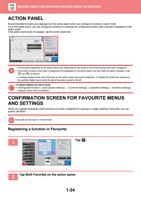
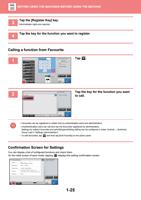
BEFORE USING THE MACHINE►BEFORE USING THE MACHINE
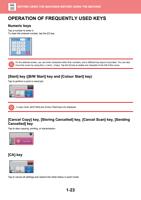
OPERATION OF FREQUENTLY USED KEYS
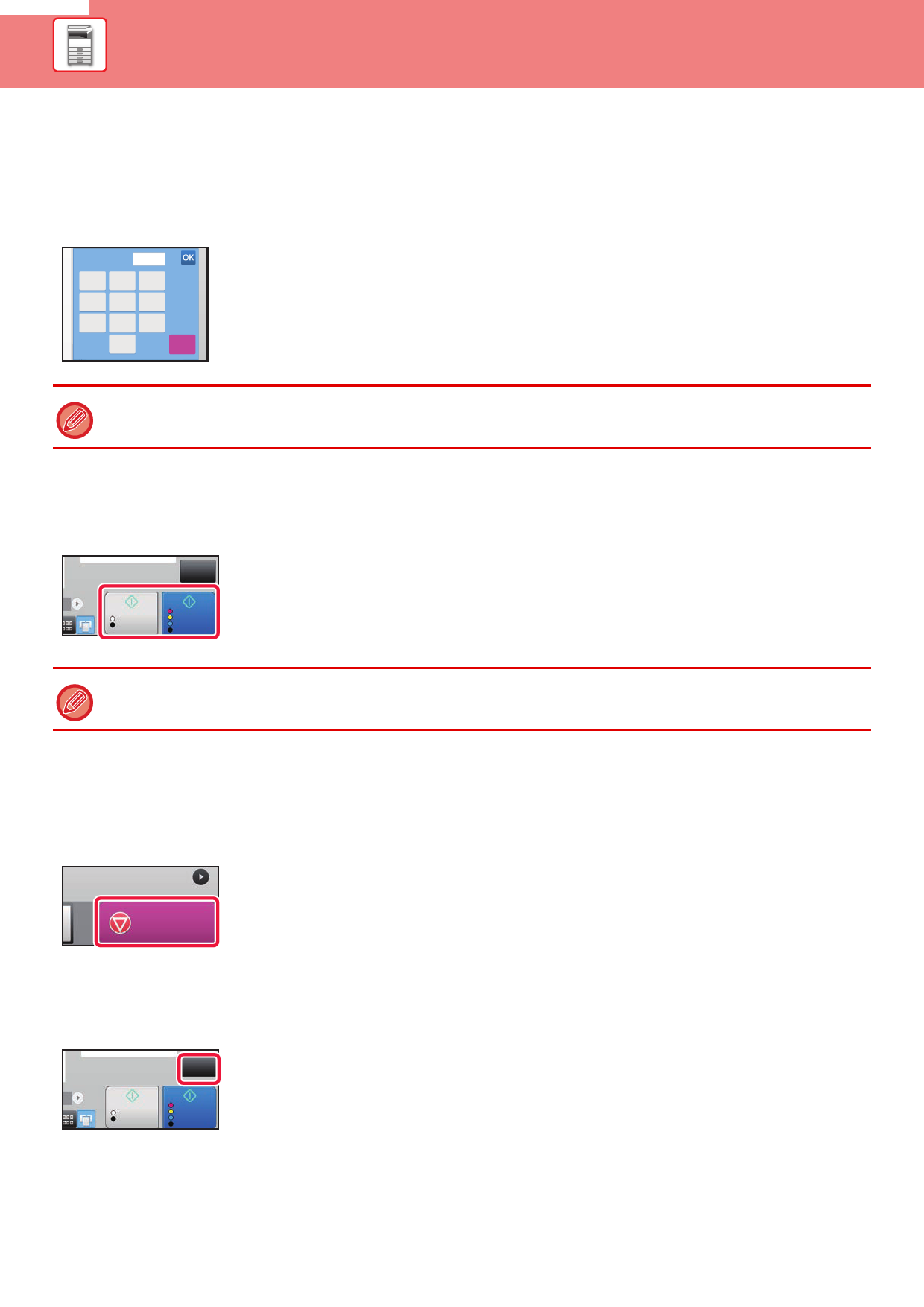
Numeric keys
Tap a number to enter it.
To clear the entered number, tap the [C] key.
No. of copies
7
8
4
5
1
2
0
1
9
6
3
C
On the address screen, you can enter characters other than numbers, and a different key layout is provided. You can also
move the cursor by using the [←] and [→] keys. Tap the [C] key to delete one character to the left of the cursor.
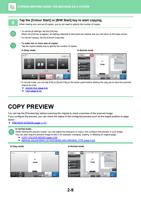
[Start] key ([B/W Start] key and [Colour Start] key)
Tap to perform a print or send job.
CA
B/W
Start
Colour
Start
In copy mode, [B/W Start] and [Colour Start] keys are displayed.
[Cancel Copy] key, [Storing Cancelled] key, [Cancel Scan] key, [Sending
Cancelled] key
Tap to stop copying, printing, or transmission.
Cancel Copy
[CA] key
CA
B/W
Start
Colour
Start
Tap to cancel all settings and restore the initial status in each mode.
1-23