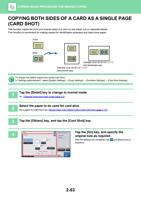
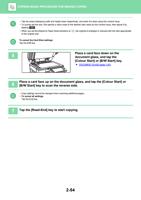
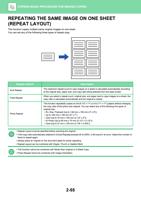
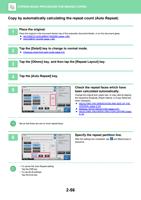
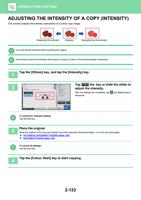
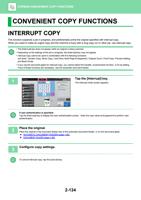
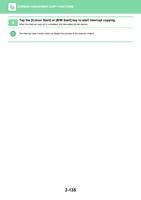
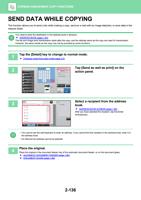
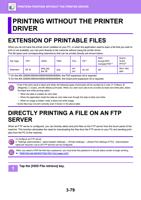
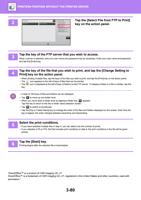
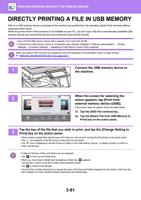
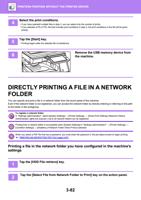
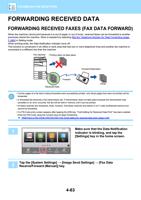
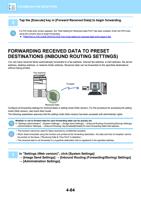
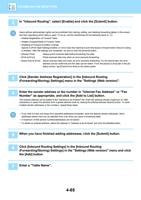
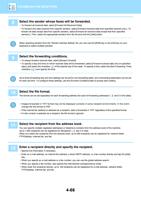
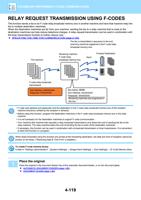
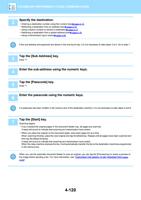
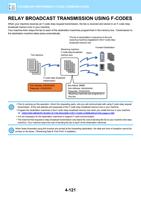
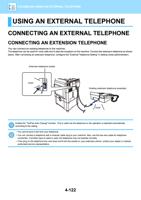
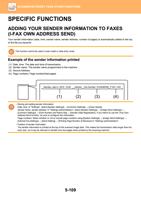
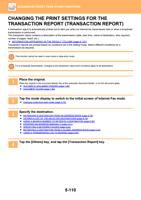
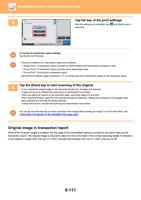
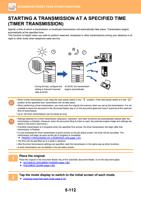
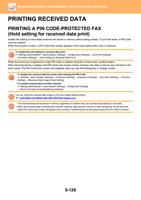
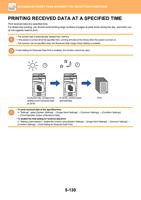
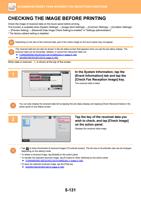
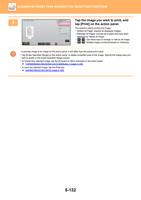
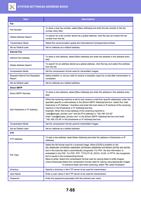
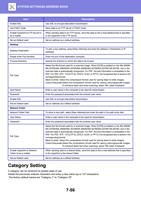
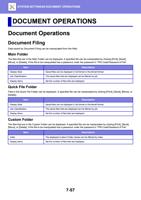
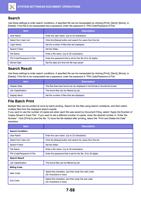
- You are here:
- AM.CO.ZABuythisCNC Utilities Homepage
- Office-Softwares
- Sharp MX Printer Manual.pdf
- Page 32 of 934
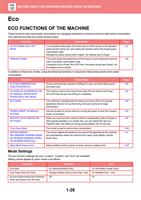
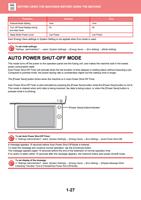
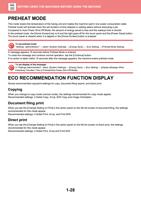
BEFORE USING THE MACHINE►BEFORE USING THE MACHINE
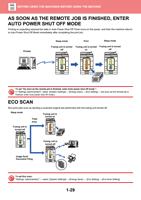
AS SOON AS THE REMOTE JOB IS FINISHED, ENTER
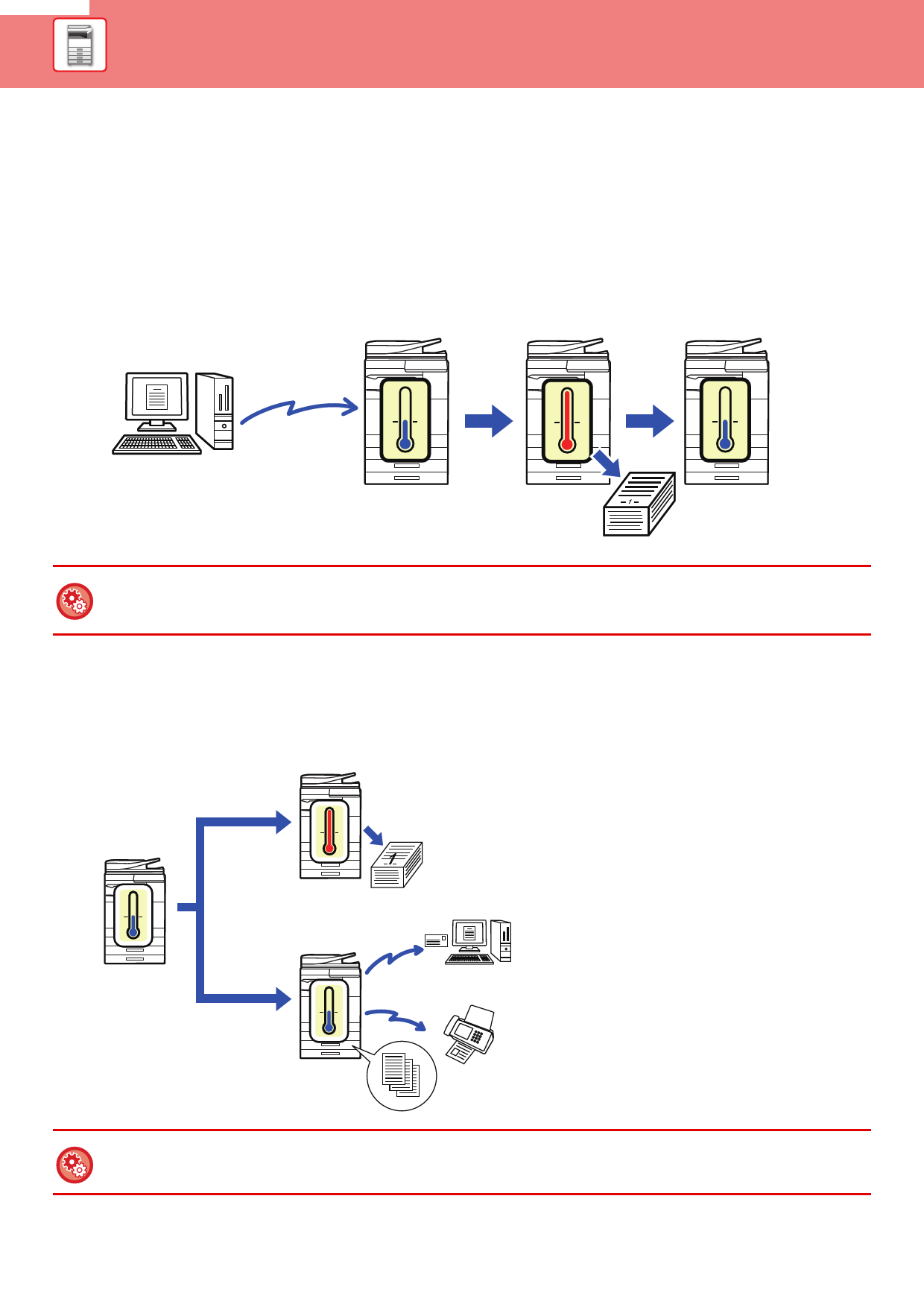
AUTO POWER SHUT OFF MODE
Printing or outputting received fax data in Auto Power Shut-Off Timer turns on the power, and then the machine returns
to Auto Power Shut-Off Mode immediately after completing the print job.
Printed
Sleep mode
Print
Sleep mode
Fusing unit is turned Fusing unit is turned Fusing unit is turned
off
on
off
H
0
0
0
1
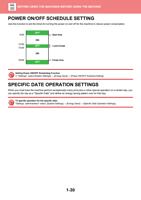
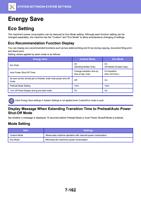
To set "As soon as the remote job is finished, enter Auto power shut off mode.":
In "Settings (administrator)", select [System Settings] → [Energy Save] → [Eco Setting] → [As soon as the remote job is
finished, enter Auto power shut off mode.]
ECO SCAN
Non-print jobs such as sending a scanned original are performed with the fusing unit turned off.
Sleep mode
Fusing unit is
turned off
Copy
Print
Fusing unit is
turned on
H
0
1
0
Fusing unit is
turned off
0
Image Send
Document Filing
To set Eco scan:
"Settings (administrator)" → select [System Settings] → [Energy Save] → [Eco Setting] → [Eco Scan Setting] .
1-29