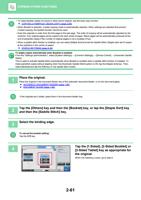
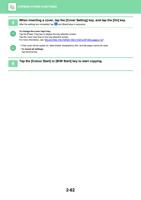
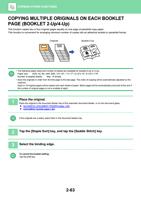
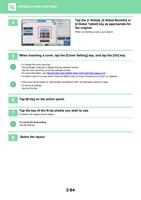
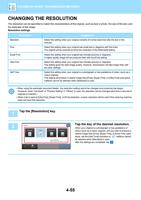
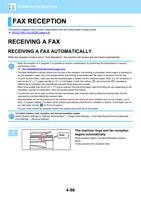
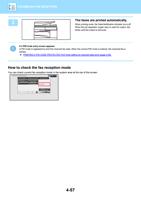
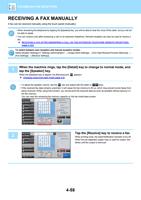
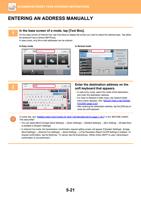
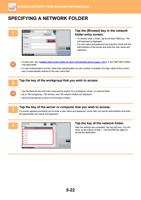
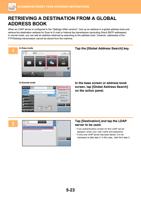
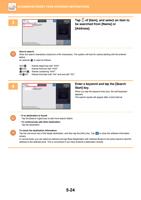
- You are here:
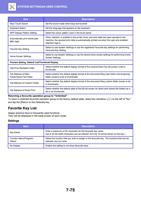
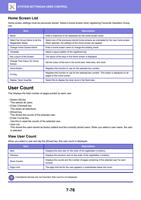
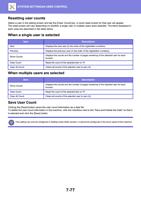
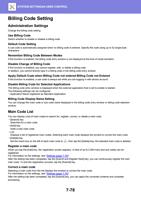
- AM.CO.ZABuythisCNC Utilities Homepage
- Office-Softwares
- Sharp MX Printer Manual.pdf
- Page 23 of 934
BEFORE USING THE MACHINE►BEFORE USING THE MACHINE
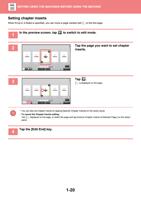
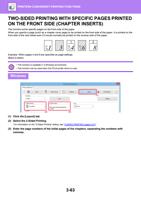
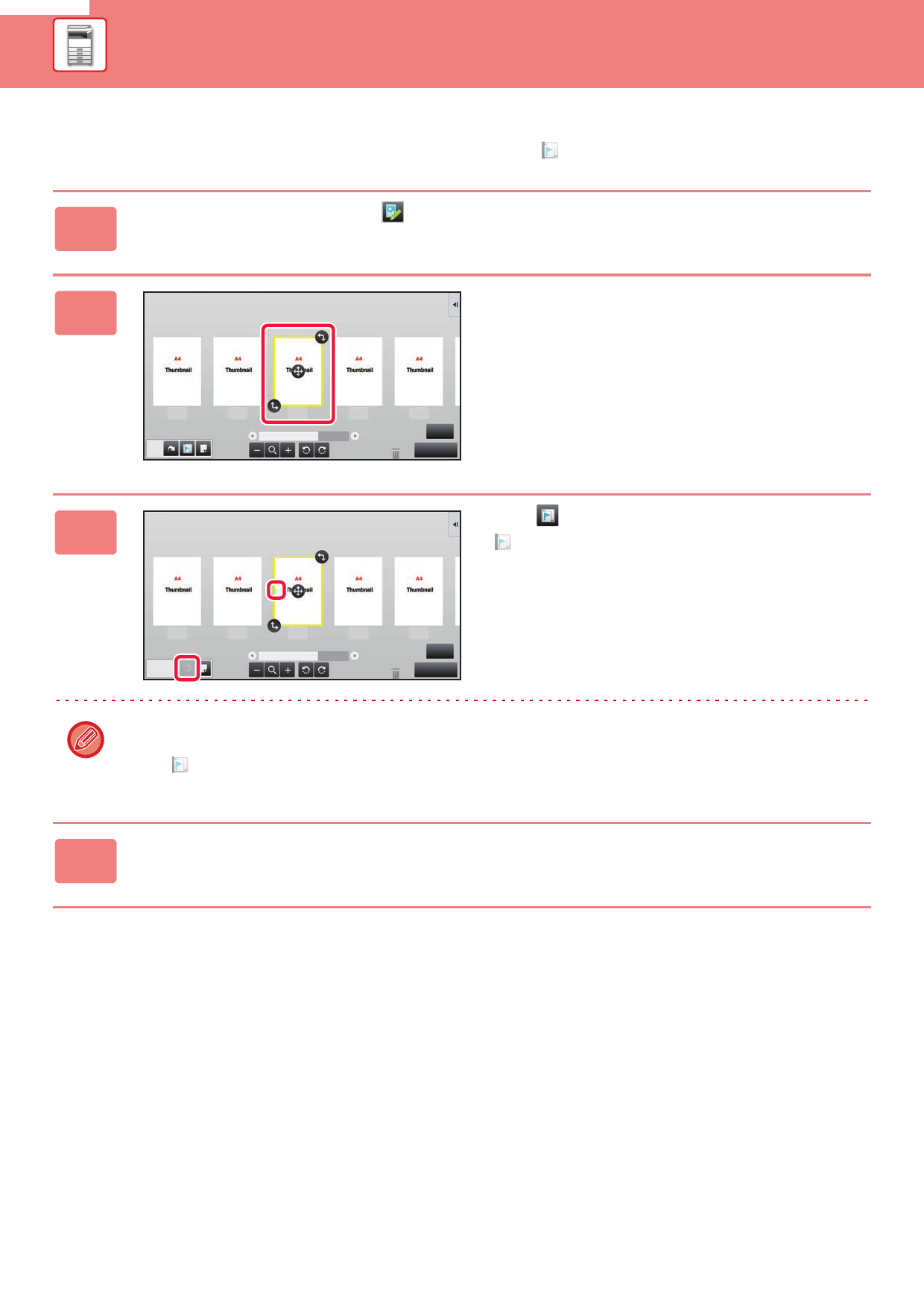
Setting chapter inserts
When N-Up or 2-Sided is specified, you can move a page marked with
to the first page.
1 In the preview screen, tap to switch to edit mode.
2
Tap the page you want to set chapter
inserts.
1
2
3
4
5
6
Edit End
3
Tap .
is displayed on the page.
1
2
3
4
5
6
Edit End
• You can also set chapter inserts by tapping [Specify Chapter Inserts] on the action panel.
• To cancel the Chapter Inserts setting:
Tap displayed on the page, or select the page and tap [Cancel Chapter Inserts of Selected Page.] on the action
panel.
4 Tap the [Edit End] key.
1-20