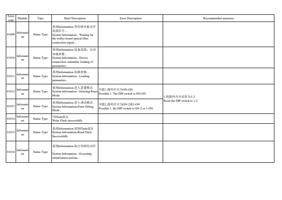
Error
code
Module
Type
Brief Description
Error Description
Recommended measures
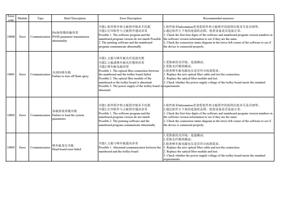
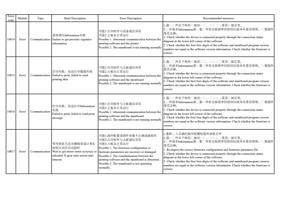
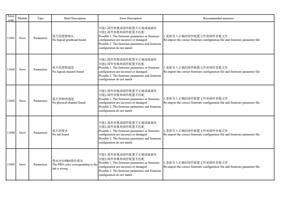
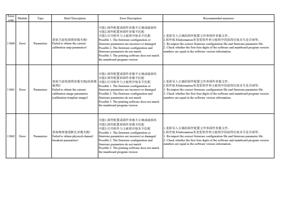
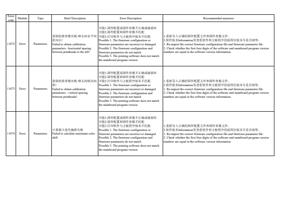
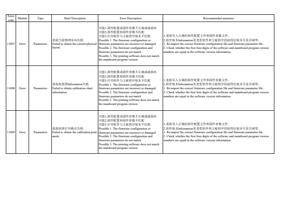
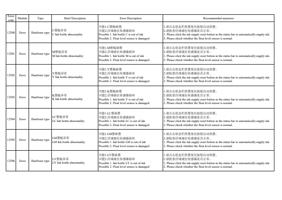
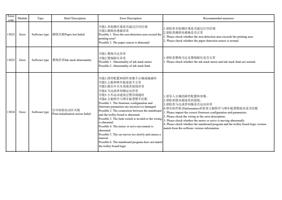
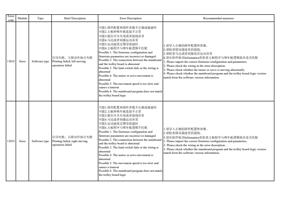
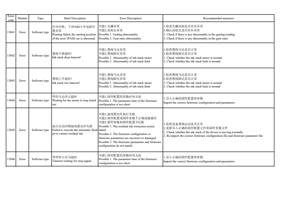
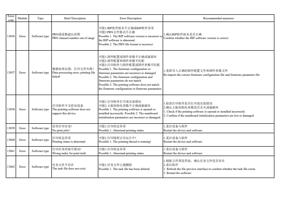
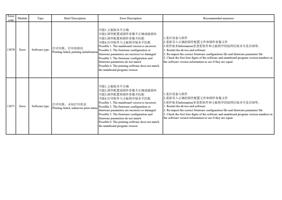
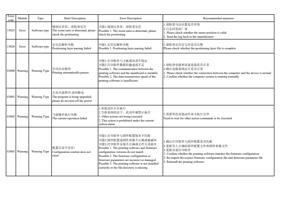
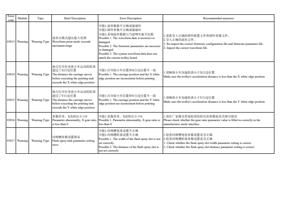
10018
Error
可能1.固件配置或固件参数不正确或破损坏
可能2.打印软件与主板通信异常
等待获取马达光栅精度或计算X 可能3.主板未正常运行
齿轮比动作完成超时
Possible 1. The firmware configuration or
Communication Wait to get motor raster accuracy or firmware parameters are incorrect or damaged.
calculate X-gear ratio action finish Possible 2. The communication between the
timeout
printing software and the mainboard is abnormal.
Possible 3. The mainboard is not operating
normally.
1.重新过 入正确的固件配置和固件参数文件
2.通过 过 件左下角的过 接状过 过 ,过 过 过 过 是否过 接正常。
3.过 件版本Information里过 看过 件和主板程序的前四位版本号是否相等。过 看固件
是否正确。
1. Re-import the correct firmware configuration and firmware parameter file
2. Check whether the device is connected properly through the connection status
diagram in the lower left corner of the software.
3. Check whether the first four digits of the software and mainboard program version
numbers are equal in the software version information. Check whether the firmware is
correct.
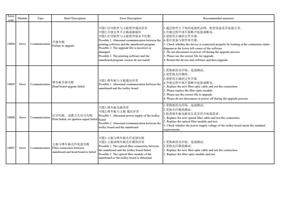
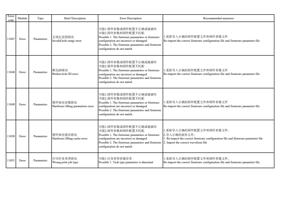
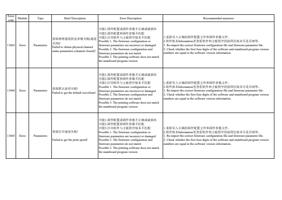
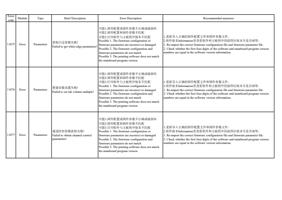
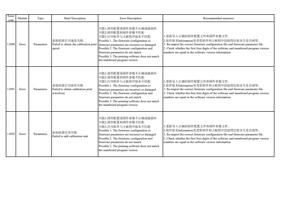
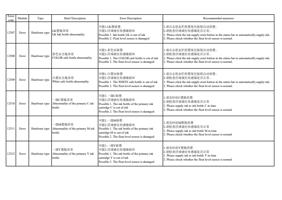
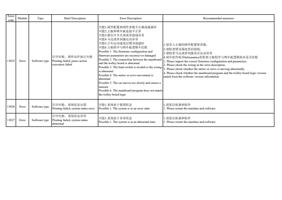
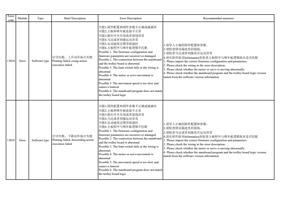
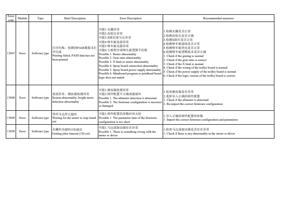
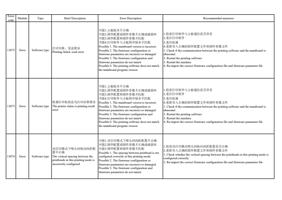
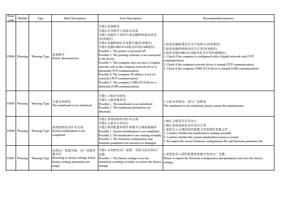
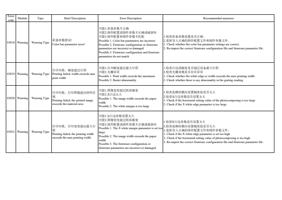
10019
Error
系统参数异常,获取X白边位置
Communication
失败
System parameters abnormality and
failed to get X white edge position
可能1.打印软件与主板通信异常
可能2.主板未正常运行
Possible 1. Abnormal communication between the
printing software and the mainboard
Possible 2. The mainboard is not operating
normally
1.通过 过 件左下角的过 接状过 过 ,过 过 过 过 是否过 接正常。
2.过 件版本Information里过 看过 件和主板程序的前四位版本号是否相等。过 看固件
是否正确。
1. Check whether the device is connected properly through the connection status
diagram in the lower left corner of the software.
2. Check whether the first four digits of the software and mainboard program version
numbers are equal in the software version information. Check whether the firmware is
correct.
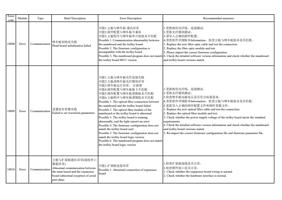
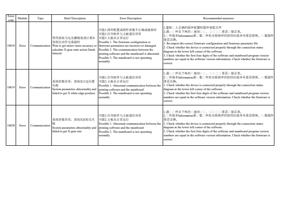
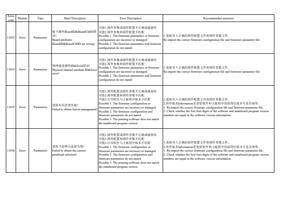
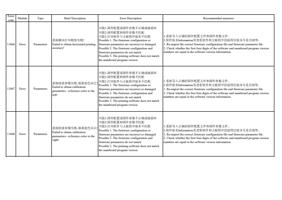
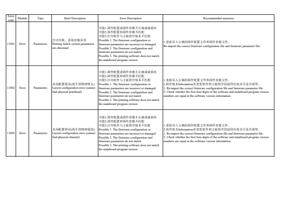
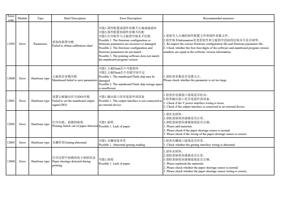
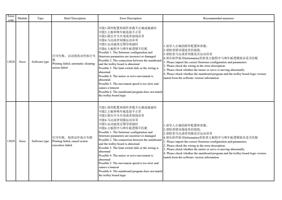
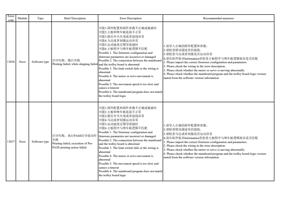
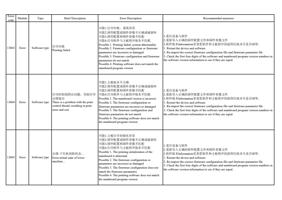
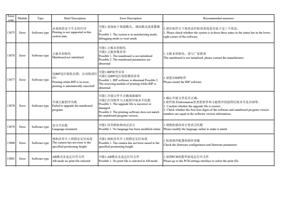
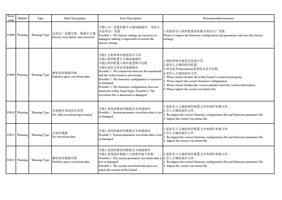
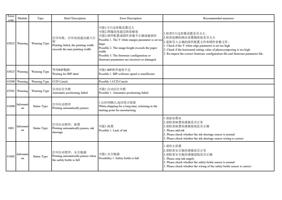
10020
Error
系统参数异常,获取X齿轮比失
Communication
败
System parameters abnormality and
failed to get X-gear rate
可能1.打印软件与主板通信异常
可能2.主板未正常运行
Possible 1. Abnormal communication between the
printing software and the mainboard
Possible 2. The mainboard is not operating
normally
1.通过 过 件左下角的过 接状过 过 ,过 过 过 过 是否过 接正常。
2.过 件版本Information里过 看过 件和主板程序的前四位版本号是否相等。过 看固件
是否正确。
1. Check whether the device is connected properly through the connection status
diagram in the lower left corner of the software.
2. Check whether the first four digits of the software and mainboard program version
numbers are equal in the software version information. Check whether the firmware is
correct.