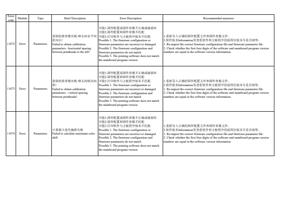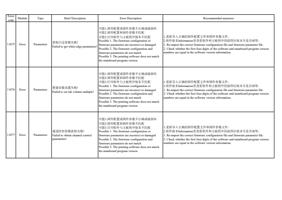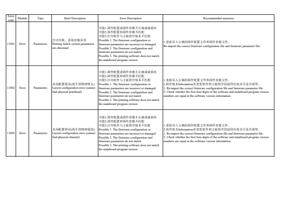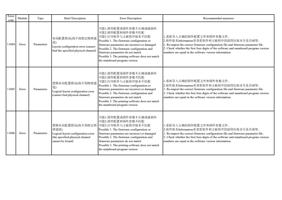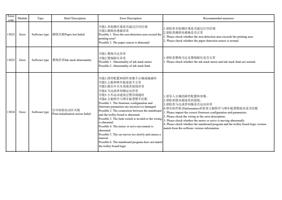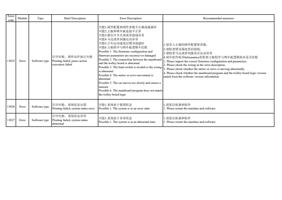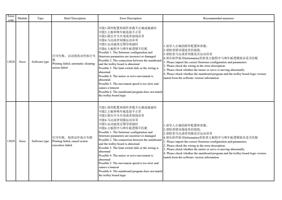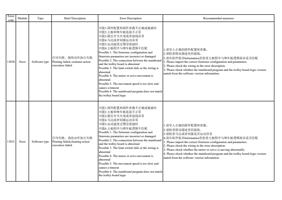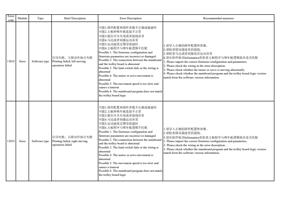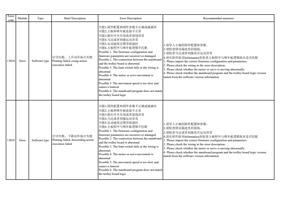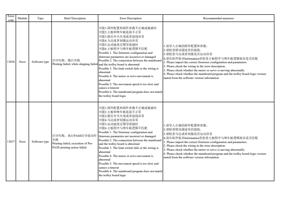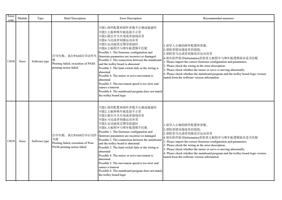
Error
code
Module
Type
Brief Description
Error Description
Recommended measures
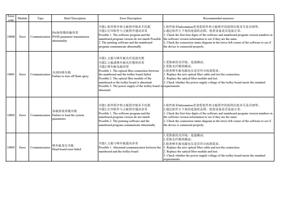
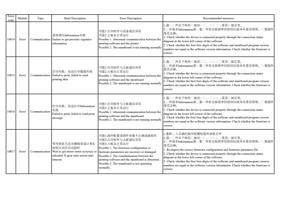
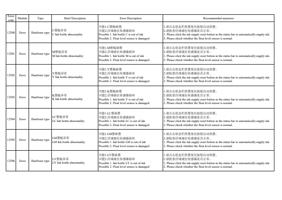
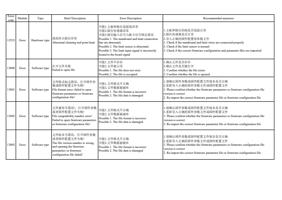
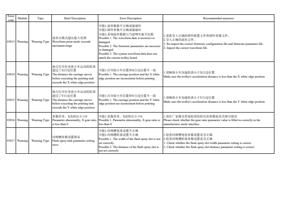
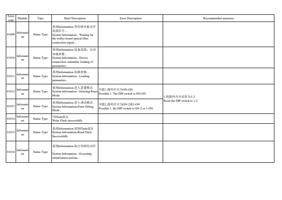
10011
Error
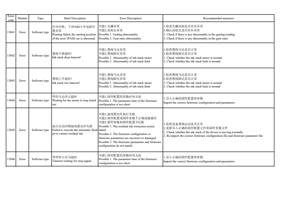
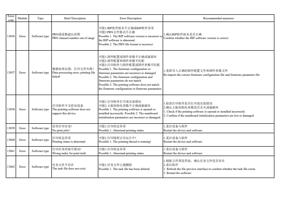
加载数据失败,未收到数据包
Communication Failed to load data, no packet
received.
可能1.打印软件与设备连接异常
可能2.主板未正常运行
1.通过软件左下角的连接状态图,检查设备是否连接正常。
可能3.TCP、USB通信方式未设置正确
2.检查主板是否正常运行,未正常运行则联系供应商。
可能4.软件配置不正确
3.确认软件与主板通信方式设置是否正确。
Possible 1. The connection between the printing 1. Check whether the device is connected properly by looking at the connection status
software and the printer is abnormal
diagram in the lower left corner of the software.
Possible 2. The mainboard is not running normally 2. Check whether the mainboard is operating normally. If not, contact the supplier.
Possible 3. The TCP and USB communication 3. Confirm whether the communication mode between the software and the mainboard is
methods are not set correctly
set correctly.
Possible 4. The software configuration is incorrect
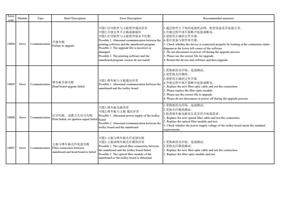
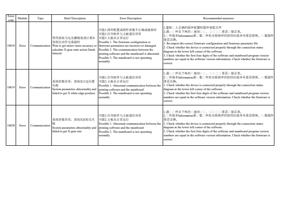
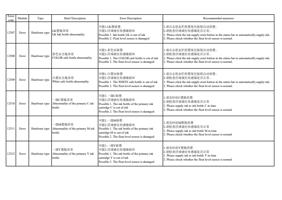
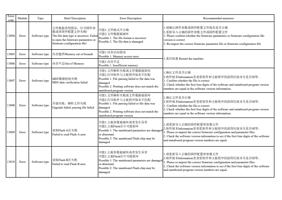
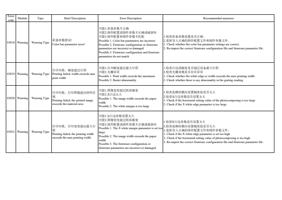
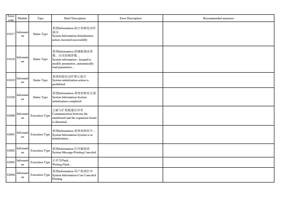
10012
Error
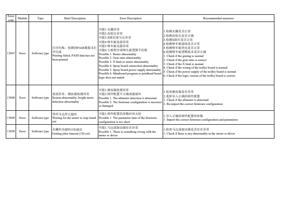
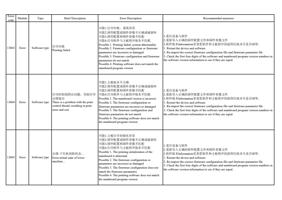
1.通过 过 件左下角的过 接状过 过 ,过 过 过 过 是否过 接正常。
开始打印失败,打印软件与主板 可能1.打印软件与设备通信异常
2.过 件版本Information里过 看过 件和主板程序的前四位版本号是否相等。过 看固件
是否正确。
Communication
通讯异常
可能2.主板未正常运行
Failed to start printing, abnormal Possible 1. Abnormal communication between the
communication between the printing printing software and the mainboard
software and the mainboard
Possible 2. The mainboard is not running normally
1. Check whether the device is connected properly through the connection status
diagram in the lower left corner of the software.
2. Check whether the first four digits of the software and mainboard program version
numbers are equal in the software version information. Check whether the firmware is
correct.
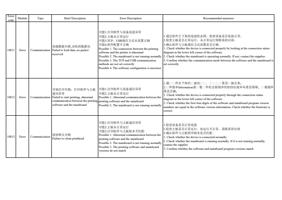
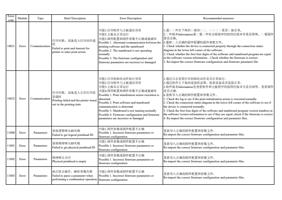
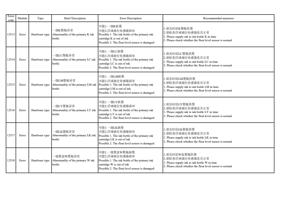
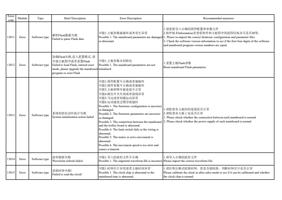
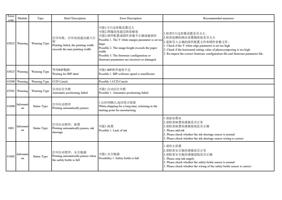
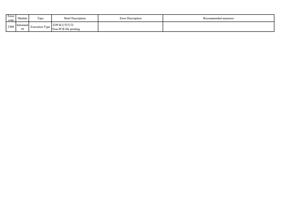
10013
Error
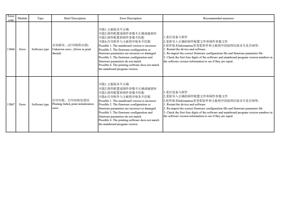
Communication
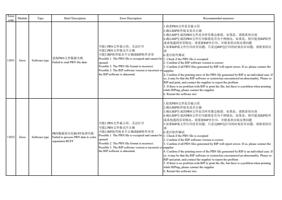
清洗喷头失败
Failure to clean printhead
可能1.打印软件与主板通信异常
可能2.主板未正常运行
可能3.打印软件与主板版本不匹配
Possible 1. Abnormal communication between the
printing software and the mainboard
Possible 2. The mainboard is not running normally
Possible 3. The printing software and mainboard
versions do not match
1.检查设备是否正常连接
2.检查主板是否正常运行,如运行不正常,需联系供应商
3.确认软件与主板程序版本是否匹配
1. Check whether the device is connected normally
2. Check whether the mainboard is running normally. If it is not running normally,
contact the supplier
3. Confirm whether the software and mainboard program versions match