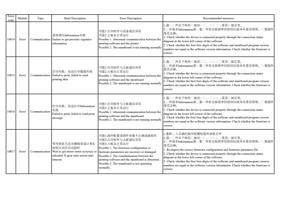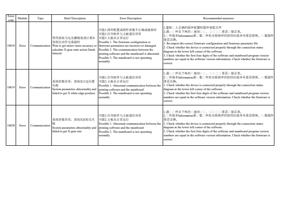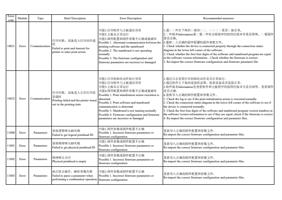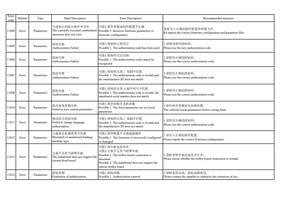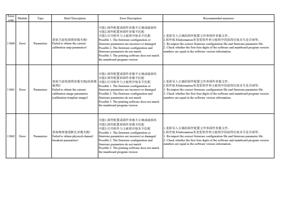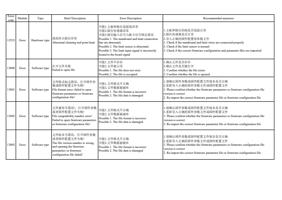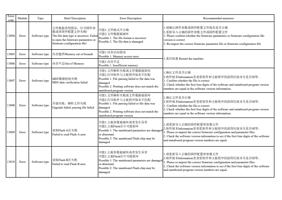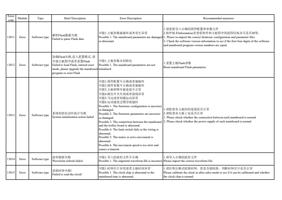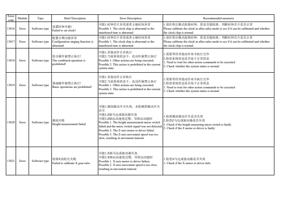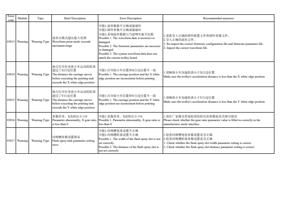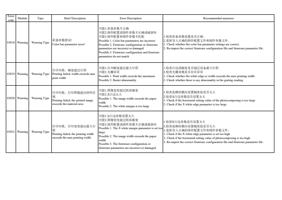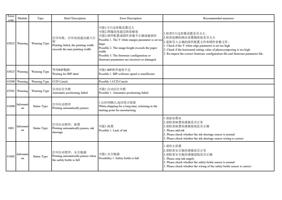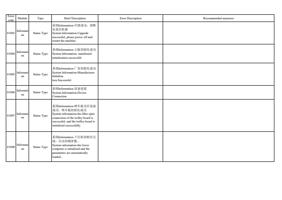
Error
code
Module
Type
Brief Description
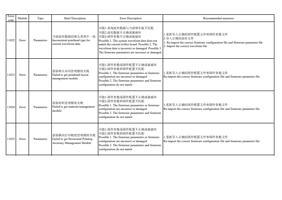
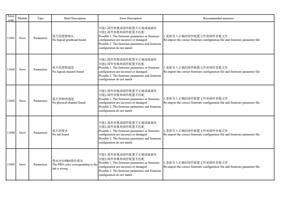
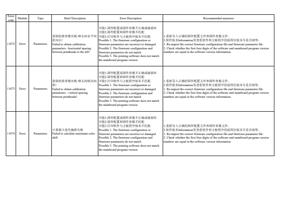
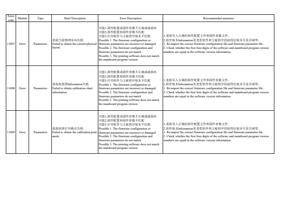
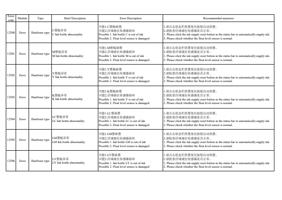
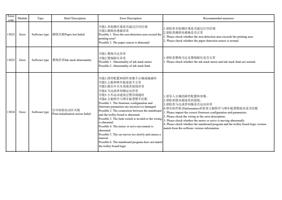
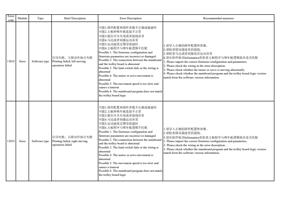
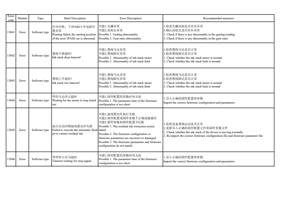
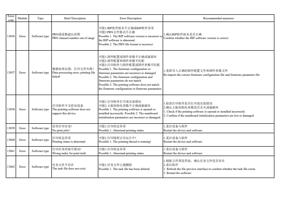
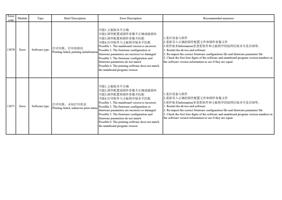
13072 Error
Software type
打印失败,发送错误
Printing failed, send error
Error Description
Recommended measures
可能1.主板版本不正确
可能2.固件配置或固件参数不正确或破损坏
可能3.固件配置和固件参数不匹配
可能4.打印软件与主板程序版本不匹配
Possible 1. The mainboard version is incorrect
Possible 2. The firmware configuration or
firmware parameters are incorrect or damaged
Possible 3. The firmware configuration and
firmware parameters do not match
Possible 4. The printing software does not match
the mainboard program version
1.检查打印软件与主板通信是否异常
2.重启打印软件
3.重启机器
4.重新导入正确的固件配置文件和固件参数文件
1. Check if the communication between the printing software and the mainboard is
abnormal
2. Restart the printing software
3. Restart the machine
4. Re-import the correct firmware configuration file and firmware parameter file
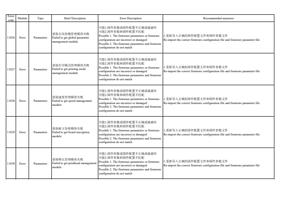
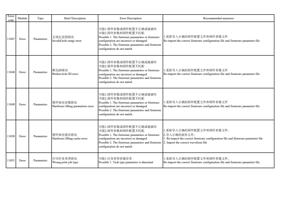
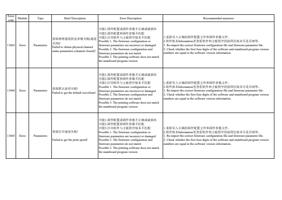
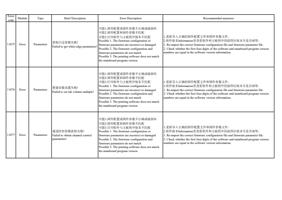
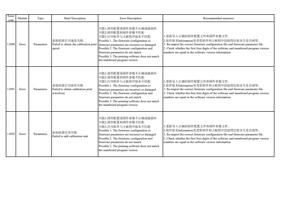
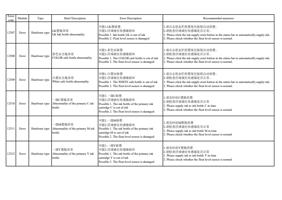
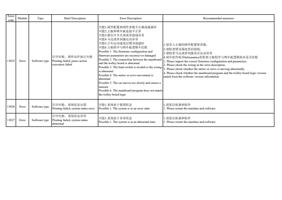
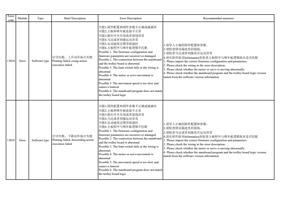
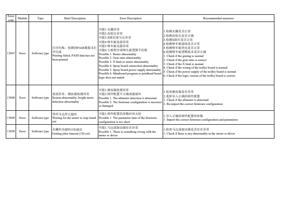
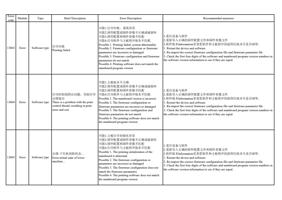
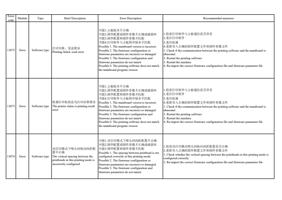
13073 Error
Software type
机器打印机状态为打印结果错误
The printer status is printing result
error
可能1.主板版本不正确
可能2.固件配置或固件参数不正确或破损坏
可能3.固件配置和固件参数不匹配
可能4.打印软件与主板程序版本不匹配
Possible 1. The mainboard version is incorrect
Possible 2. The firmware configuration or
firmware parameters are incorrect or damaged
Possible 3. The firmware configuration and
firmware parameters do not match
Possible 4. The printing software does not match
the mainboard program version
1.检查打印软件与主板通信是否异常
2.重启打印软件
3.重启机器
4.重新导入正确的固件配置文件和固件参数文件
1. Check if the communication between the printing software and the mainboard is
abnormal
2. Restart the printing software
3. Restart the machine
4. Re-import the correct firmware configuration file and firmware parameter file
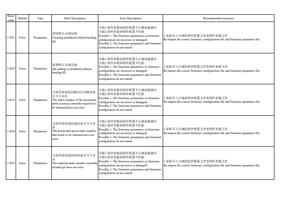
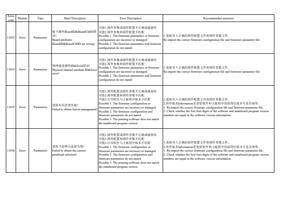
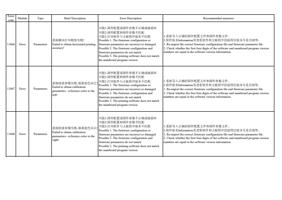
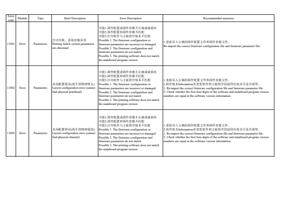
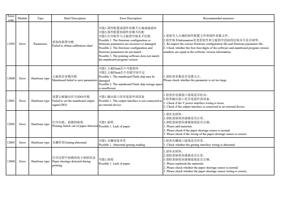
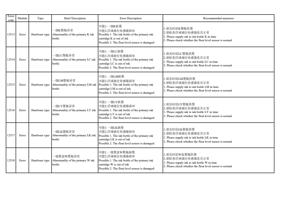
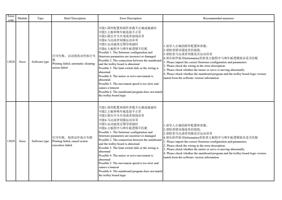
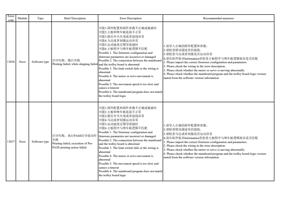
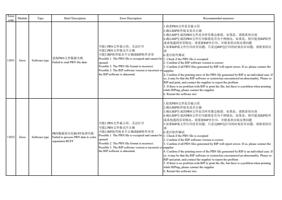
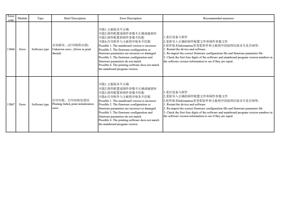
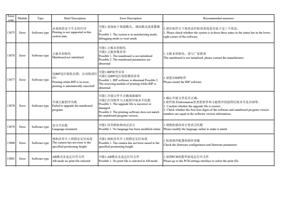
13074 Error
Software type
该打印模式下喷头间纵向间距配
置不正确
The vertical spacing between the
printheads in this printing mode is
incorrectly configured
可能1.该打印模式下喷头间间距配置不正确
可能2.固件配置或固件参数不正确或破损坏
可能3.固件配置和固件参数不匹配
Possible 1. The spacing between printhead is not
configured correctly in this printing mode.
Possible 2. The firmware configuration or
firmware parameters are incorrect or damaged.
Possible 3. The firmware configuration and
firmware parameters do not match.
1.检查该打印模式喷头间纵向间距配置是否正确
2.重新导入正确的固件配置文件和固件参数文件
1. Check whether the vertical spacing between the printheads in this printing mode is
configured correctly
2. Re-import the correct firmware configuration file and firmware parameter file