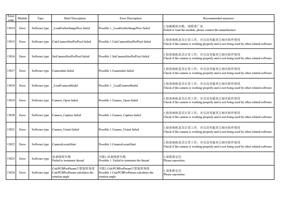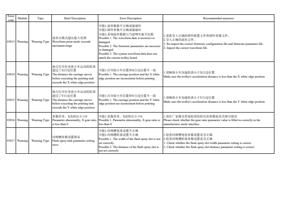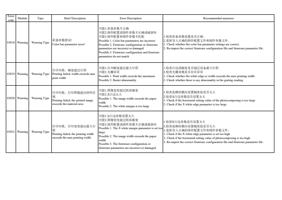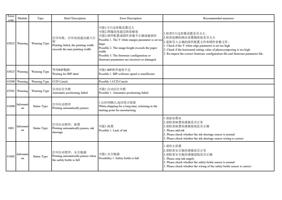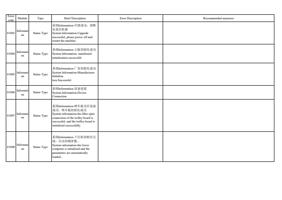
Error
code
Module
Type
Brief Description
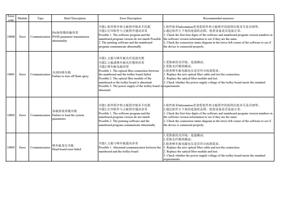
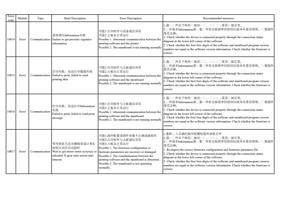
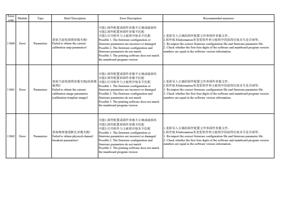
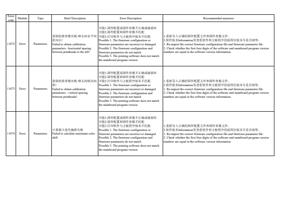
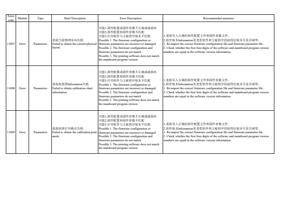
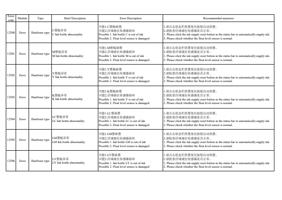
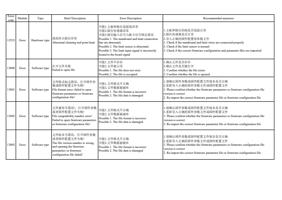
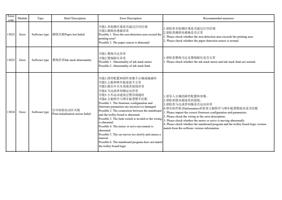
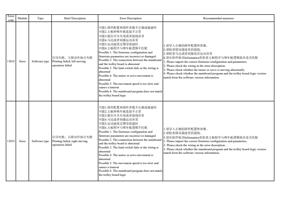
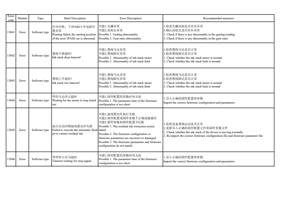
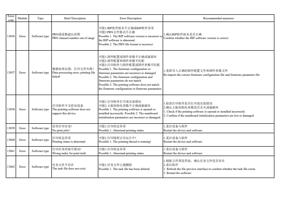
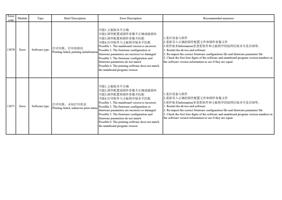
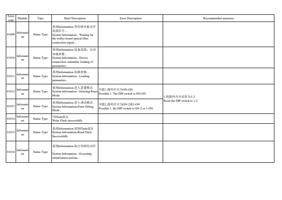
升级失败
10004 Error Communication Failure to upgrate
Error Description
Recommended measures
可能1.打印软件与主板程序通讯异常
可能2.升级文件不正确或被破坏
可能3.打印软件与主板程序版本不匹配
Possible 1. Abnormal communication between the
printing software and the mainboard program
Possible 2. The upgrade file is incorrect or
damaged
Possible 3. The printing software and the
mainboard program version do not match
1.通过软件左下角的连接状态图,检查设备是否连接正常。
2.升级过程中请不要断开连接或断电。
3.请使用正确的文件升级。
4.重启设备与软件再升级。
1. Check whether the device is connected properly by looking at the connection status
diagram in the lower left corner of the software.
2. Do not disconnect or power off during the upgrade process.
3. Please use the correct file for upgrade.
4. Restart the device and software and then upgrade.
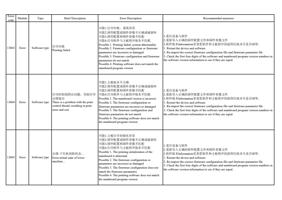
10005
10006
Error
Error
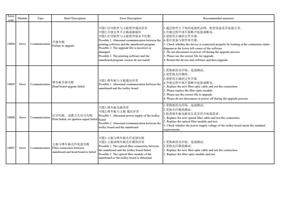
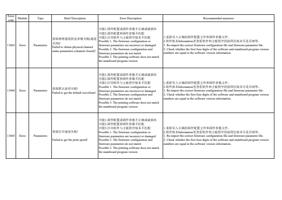
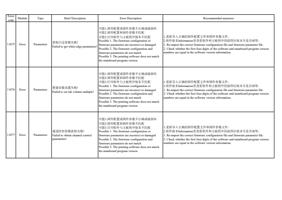
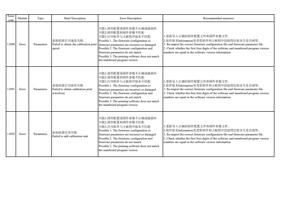
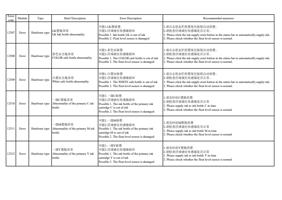
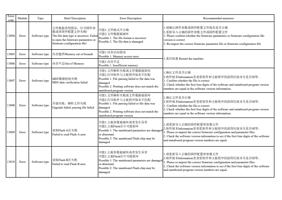
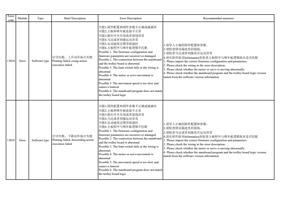
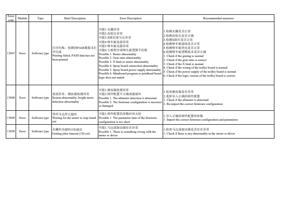
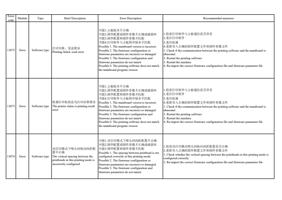
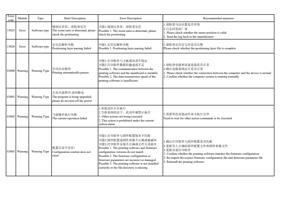
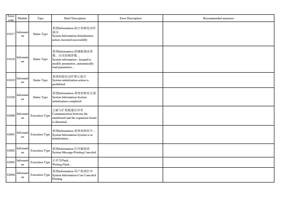
喷车板升级失败
Communication Head board upgrate failed
可能1.喷车板与主板通讯异常
Possible 1. Abnormal communication between the
mainboard and the trolley board
1.更换新的光纤线,连接测试。
2.请更换光纤模块。
3.请使用正确的文件升级
4.升级过程中请不要断开连接或断电。
1. Replace the new fiber optic cable and test the connection.
2. Please replace the fiber optic module.
3. Please use the correct file to upgrade
4. Please do not disconnect or power off during the upgrade process.
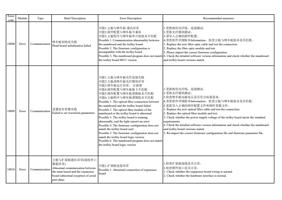
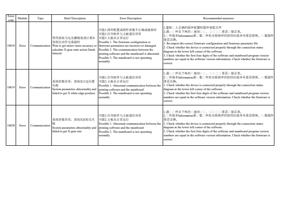
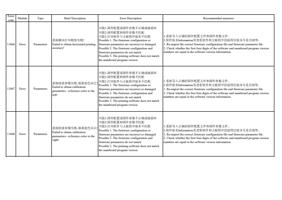
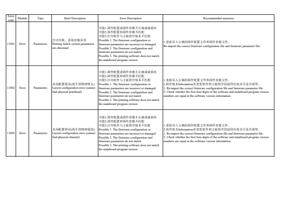
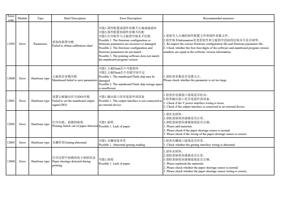
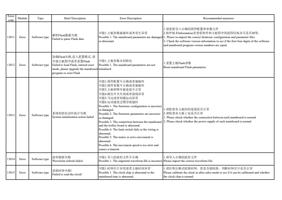
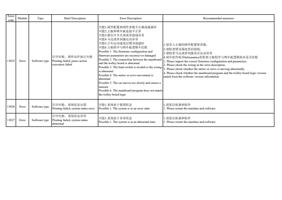
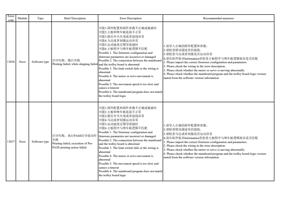
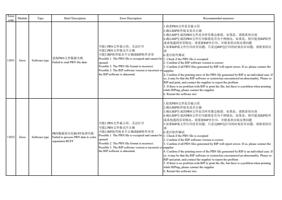
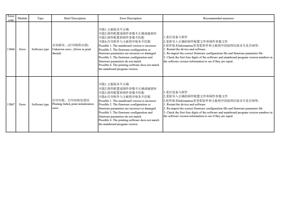
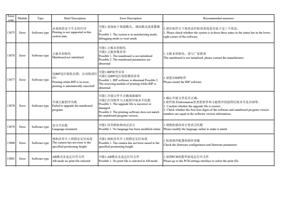
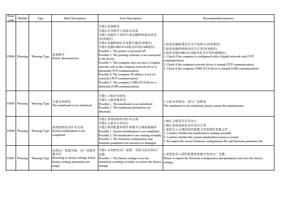
可能1.喷车板电源异常
可能2.喷车板与主板 通讯异常
Communication
打印失败,设置点火信号失败 Possible 1. Abnormal power supply of the trolley
Print failed, set ignition signal failed board
Possible 2. Abnormal communication between the
trolley board and the mainboard
1.更换新的光纤线,连接测试。
2.更换光纤模块测试。
3.检查喷车板电源电压是否符合标准需求。
1. Replace the new optical fiber cable and test the connection.
2. Replace the optical fiber module and test.
3. Check whether the power supply voltage of the trolley board meets the standard
requirements.
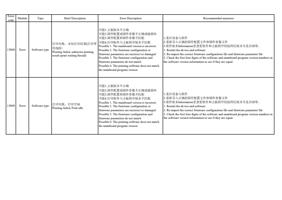
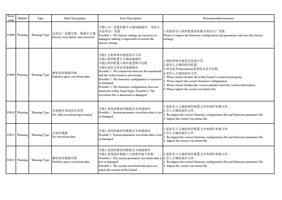
10007
Error
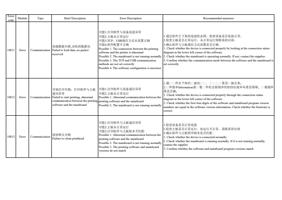
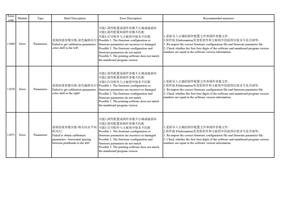
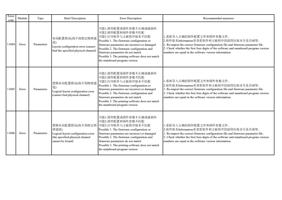
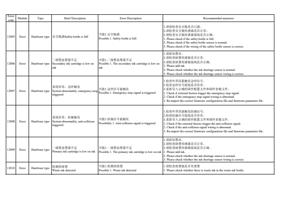
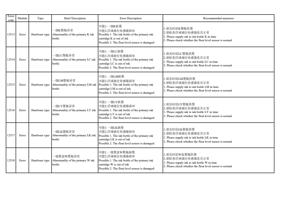
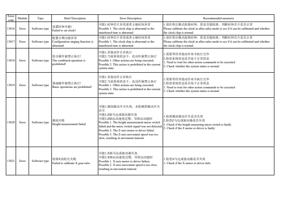
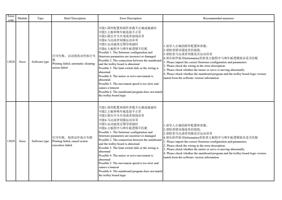
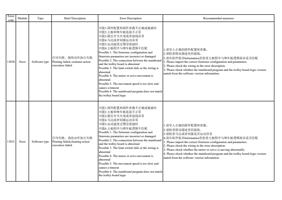
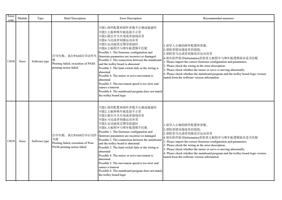
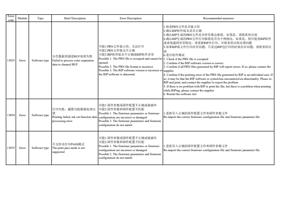
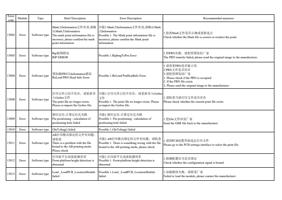
主板与喷车板光纤连接失败
Communication Fiber connection between
mainboard and head board is failed
可能1.主板与喷车板光纤连接失败
可能2.主板或喷车板光纤模块异常
Possible 1. The optical fiber connection between
the mainboard and the trolley board failed.
Possible 2. The optical fiber module of the
mainboard or the trolley board is abnormal.
1.更换新的光纤线,连接测试。
2.更换光纤模块测试。
1. Replace the new fiber optic cable and test the connection.
2. Replace the fiber optic module and test.