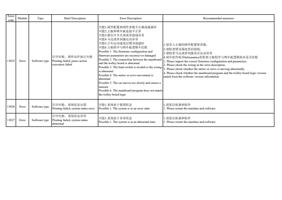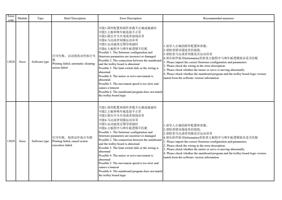
Error
code
Module
Type
Brief Description
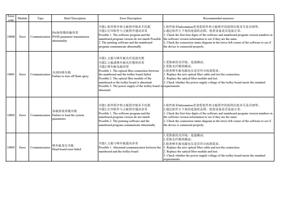
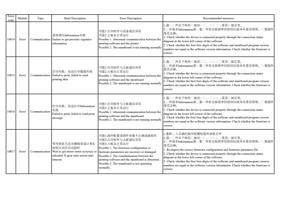
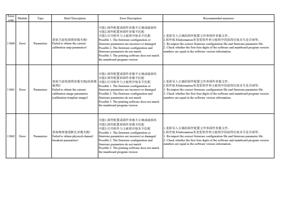
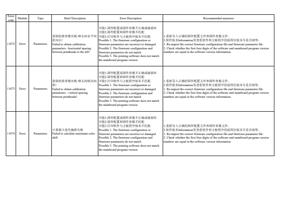
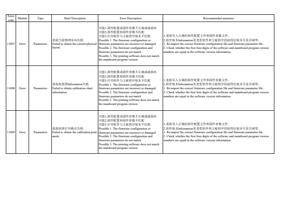
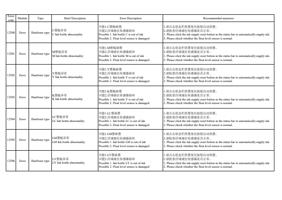
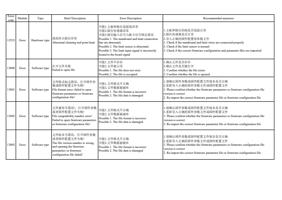
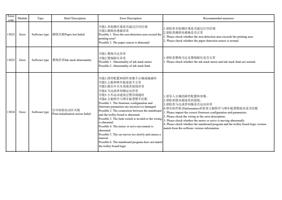
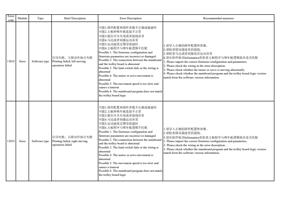
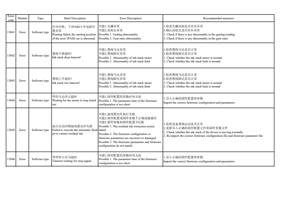
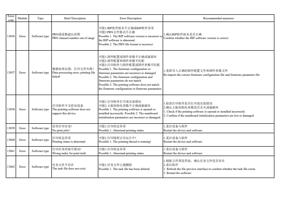
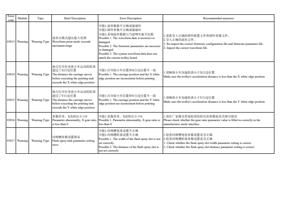
13051 Error
Software type 读取PRN文件数据失败
Failed to read PRN file data
Error Description
Recommended measures
1.检查PRN文件是否被占用
2.确认RIP软件版本是否正确
3.确认RIP生成的PRN文件是否所有都会报错,如果是,请联系供应商
4.确认RIP生成的PRN文件打印报错是否为个例情况,如果是,则可能是RIP软件
可能1.PRN文件被占用,无法打开
可能2.PRN文件格式不正确
可能3.RIP软件版本不正确或RIP软件异常
或系统遇到异常情况,请重新RIP并打印,并联系供应商反馈问题
5.如果RIP成文件打印没有问题,只是边RIP边打印的时候存在问题,请联系供应
商
6.重启软件测试
Possible 1. The PRN file is occupied and cannot be 1. Check if the PRN file is occupied
opened.
2. Confirm if the RIP software version is correct
Possible 2. The PRN file format is incorrect.
3. Confirm if all PRN files generated by RIP will report errors. If so, please contact the
Possible 3. The RIP software version is incorrect or supplier
the RIP software is abnormal.
4. Confirm if the printing error of the PRN file generated by RIP is an individual case. If
so, it may be that the RIP software or system has encountered an abnormality. Please re-
RIP and print, and contact the supplier to report the problem
5. If there is no problem with RIP to print the file, but there is a problem when printing
while RIPing, please contact the supplier
6. Restart the software test
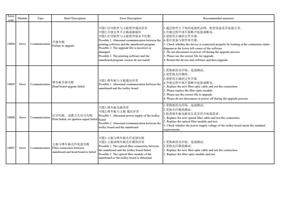
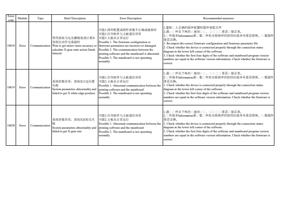
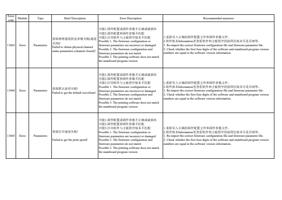
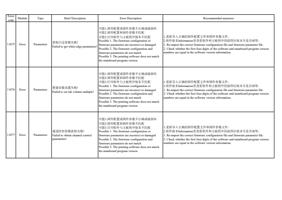
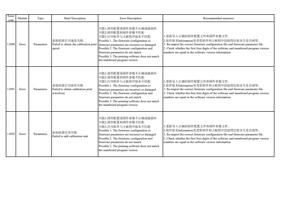
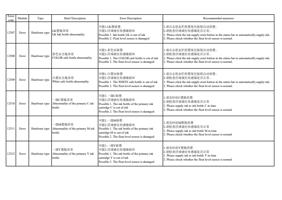
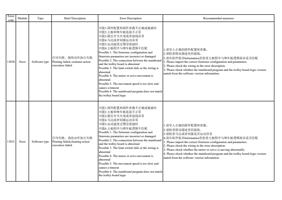
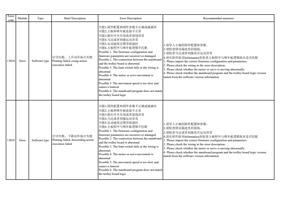
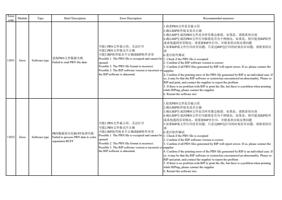
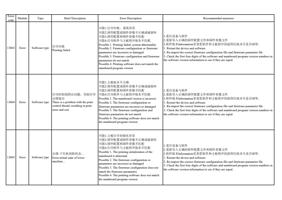
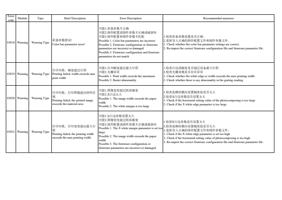
13052 Error
Software type
1.检查PRN文件是否被占用
2.确认RIP软件版本是否正确
3.确认RIP生成的PRN文件是否所有都会报错,如果是,请联系供应商
4.确认RIP生成的PRN文件打印报错是否为个例情况,如果是,则可能是RIP软件
或系统遇到异常情况,请重新RIP并打印,并联系供应商反馈问题
可能1.PRN文件被占用,无法打开
5.如果RIP成文件打印没有问题,只是边RIP边打印的时候存在问题,请联系供应
可能2.PRN文件格式不正确
商
PRN数据到分色BUFF处理失败 可能3.RIP软件版本不正确或RIP软件异常
6.重启软件测试
Failed to process PRN data to color Possible 1. The PRN file is occupied and cannot be 1. Check if the PRN file is occupied
separation BUFF
opened.
2. Confirm if the RIP software version is correct
Possible 2. The PRN file format is incorrect.
3. Confirm if all PRN files generated by RIP will report errors. If so, please contact the
Possible 3. The RIP software version is incorrect or supplier
the RIP software is abnormal.
4. Confirm if the printing error of the PRN file generated by RIP is an individual case. If
so, it may be that the RIP software or system has encountered an abnormality. Please re-
RIP and print, and contact the supplier to report the problem
5. If there is no problem with RIP to print the file, but there is a problem when printing
while RIPing, please contact the supplier
6. Restart the software test