Operation Manual of WEICHAI GENSET
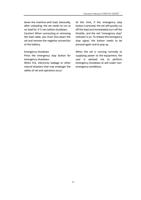
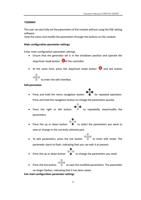
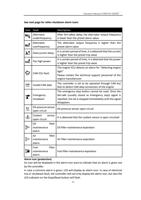
Failure to operate any button on the panel within 5min will automatically exit the edit
interface to ensure safety.
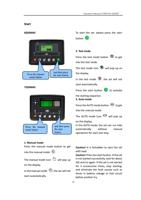
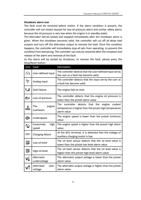
Press and hold the stop/reset mode button
which cannot save the set parameters.
to exit the edit interface,
Press and hold the tick button
the set parameters.
to exit the edit interface, which can save
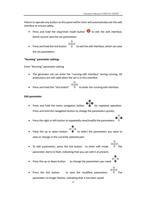
"Running" parameter settings
Enter "Running" parameter setting
The generator set can enter the "running edit interface" during running. All
protections are still valid when the set is in this interface.
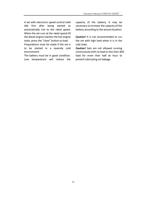
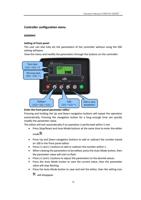
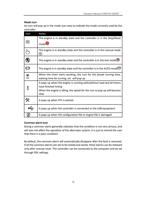
Press and hold the "tick button"
to enter the running edit interface.
Edit parameter
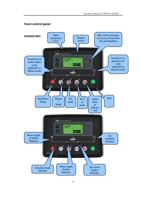
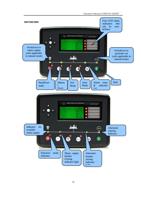
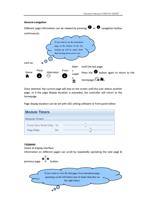
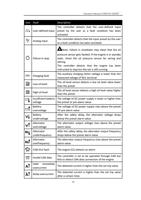
Press and hold the menu navigation button
for repeated operation.
Press and hold the navigation button to change the parameters quickly.
Press the right or left button to repeatedly view/modify the parameters.
Press the up or down button
to select the parameters you want to
view or change in the currently selected part.
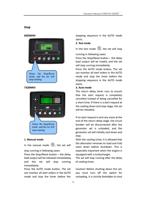
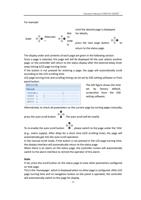
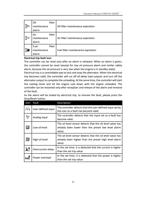
To edit parameters, press the tick button to enter edit mode.
The
parameter starts to flash, indicating that you can edit it at present.
Press the up or down button to change the parameters you need.
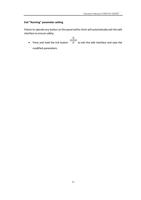
Press the tick button to save the modified parameters.
The
parameter no longer flashes, indicating that it has been saved.
32