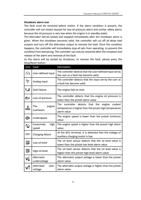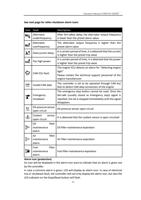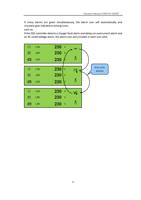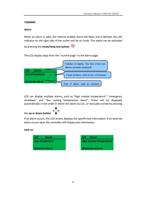
Operation Manual of WEICHAI GENSET
7320MKII
The user can also fully set the parameters of the module without using the DSE setting
software.
View the menu and modify the parameters through the buttons on the module:
Main configuration parameter settings:
Enter main configuration parameter settings
Ensure that the generator set is in the shutdown position and operate the
stop/reset mode button of the controller.
At the same time, press the stop/reset mode button and tick button
to enter the edit interface.
Edit parameter
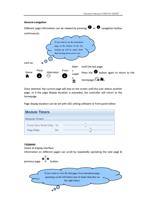
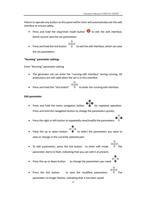
Press and hold the menu navigation button
for repeated operation.
Press and hold the navigation button to change the parameters quickly.
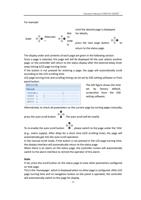
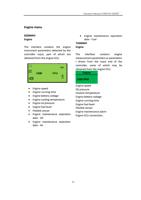
Press the right or left button
parameters.
to repeatedly view/modify the
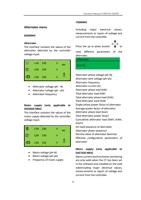
Press the up or down button
to select the parameters you want to
view or change in the currently selected part.
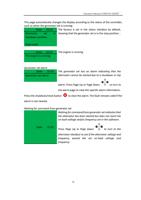
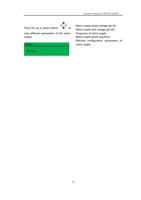
To edit parameters, press the tick button
to enter edit mode. The
parameter starts to flash, indicating that you can edit it at present.
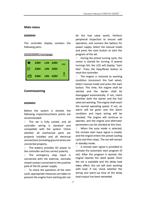
Press the up or down button
to change the parameters you need.
Press the tick button
to save the modified parameters. The parameter
no longer flashes, indicating that it has been saved.
Exit main configuration parameter settings
31