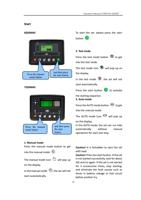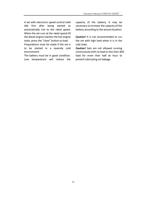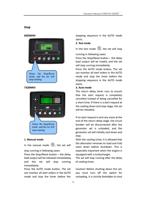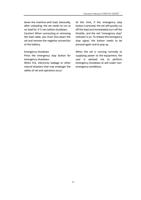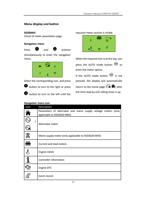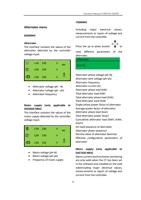
Operation Manual of WEICHAI GENSET
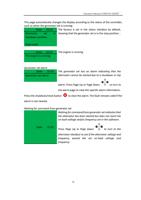
For example
State
Alternato
r
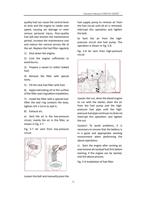
Until the desired page is displayed.
Mai For details,
ns
supp
ly
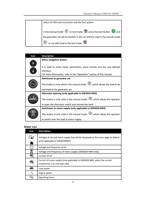
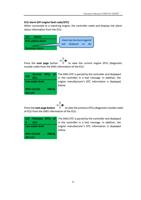
press the next page button
to
return to the status page.
The display order and contents of each page are given in the following section.
Once a page is selected, this page will still be displayed till the user selects another
page, or the controller will return to the status display after the external delay timer
stops timing (LCD page turning time).
If the button is not pressed for entering a page, the page will automatically scroll
according to the LCD scrolling time.
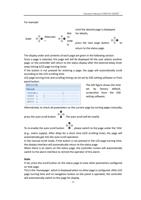
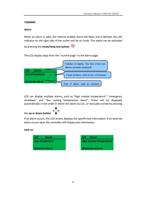
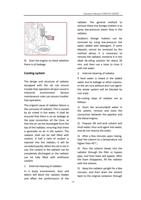
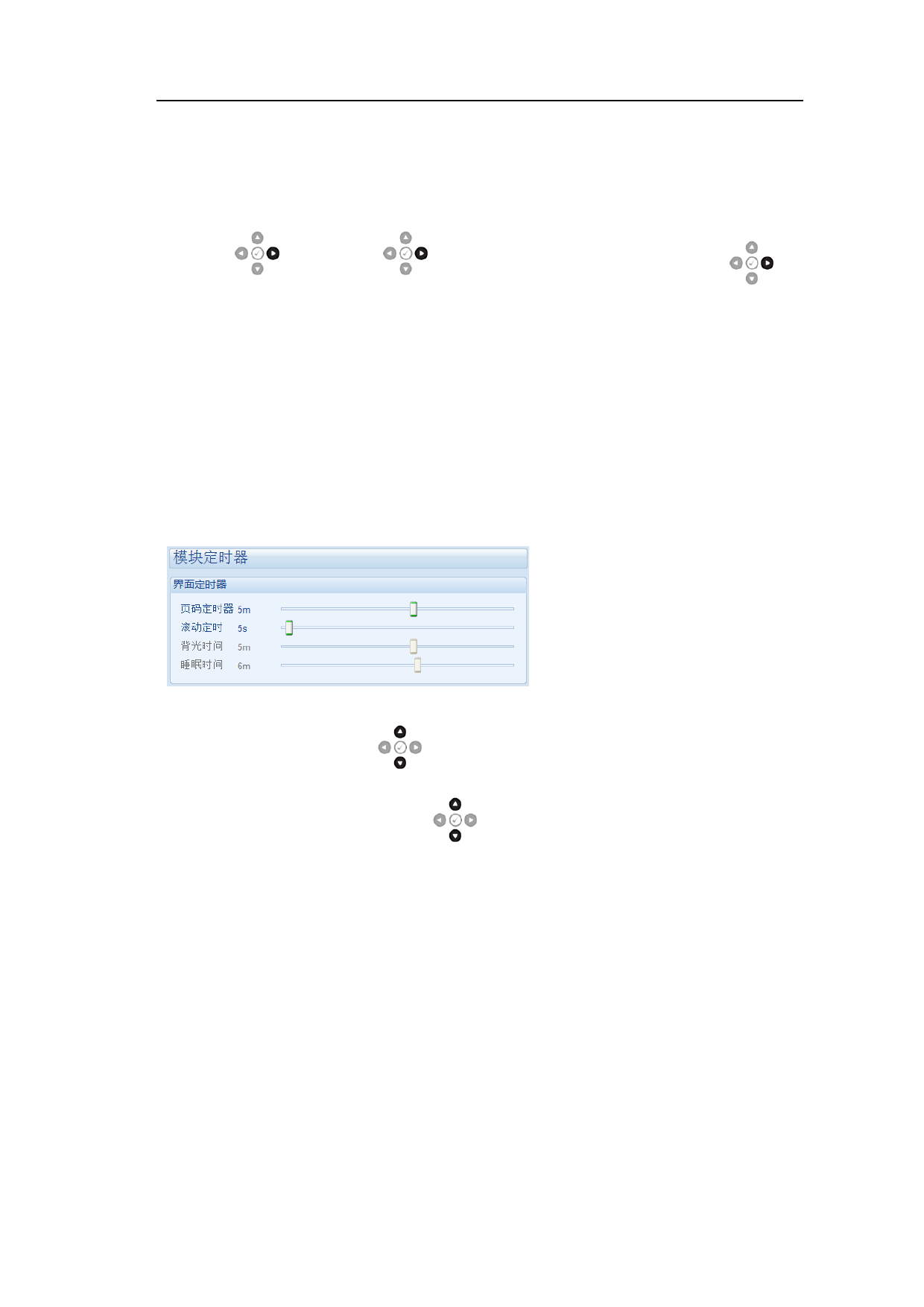
LCD page turning time and scrolling timing can be set by DSE setting software or front
panel button.
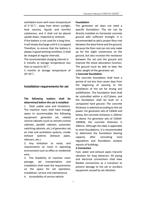
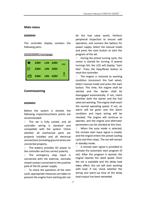
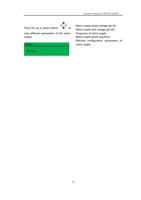
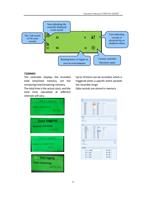
The left figure shows the time
set by factory default,
screenshot from the DSE
setting software.
Alternatively, to check all parameters on the current page by turning pages manually,
press the auto scroll button
. The auto scroll will be invalid.
To re-enable the auto scroll button
, please switch to the page under the 'title'
(e.g., mains supply). After delay for a short time (LCD scrolling time), the page will
automatically get into the auto scroll operation.
In the manual scroll mode, if the button is not pressed in the LCD page turning time,
the display interface will automatically return to the status page.
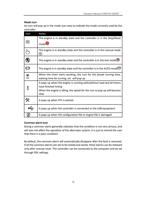
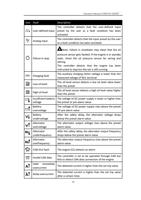
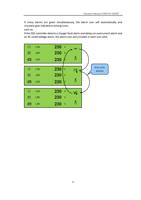
When there is an alarm on the status page, the controller screen will automatically
switch to the alarm interface to remind the operator of this alarm.
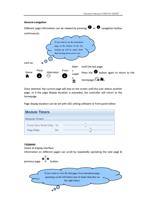
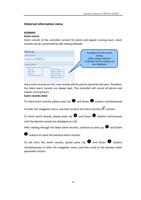
State
If set, press the scroll button on the status page to view other parameters configured
on that page.
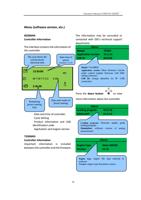
This is the 'homepage', which is displayed when no other page is configured. After LCD
page turning time and no navigation button on the panel is operated, the controller
will automatically switch to this page for display.
25