Operation Manual of WEICHAI GENSET
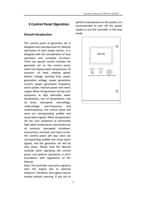
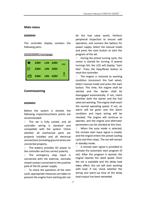
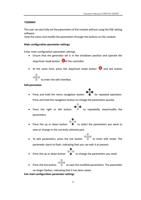
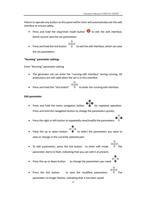
General navigation
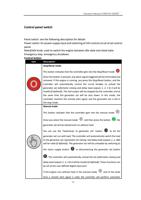
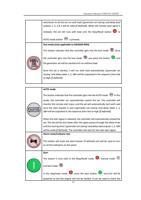
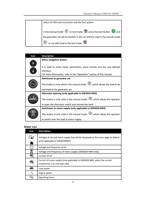
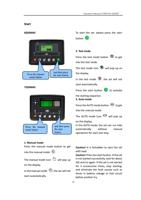
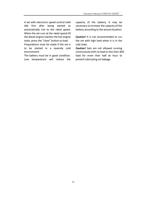
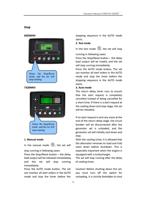
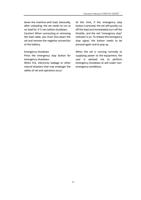
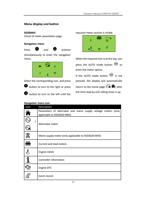
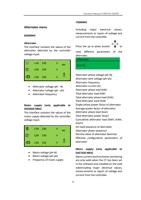
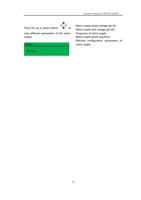
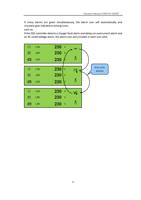
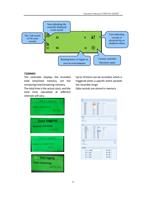
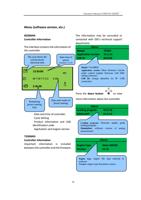
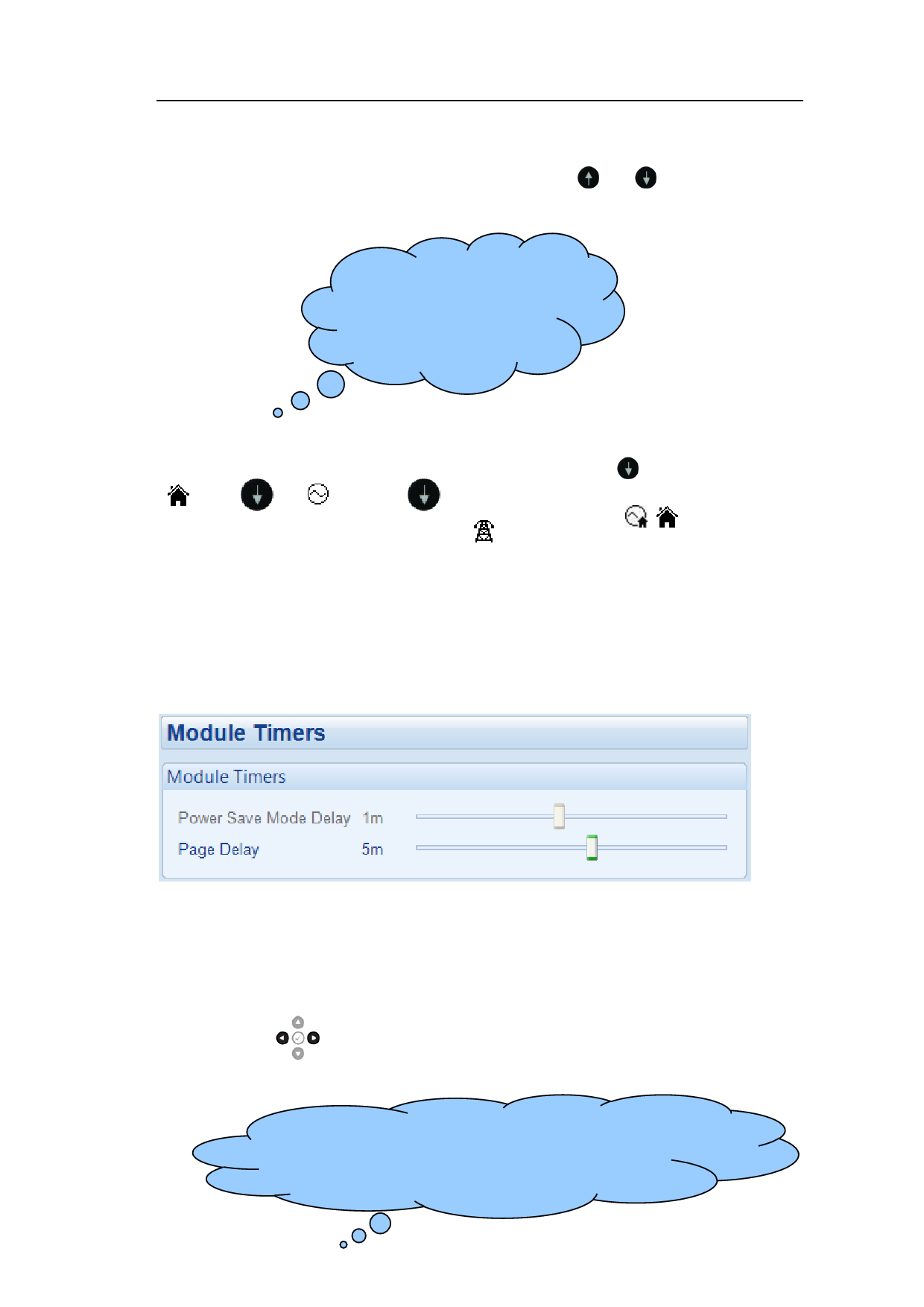
Different page information can be viewed by pressing or navigation button
continuously.
If you want to see the instrument
page at the bottom of the list,
turning up will be much faster
than turning down one by one.
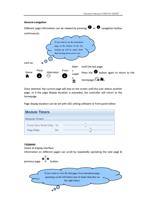
such as:
Home Press
Alternator Press
Main
s
suppl
y
Until the last page.
Press the button again to return to the
homepage ( / ).
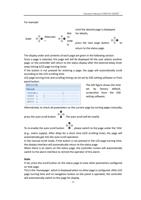
Once selected, the current page will stay on the screen until the user selects another
page, or if the page display duration is exceeded, the controller will return to the
homepage.
Page display duration can be set with DSE setting software or front panel editor.
7320MKII
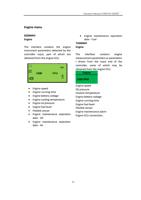
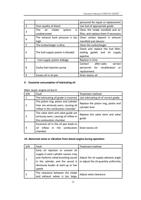
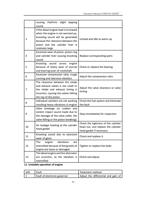
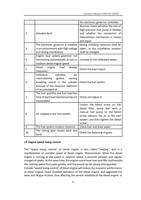
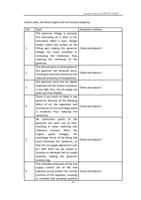
Check of display interface
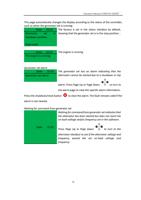
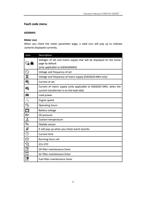
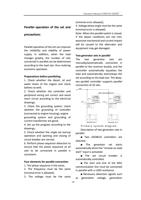
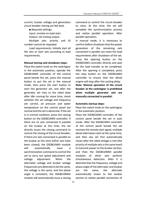
Information on different pages can scroll by repeatedly operating the next page &
previous page
button.
If you want to view the last page of an instrument page,
operating via the left button may be faster than that via
the right24button.