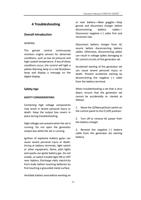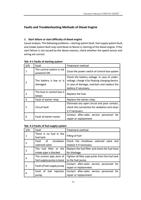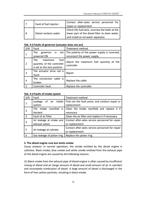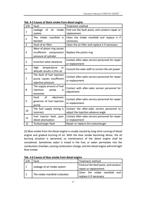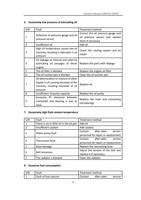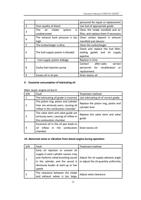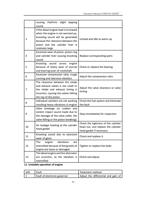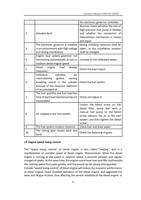
Operation Manual of WEICHAI GENSET
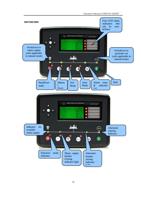
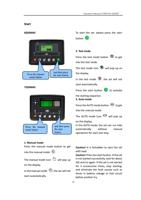
Menu display and button
6020MKII
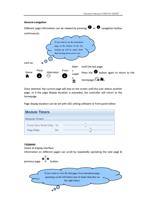
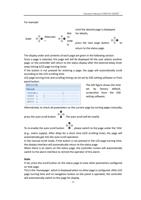
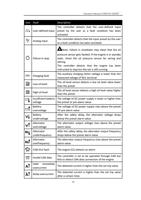
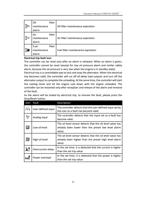
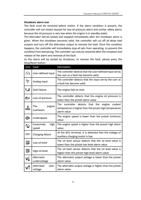
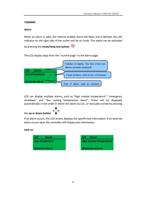
Check of meter parameters page
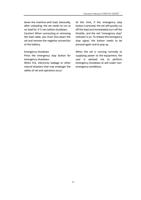
required meter section is visible.
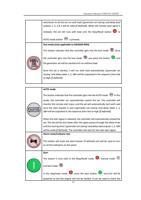
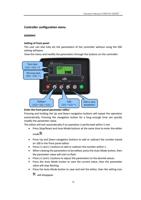
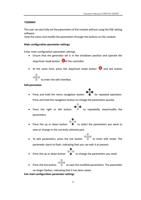
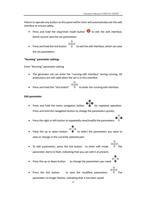
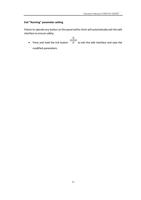
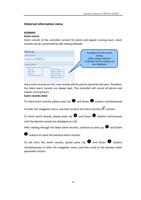
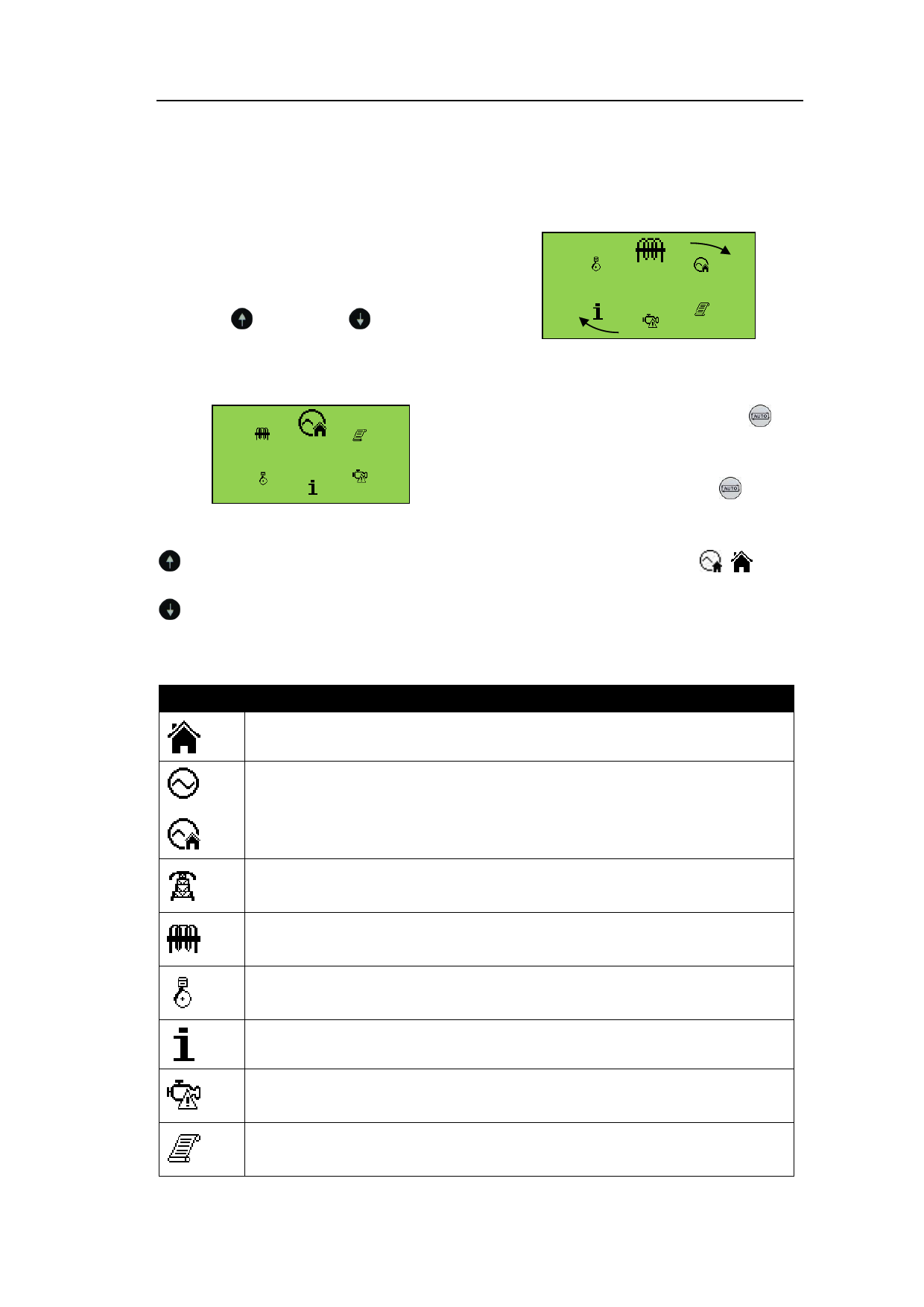
Navigation menu
Press
and
buttons
simultaneously to enter the navigation
menu.
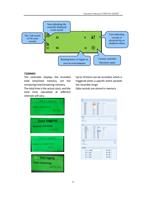
Select the corresponding icon, and press
button to turn to the right or press
button to turn to the left until the
When the required icon is at the top, you
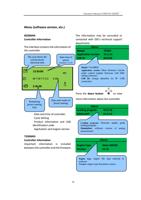
press the AUTO mode button
to
enter the meter option.
If the AUTO mode button
is not
pressed, the display will automatically
return to the home page ( / ) after
the time read by LCD rolling timer is up.
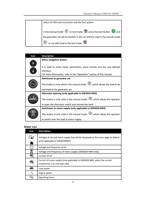
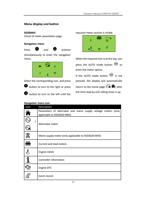
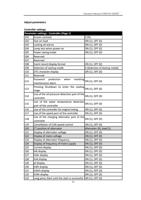
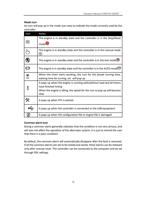
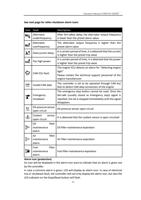
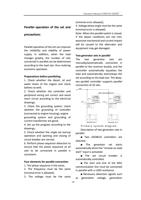
Navigation menu icon
Icon
Description
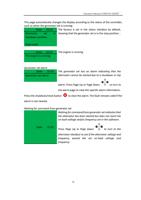
Parameters of alternator and mains supply voltage meters (only
applicable to DSE6020 MKII)
/
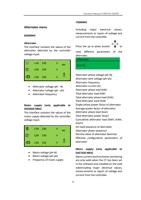
Alternator meter
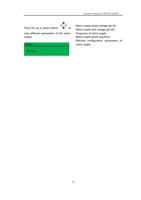
Mains supply meter (only applicable to DSE6020 MKII)
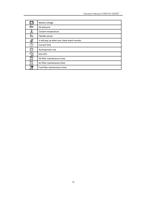
Current and load meters
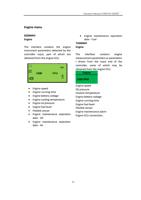
Engine meter
Controller information
Engine DTC
Event record
23