Operation Manual of WEICHAI GENSET
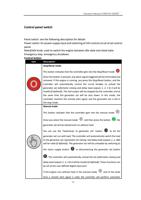
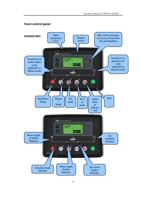
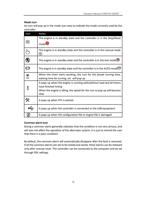
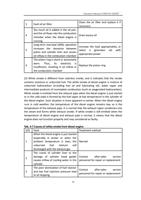
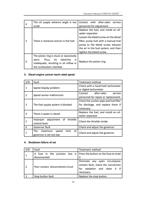
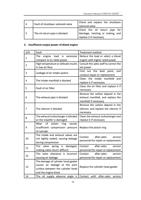
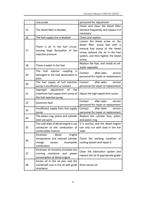
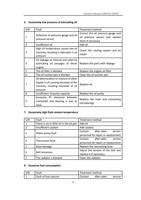
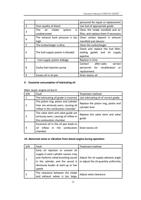
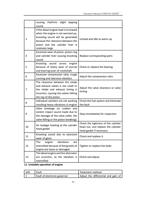
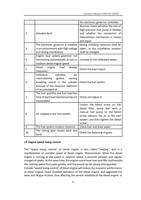
Control panel switch
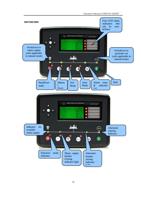
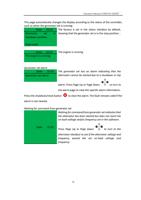
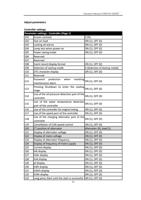
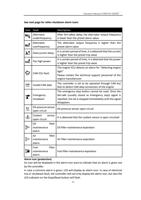
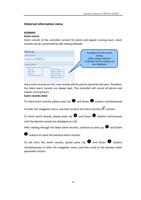
Panel switch: see the following description for details
Power switch: for power supply input and switching of 24V control circuit of set control
panel.
Rated/idle knob: used to switch the engine between idle state and rated state.
Emergency stop: emergency shutdown.
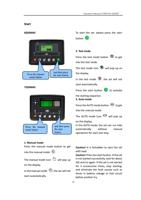
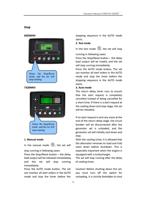
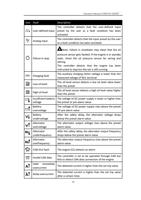
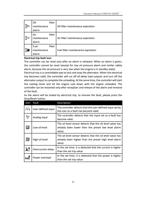
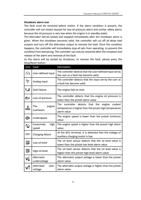
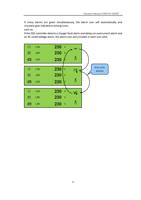
Control button
Icon
Description
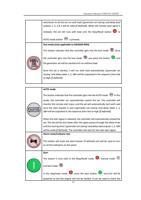
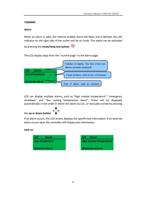
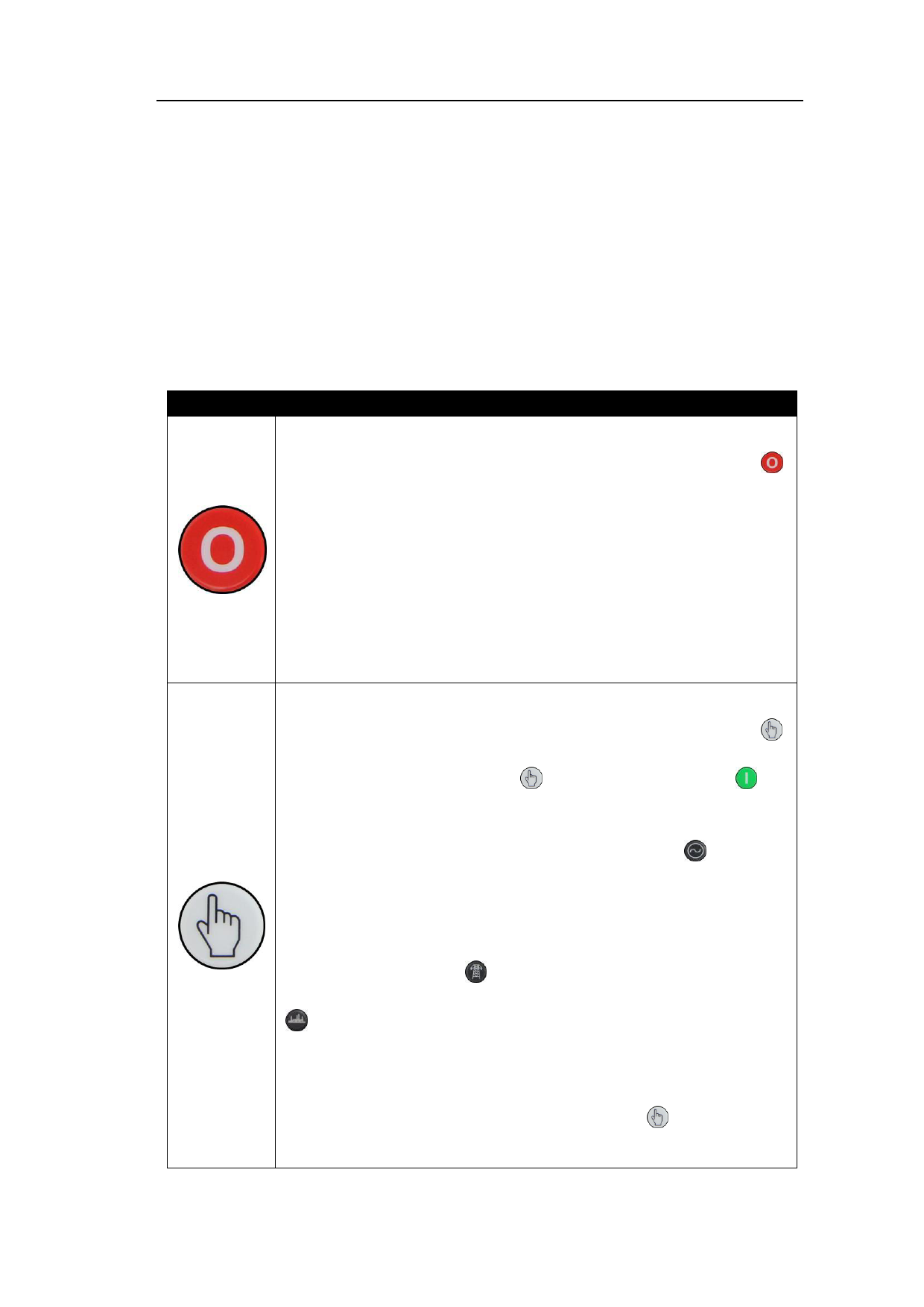
Stop/Reset mode
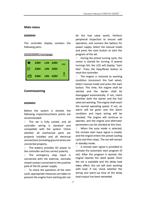
This button indicates that the controller gets into the Stop/Reset mode .
Once this button is pressed, any alarm signal triggered will be eliminated and
removed. If the engine is running, you press the Stop/Reset button, and the
controller will automatically control the circuit breaker to unload the
generator set (alternator closing and delay load outputs 1, 2, 3 & 4 will be
invalid (if defined)). The fuel output will be stopped by the controller, and at
the same time the generator set will be shut down. In this mode, the
controller monitors the remote start signal, and the generator set is still in
the stop mode.
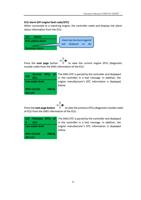
Manual mode
This button indicates that the controller gets into the manual mode .
Once you select the manual mode
and then press the button , the
generator set will be started and run without load.
You can use the "Switchover to generator set" button
to let the
generator set run with load. The controller will automatically switch the load
to the generator set ('generator set closing' and delay load outputs 1, 2, 3&4
will be valid (if defined)). The generator set will be unloaded by switching to
the mains supply button
or disconnecting the generator set button
. The controller will automatically unload the set (alternator closing and
delay load outputs 1, 2, 3 & 4 will be invalid (if defined)). These functions can
be set at the user-defined digital input port.
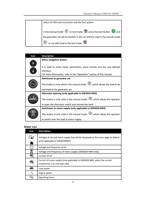
If the engine runs without load in the manual mode and at the same
time a remote start signal is valid, the controller will perform automatic
13