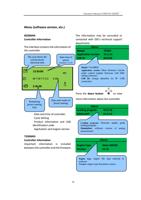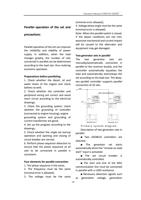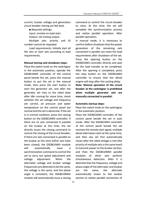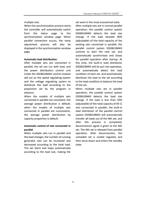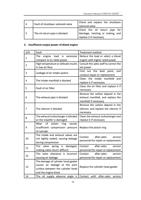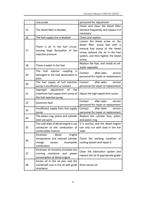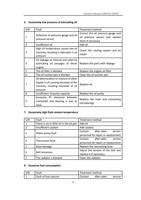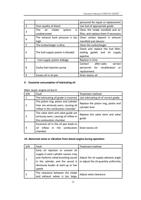
Operation Manual of WEICHAI GENSET
Controller configuration menu
6020MKII
Setting of front panel
The user can also fully set the parameters of the controller without using the DSE
setting software.
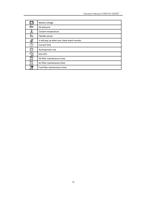
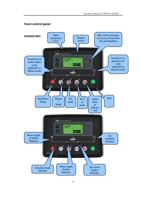
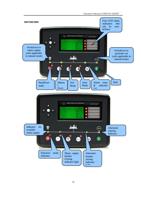
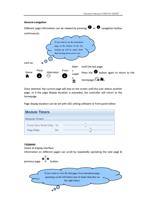
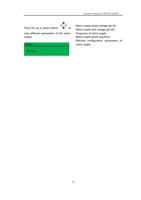
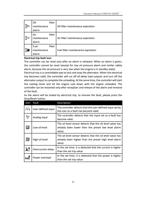
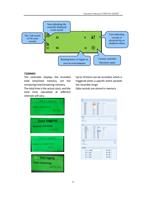
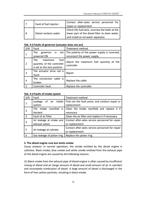
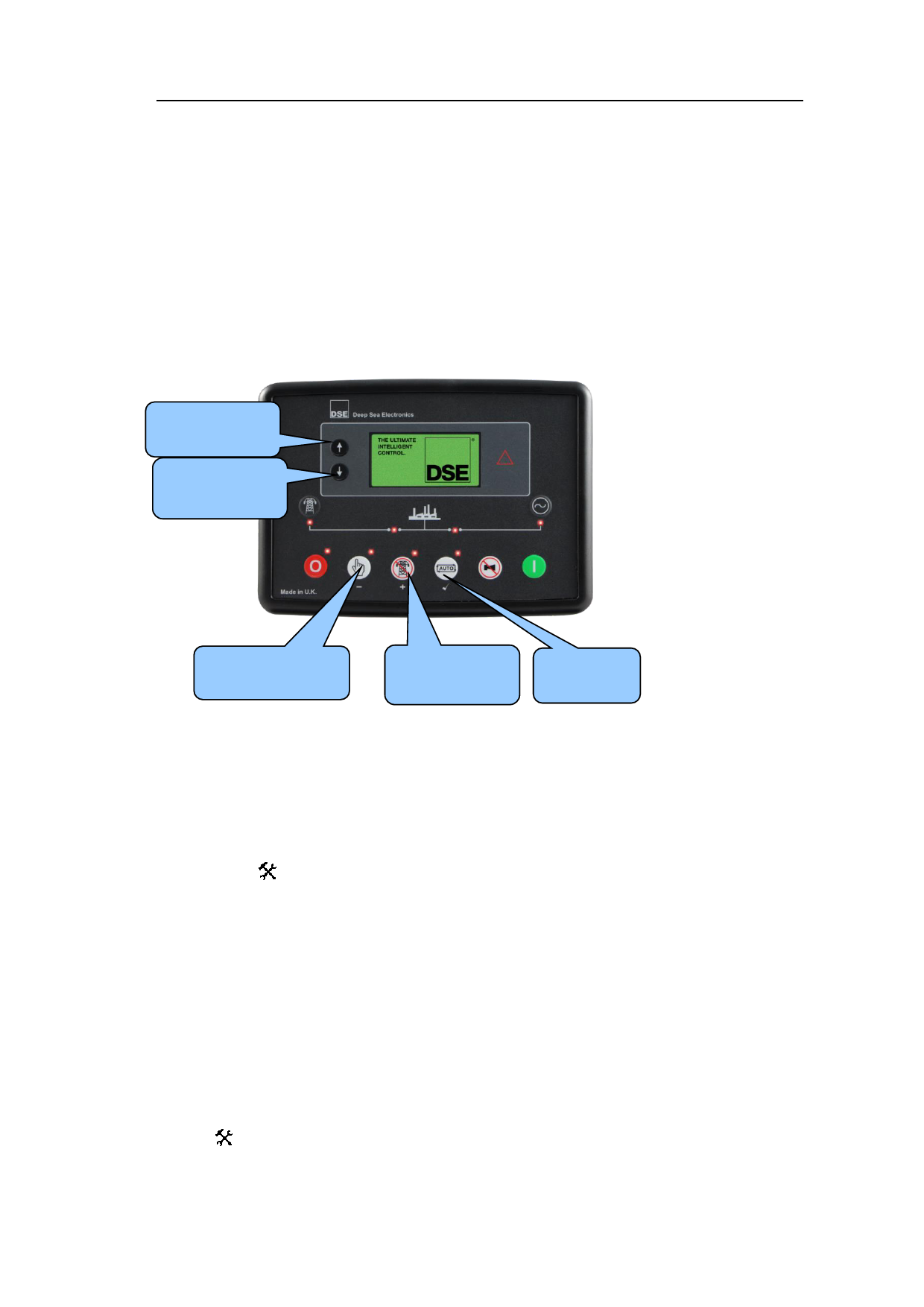
View the menu and modify the parameters through the buttons on the controller:
Next item
(101→201→3
Previous item
(301→201→1
01)
Subtract
Add
(103→102→101)
(101→102→1
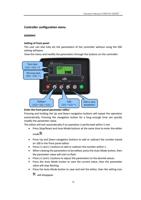
Enter the front panel parameter edito0r3)
Edit or save
parameters
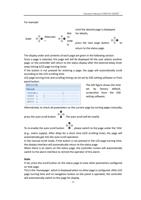
Pressing and holding the Up and Down navigation buttons will repeat the operation
automatically. Pressing the navigation button for a long enough time can quickly
modify the parameter value.
The editor will exit automatically if no operation is performed within 5 min.
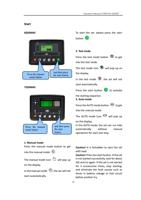
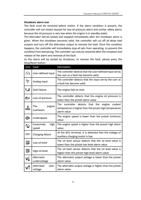
Press Stop/Reset and Auto Mode buttons at the same time to enter the editor
mode .
Press Up and Down navigation buttons to add or subtract the number based
on 100 in the front panel editor.
Press (+) and (-) buttons to add or subtract the number within 1.
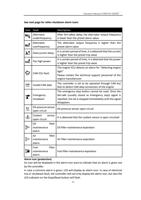
When viewing the parameters to be edited, press the Auto Mode button, then
the parameter value will start to flash.
Press (+) and (-) buttons to adjust the parameters to the desired values.
Press the Auto Mode button to save the current value, then the parameter
value will stop flashing.
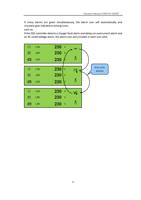
Press the Auto Mode button to save and exit the editor, then the setting icon
will disappear.
29