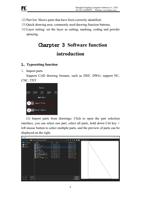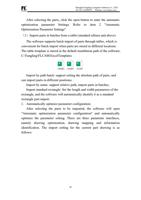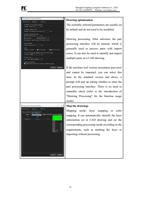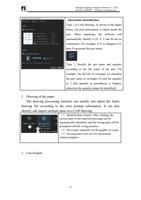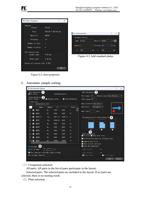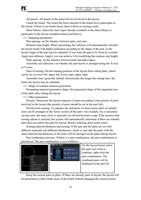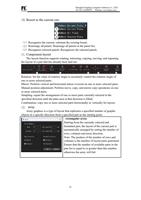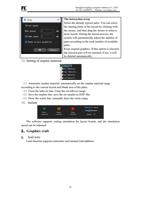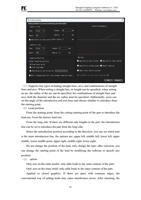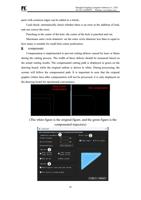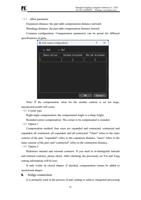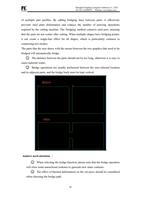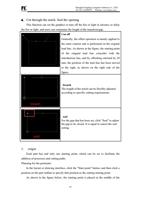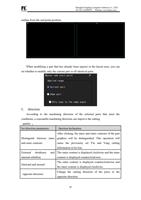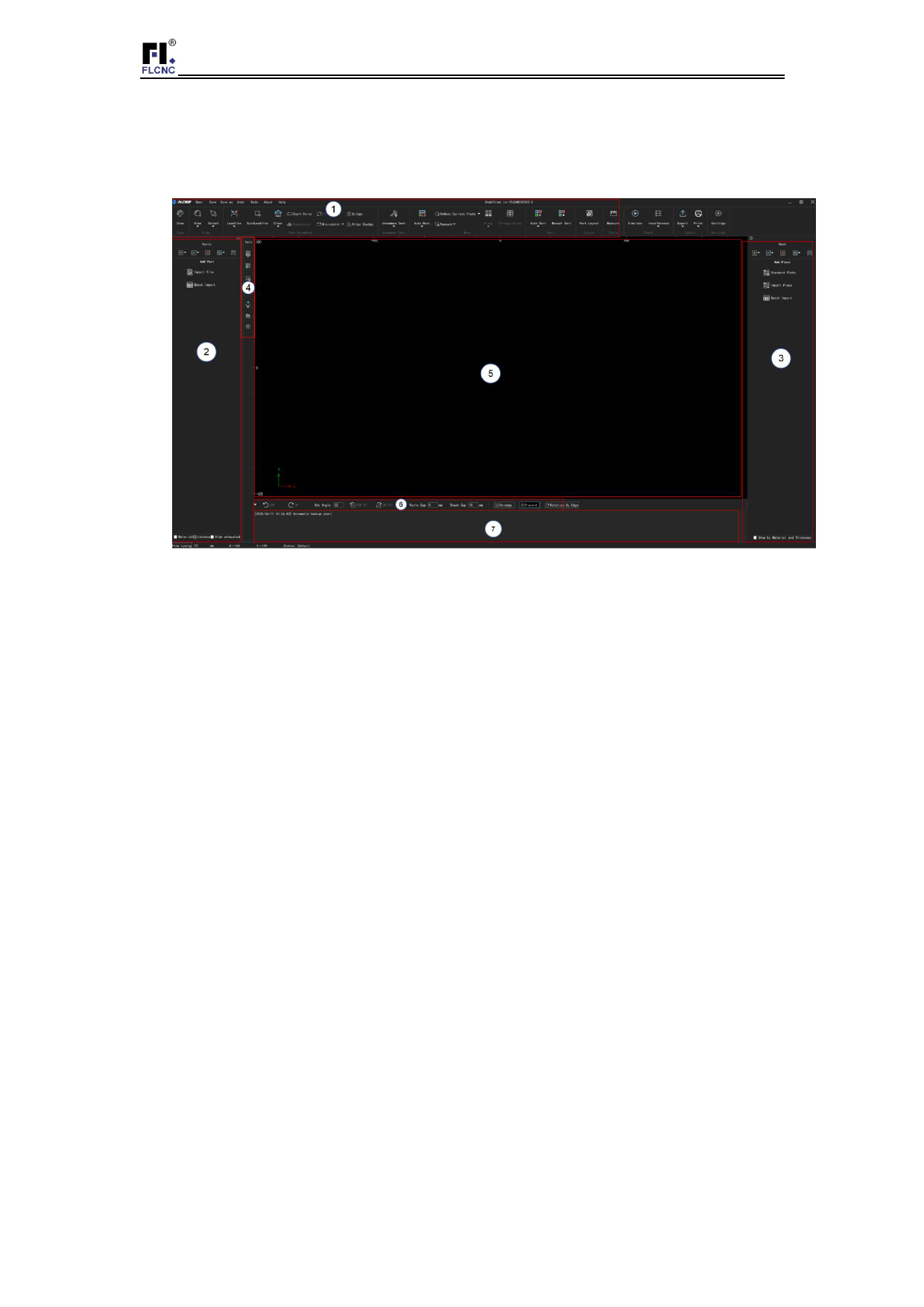
interface and drawing interface:
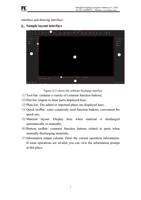
1、Sample layout interface
Shanghai Fangling Computer Software Co., LTD.
Tel: 021-34290970 Website: www.flcnc.com
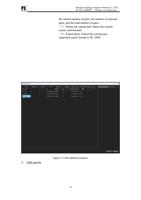
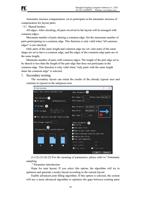
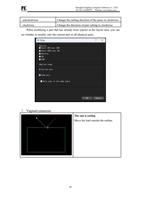
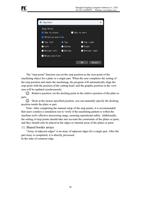
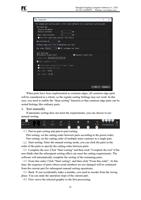
Figure (2-1) shows the software discharge interface
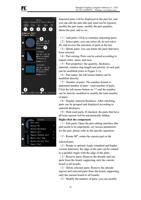
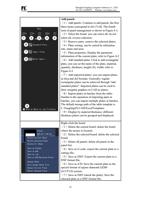
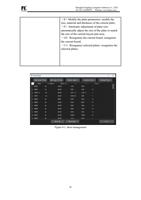
(1)Tool bar: contains a variety of common function buttons;
(2)Part list: Import or draw parts displayed here;
(3)Plate list: The added or imported plates are displayed here;
(4)Quick toolbar: some commonly used function buttons, convenient for
quick use;
(5)Material layout: Display here when material is discharged
automatically or manually;
(6)Bottom toolbar: common function buttons related to parts when
manually discharging materials;
(7)Information output column: Enter the current operation information.
If some operations are invalid, you can view the information prompt
at this place.
7