Shanghai Fangling Computer Software Co., LTD.
Tel: 021-34290970 Website: www.flcnc.com
for part layout, which may take longer to assemble.
8. Manual sampling
The software supports manual layout, allowing users to drag and drop parts from
the part list into the layout area. During the dragging process, the parts will remain
suspended over the mouse pointer. Users can freely move the parts and place them in
suitable positions for layout, while also performing various manual layout commands,
such as inserting new parts, deleting parts, rotating parts, mirroring parts, and copying
parts.
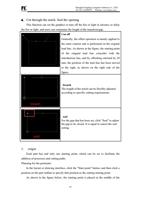
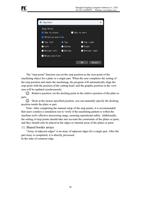
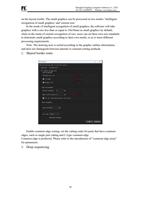
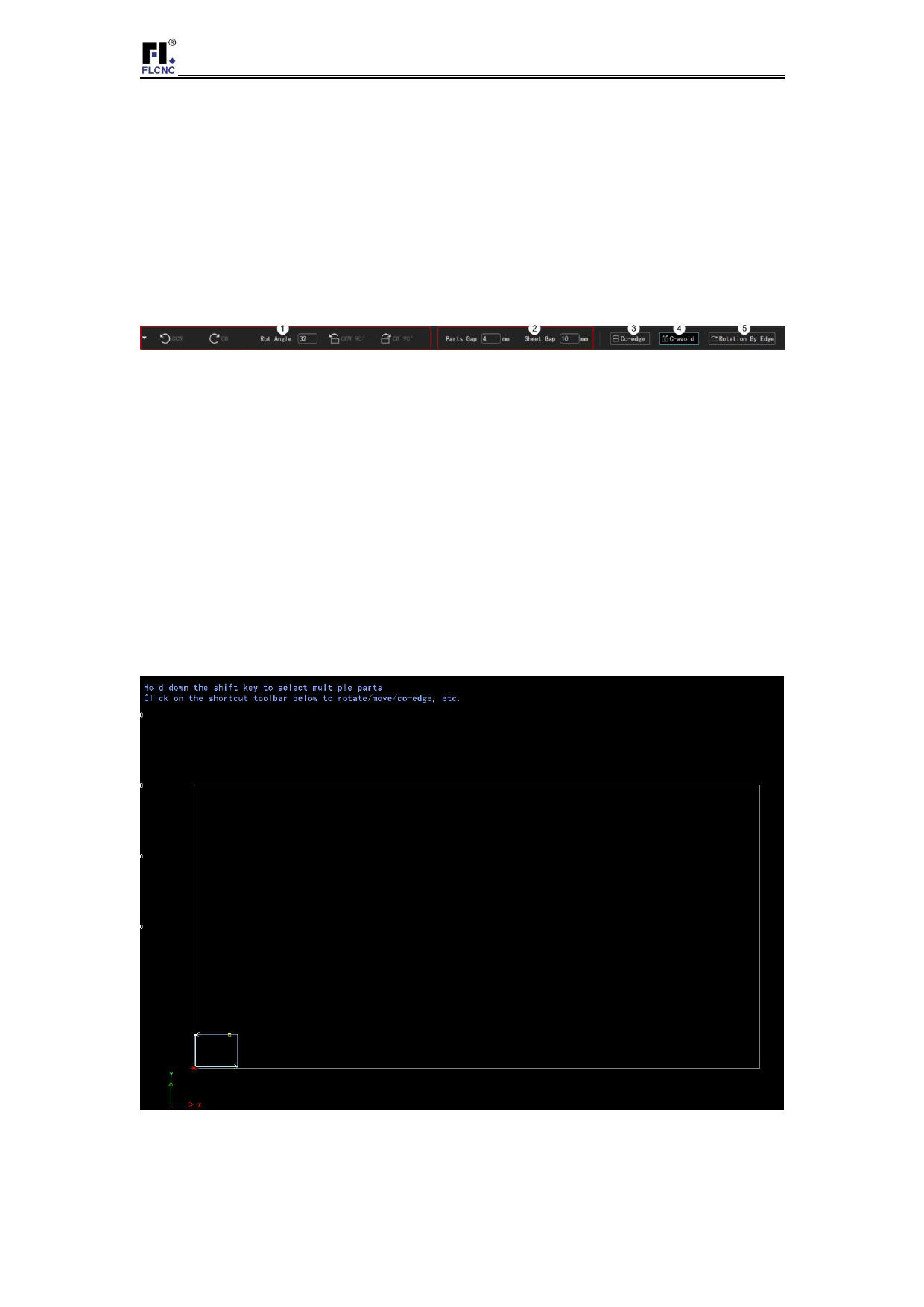
(1)Manual rotation: you can rotate the typesetting parts as needed, and you can
customize the rotation Angle;
(2)Part and plate spacing: set the spacing between parts, set the spacing between
plates and parts, which is consistent with the function in automatic layout;
(3)Common edge: When the software is opened, it can automatically set common
edge for parts that can be shared;
(4)Anti-collision: In the off state, the layout function will not restrict parts
overlapping or placing outside the plate; but when it is on, the system will
automatically limit these operations, thus effectively avoiding layout errors.
(5)Rotate by edge: You can specify the edge of a part as the rotation center to
rotate the part.
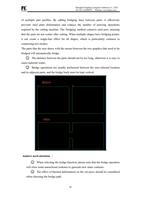
Note: When typesetting manually, the upper left corner of the part can provide various
commonly used shortcut operations under the default setting.
9. Stay close to the common edge
In the manual layout process, you can select parts that have not yet been shared to
set up shared edges.
20