Shanghai Fangling Computer Software Co., LTD.
Tel: 021-34290970 Website: www.flcnc.com
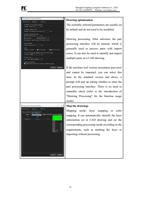
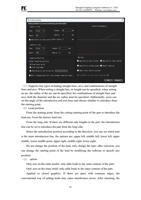
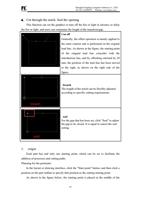
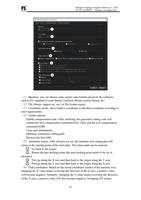
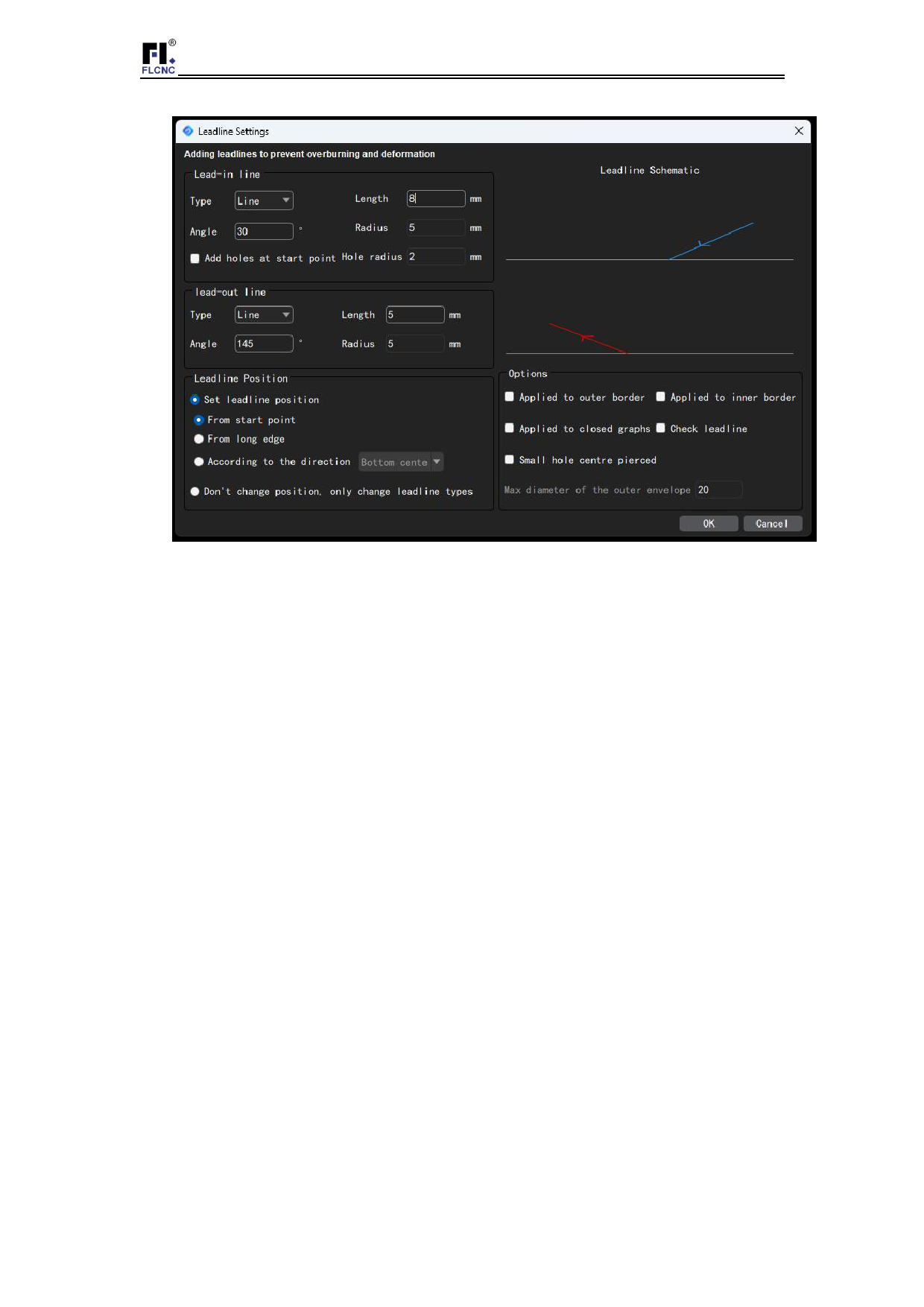
(1)Supports line types including straight lines, arcs, and combinations of straight
lines and arcs. When setting a straight line, its length can be specified; when setting
an arc, the radius of the arc can be specified; for combinations of straight lines and
arcs, both the diameter and the arc radius must be specified. Additionally, users can
set the angle of the introduction and exit lines and choose whether to introduce from
the starting point.
(2)Lead position
From the starting point: from the cutting starting point of the part to introduce the
lead-out. From the factory lead-out;
From the long side: If there are different side lengths in the part, the introduction
line can be set to introduce the part from the long side;
Select the introduction position according to the direction: you can set which part
is the main introduction line, the options are: upper left, middle left, lower left, upper
middle, lower middle point, upper right, middle right, lower right;
Do not change the position of the lead, only change the type: after selection, you
can change the starting point of the lead by modifying the software to specify any
position.
(3) option
Only acts on the outer model: only adds leads to the outer contour of the part;
Only acts on the inner mold: only adds leads to the inner contour of the part;
Applied to closed graphics: If there are parts with common edges, the
conventional way of adding leads may cause interference errors. After checking, the
23