Shanghai Fangling Computer Software Co., LTD.
Tel: 021-34290970 Website: www.flcnc.com
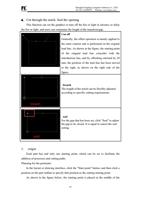
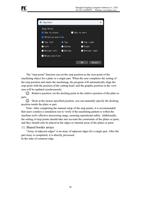
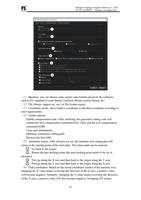
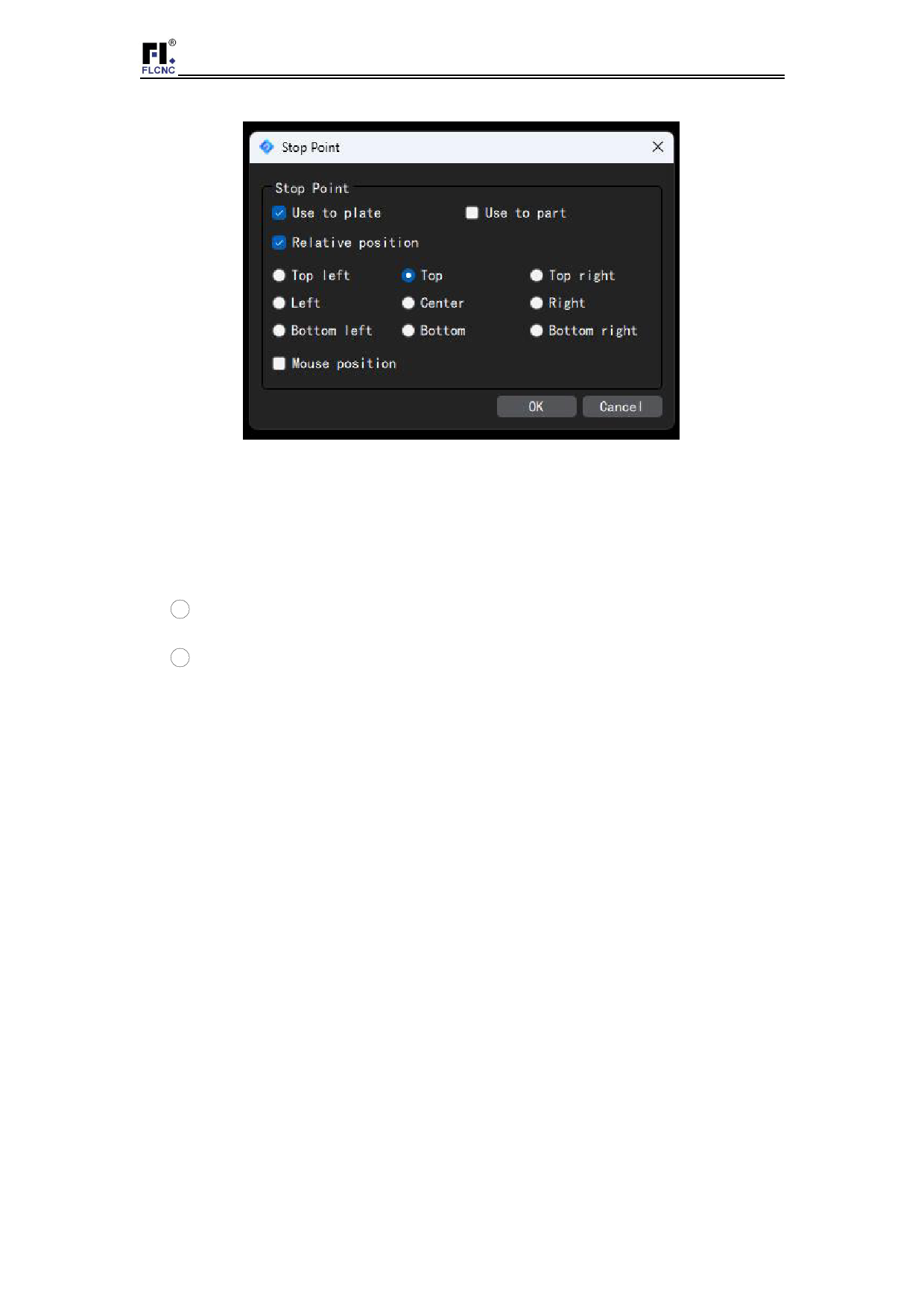
The "stop point" function can set the stop position as the zero point of the
machining object for a plate or a single part. When the user completes the setting of
the stop position and starts the machining, the program will automatically align the
stop point with the position of the cutting head, and the graphic position in the view
area will be updated synchronously.
1 Relative position: set the docking point in the relative position of the plate or
part;
2 Dock at the mouse specified position: you can manually specify the docking
position inside the plate or part.
Note: After completing the manual setup of the stop points, it is recommended
that users conduct a simulation run to verify if the machining pattern is within the
machine tool's effective processing range, ensuring operational safety. Additionally,
the setting of stop points should take into account the constraints of the plates or parts,
and they should only be placed at the edges or internal areas of the plates or parts.
13.Shared border arrays
"Array of adjacent edges" is an array of adjacent edges for a single part. After the
part array is completed, it is directly processed
In the state of common edge.
36