Shanghai Fangling Computer Software Co., LTD.
Tel: 021-34290970 Website: www.flcnc.com
information identification
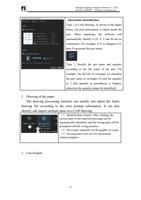
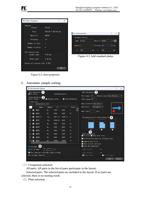
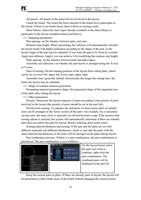
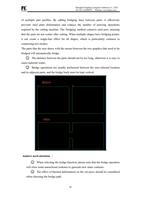
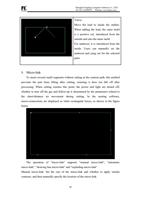
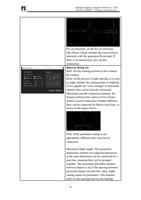
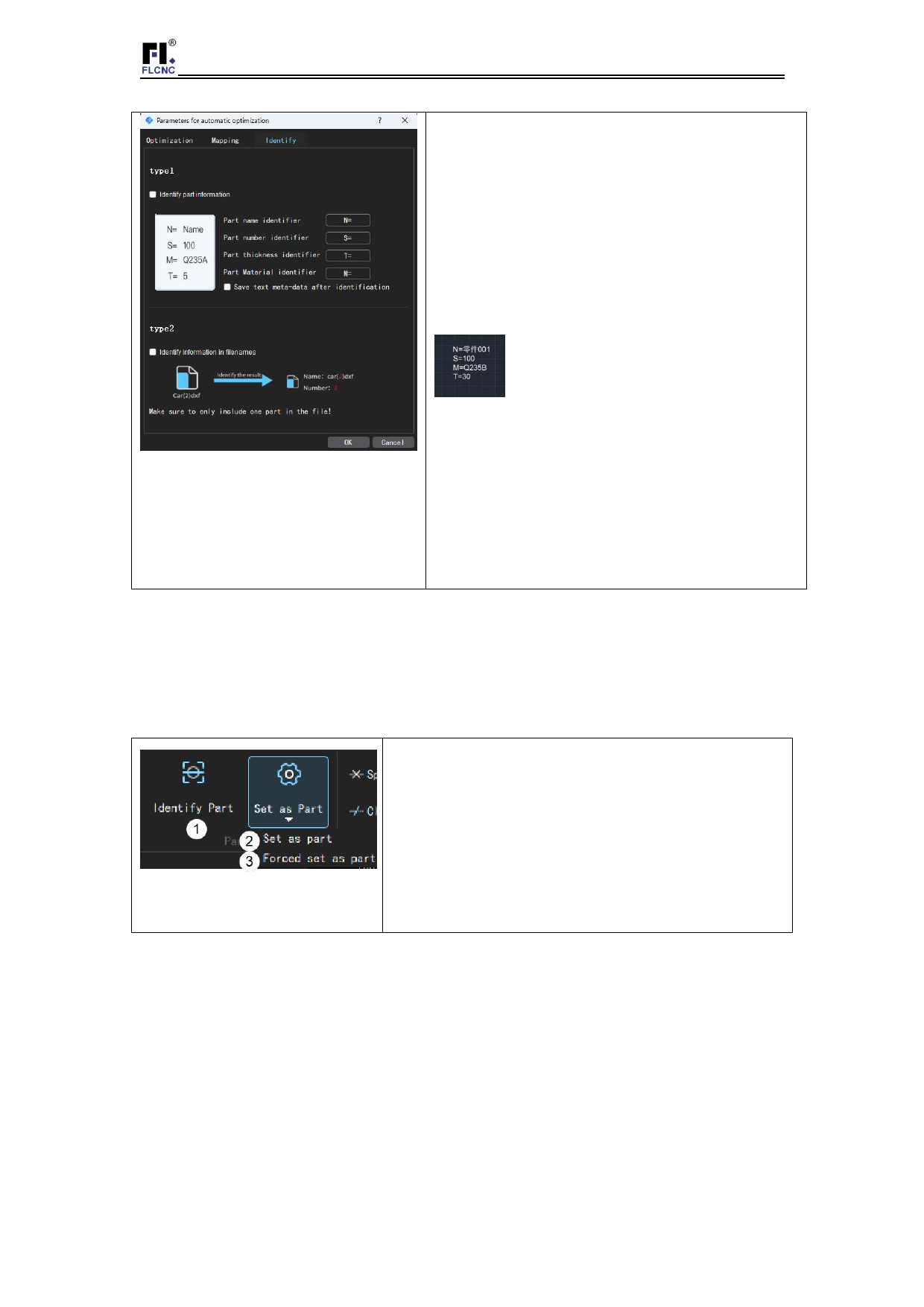
Type 1 is CAD drawing. As shown in the figure
below, the part information is edited inside the
part. When importing, the software will
automatically identify it (N, S, T and M can be
customized. For example, if N is changed to P,
then P represents the part name)
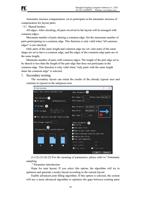
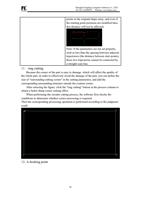
Type 2, identify the part name and quantity
according to the file name of the part. For
example, the dxf file of rectangle (2) identifies
the part name as rectangle (2) and the quantity
as 2 (the quantity in parentheses is English,
otherwise the quantity cannot be identified).
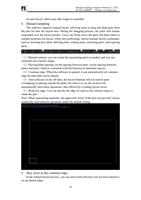
3. Drawing of the paper
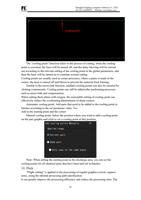
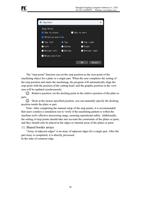
The drawing processing function can modify and adjust the faulty
drawing file according to the error prompt information. It can also
identify and import multiple parts on a CAD drawing.
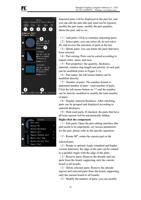
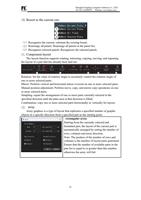
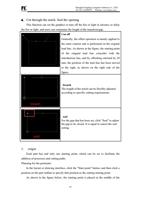
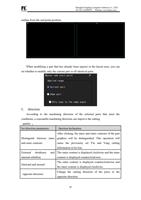
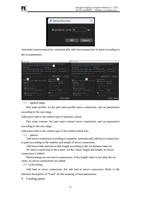
(1)Identification of parts: After clicking, the
correct parts in the imported drawings can be
automatically identified, and the wrong parts will be
prompted with the wrong position.
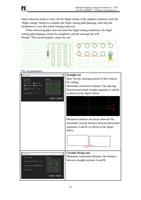
(2)Set as part: manually set the graphic as a part;
(3)Forcing parts to be set: For unenclosed
contour graphics.
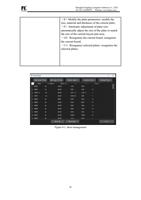
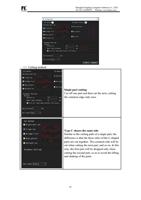
4. List of parts
12