Shanghai Fangling Computer Software Co., LTD.
Tel: 021-34290970 Website: www.flcnc.com
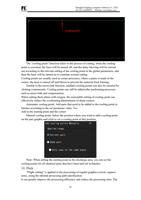
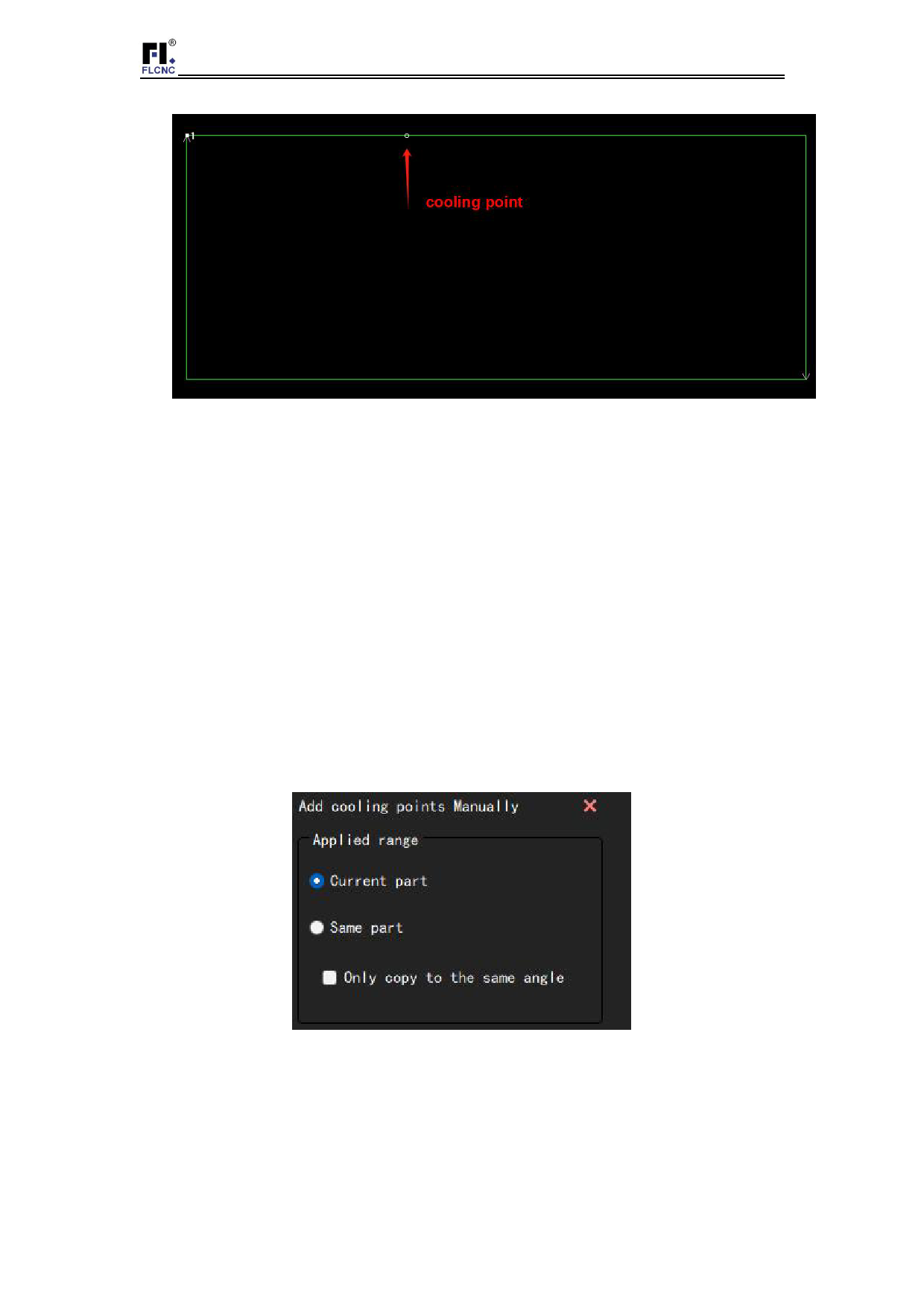
The "cooling point" function refers to the process of cutting, when the cooling
point is executed, the laser will be turned off, and the delay blowing will be carried
out according to the relevant setting of the cooling point in the global parameters, and
then the laser will be turned on to continue normal cutting.
Cooling points are usually used in corner processes, where a pause is made at the
corner, the laser is turned off and blown to prevent the material from burning.
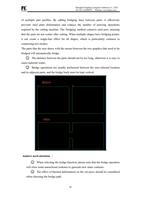
Similar to the micro-link function, multiple cooling points can also be inserted by
clicking continuously. Cooling points can still be added after performing processes
such as micro-link and compensation.
When cutting thick plates with oxygen, the reasonable setting of cooling point can
effectively reduce the overheating phenomenon of sharp corners.
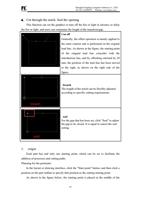
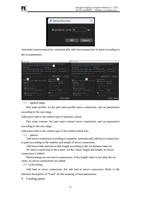
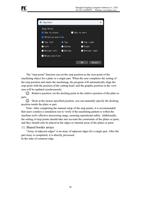
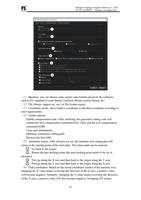
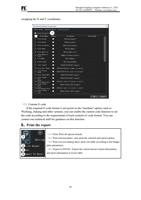
Automatic cooling point: Add parts that need to be added to the cooling point in
batches according to the set parameter value. Yes
Add at the starting point and the corner.
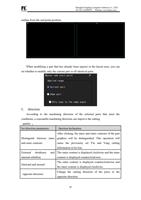
Manual cooling point: Select the position where you want to add a cooling point
on the part graphic and click to set a cooling point at this position.
Note: When setting the starting point in the discharge area, you can set the
cooling points for all identical parts that have been laid out in batches.
10.Flick
"Flight cutting" is applied to the processing of regular graphics (circle, square)
array, using the optimal processing path specification
It can greatly improve the processing efficiency and reduce the processing time. The
32