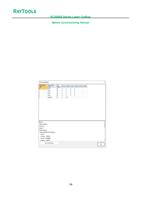
7.6.11 Button
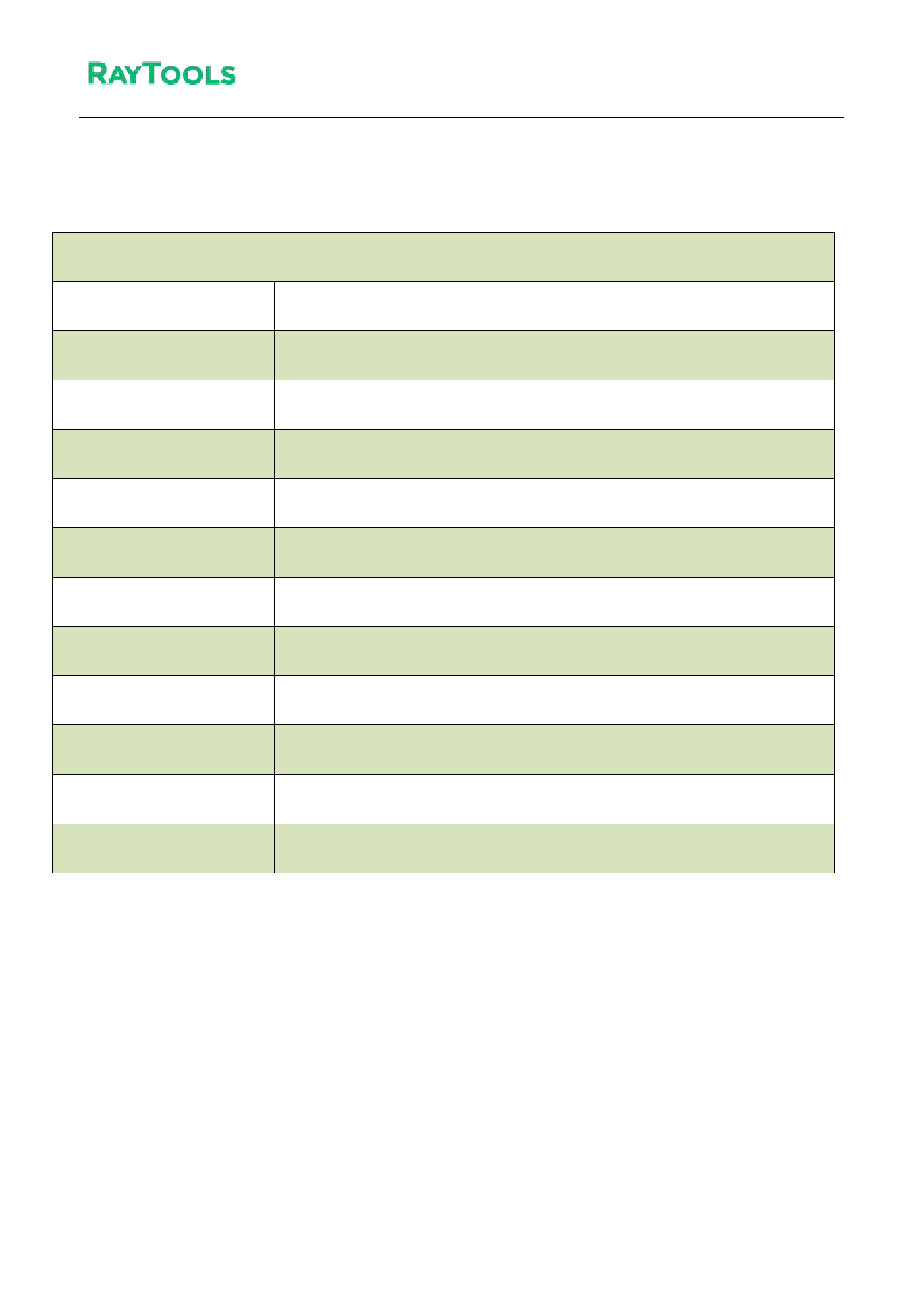
Parameter Name
Number index
Used
Cmd ID
Name (CNS)
Name (EN)
Signal type
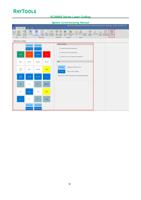
Node configuration
Enable all
Disable all
All Hold-type
All Triggered-type
XC3000S Series Laser Cutting
System Commissioning Manual
Button
Remarks
Corresponds to custom buttons num ber 1, 2, 3
When checked, the HMI interface will display this button
Default
Button (Chinese)
Button (English)
Set the alarm signal as hold or trigger type
Settable custom button output pin
After clicking, all custom buttons are enabled
After clicking, all custom buttons are disabled
After clicking, all custom buttons are now in the holding-type
After clicking, all custom buttons are in triggered-type
92