Shanghai Fangling Computer Software Co., LTD.
Tel: 021-34290970 Website: www.flcnc.com
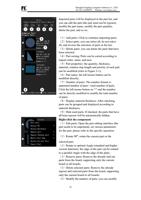
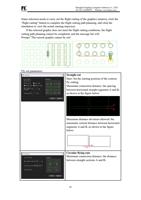
(7)Finally, move the selected figure to the last processing;
(8)Forward: Move the selected graphic processing order forward by one;
(9)Move back: Move the selected graphic processing order one step back.
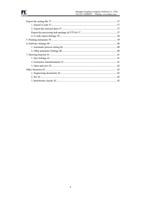
4、Export the cut file
After the layout work is completed, it is necessary to generate the CNC cutting
program and hand it over to the CNC system for processing. At this time, the
following operations are required:
First, set the corresponding parameters. After setting, select the layout content to be
output in the sidebar of the layout result, and then save the file to the local folder
through the "Export NC" function.
Secondly, the software supports front and rear functions, and can be compatible with
the code format of third-party systems (currently supports Baichu, Weihong and
Jiaqiang, and other brand systems can be developed to adapt).
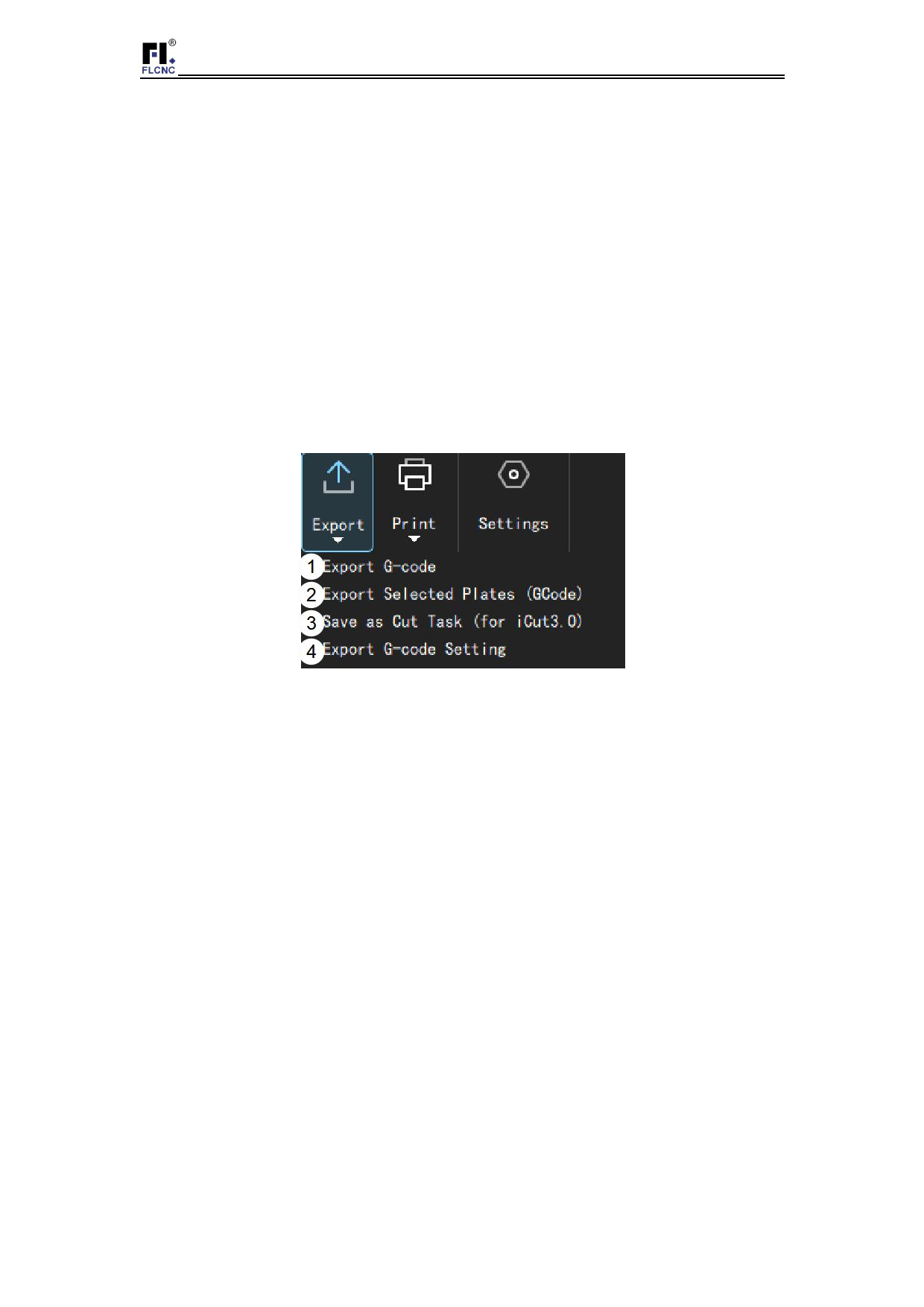
1. Export G code
Click the "Export" button to export all the layout cutting files of the
panels in the panel list in batch.
2. Export the selected sheet
Export the cutting file for the selected and formatted sheet.
3. Export processing task package (iCUT3.0)
It is only applicable to Shanghai Fangling L8200 CNC system, which
can generate multiple layout files into batch cutting task files and import
them into the CNC system for processing operation at one time.
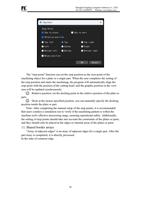
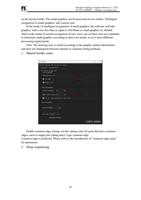
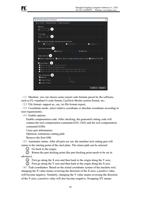
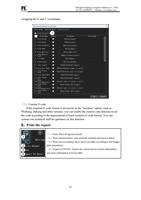
4. G code export Settings
42