Shanghai Fangling Computer Software Co., LTD.
Tel: 021-34290970 Website: www.flcnc.com
When parts have been implemented as common edges, all common edge parts
will be considered as a whole, so the regular sorting Settings may not work. In this
case, you need to enable the "deep sorting" function so that common edge parts can be
sorted Settings like ordinary parts.
4. Sort manually
If automatic sorting does not meet the requirements, you can choose to use
manual sorting.
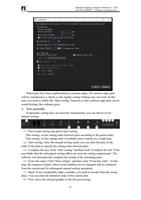
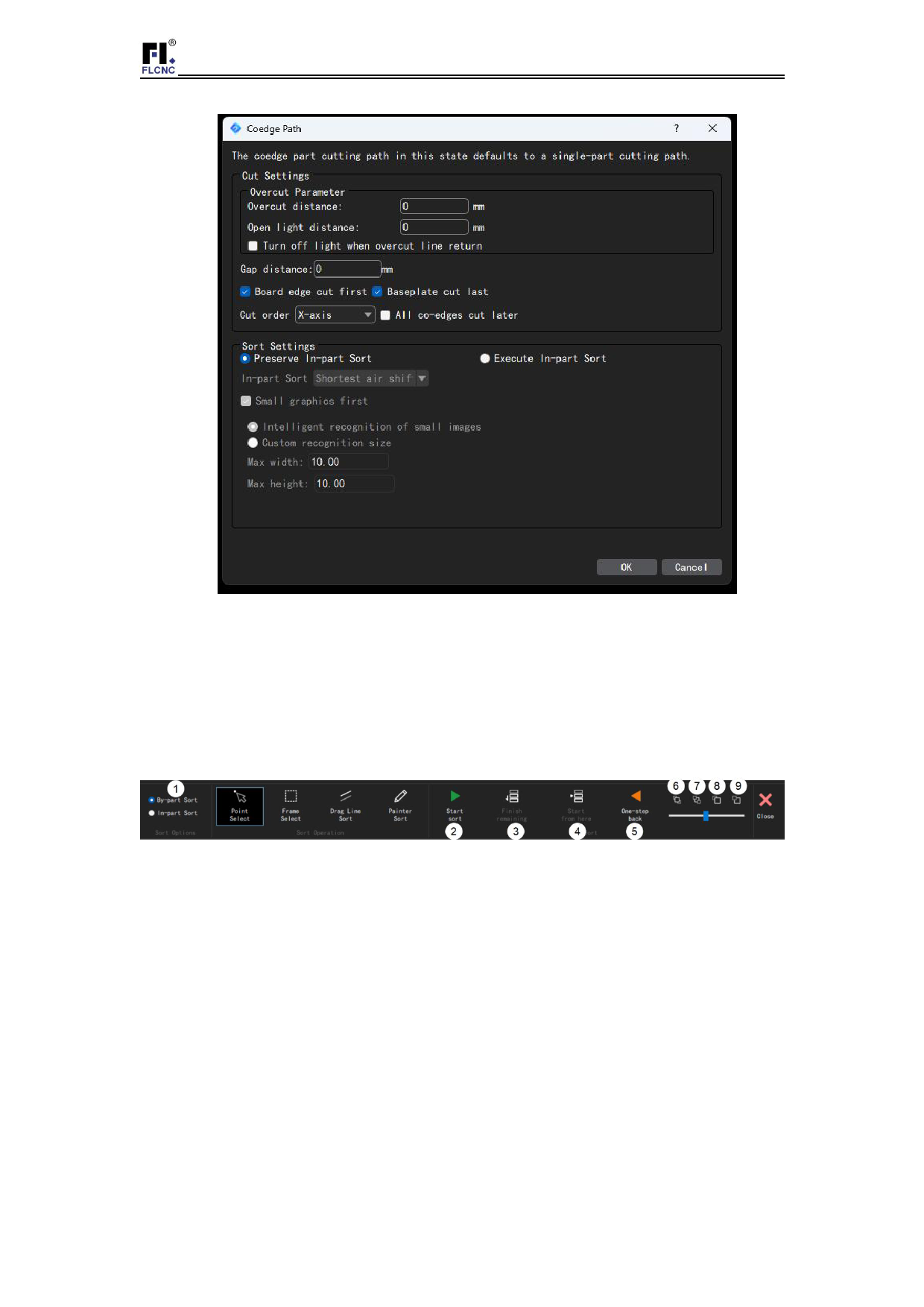
(1)Part-to-part sorting and part-to-part sorting:
Part sorting: set the cutting order between parts according to the preset order;
Part sorting: set the cutting order of multiple inner contours in a single part;
(2)Start sorting: Enter the manual sorting mode, you can click the parts in the
order of the parts to specify the cutting order between parts.
(3)Complete the rest: Click "Start sorting" and then click "Complete the rest" if the
user thinks that the subsequent sorting effect can meet the cutting requirements. The
software will automatically complete the sorting of the remaining parts.
(4)From this order: Click "Start sorting", and then click "From this order". At this
time, the sequence of parts whose serial numbers are not changed will be continued
from the current part for subsequent manual sorting operations;
(5)Back: If you accidentally make a mistake, you need to reorder from the wrong
place. You can undo the operation steps of the current part;
(6)First: move the selected graphic to the first processing;
41