Shanghai Fangling Computer Software Co., LTD.
Tel: 021-34290970 Website: www.flcnc.com
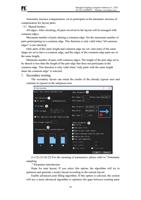
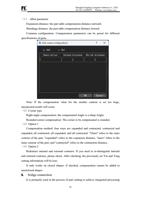
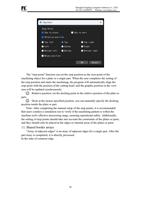
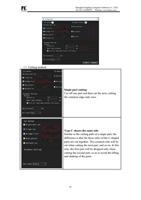
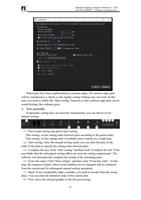
All panels: All panels in the panel list are involved in the layout;
Check the board: The board has been checked in the board list to participate in
the layout. If there is no board check, there will be no nesting result;
Sheet library: Select the sheet types already available in the sheet library to
participate in the layout (standard edition and above).
(3)Sampling parameters
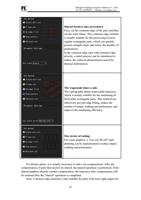
Part spacing: set the distance between parts, unit mm;
Rotation step length: When typesetting, the software will automatically calculate
the layout mode with higher utilization according to the shape of the part, so the
layout Angle of the part may be adjusted. If you want the part to be fixed at a certain
Angle (not arbitrary Angle), you can achieve it by modifying the rotation step length;
Plate spacing: set the distance between parts and plate edges;
Assembly axis direction: set whether the part layout is arranged along the X-axis
or Y-axis;
Start of nesting: Set the starting position of the layout from which plate, which
can be set as lower left, upper left, lower right, upper right.
Assembly time: generally default, theoretically the longer the setting time, the
better the layout may be obtained.
(4)Shape of residual material generation
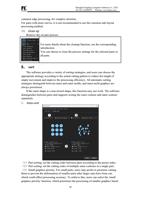
Remaining material generation shape: the generation shape of the unprinted area
of the plate after setting the layout.
(5)Other parameters
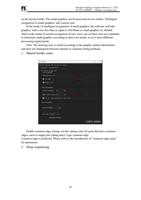
Priority: Determine the layout sequence of parts according to the priority of parts
involved in the layout (the priority of parts should be set in the part list);
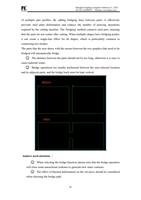
Priority hole nesting: To enhance the utilization of sheet metal, parts of suitable
sizes can be arranged in the 'holes' section of the parts. For example, for a concentric
circular part, the inner circle is typically cut off and becomes scrap. If the priority hole
nesting option is selected, the system will automatically determine if there are suitable
parts that can utilize this part for layout, thereby reducing sheet metal waste;
Sorting material thickness and nesting: If the part and the plate are set with
different materials and different thicknesses, check it, and only the parts with the
same material and thickness as the plate will be arranged on the plate during layout;
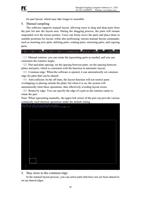
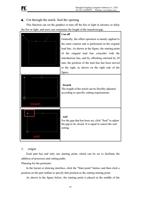
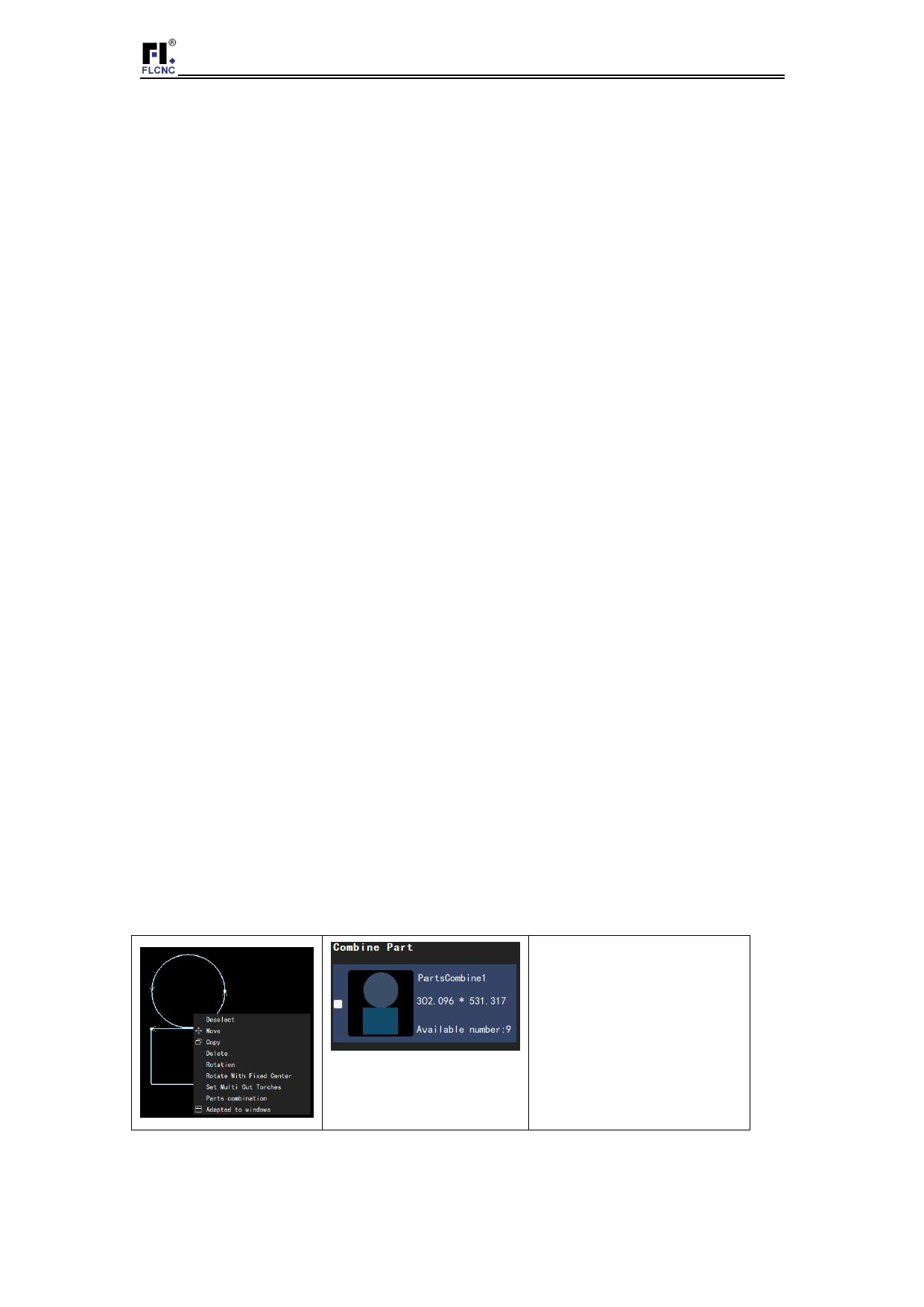
Part combination priority: If there is a part combination, the part combination is
prioritized. The part combination is set as follows:
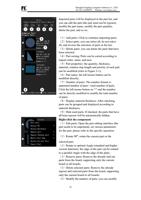
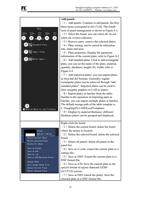
On the layout board, select
the parts you want to
combine, right-click the
part combination. The
combined parts will be
displayed in the part list
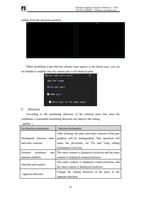
Keep the current parts in place: If there are already parts in layout, the layout will
be performed in other blank areas of the board without changing the current layout;
18