Shanghai Fangling Computer Software Co., LTD.
Tel: 021-34290970 Website: www.flcnc.com
After selecting the parts, click the open button to enter the automatic
optimization parameter Settings. Refer to item 2 "Automatic
Optimization Parameter Settings".
(2)Import parts in batches from a table (standard edition and above)
The software supports batch import of parts through tables, which is
convenient for batch import when parts are stored in different locations.
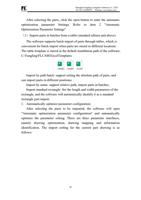
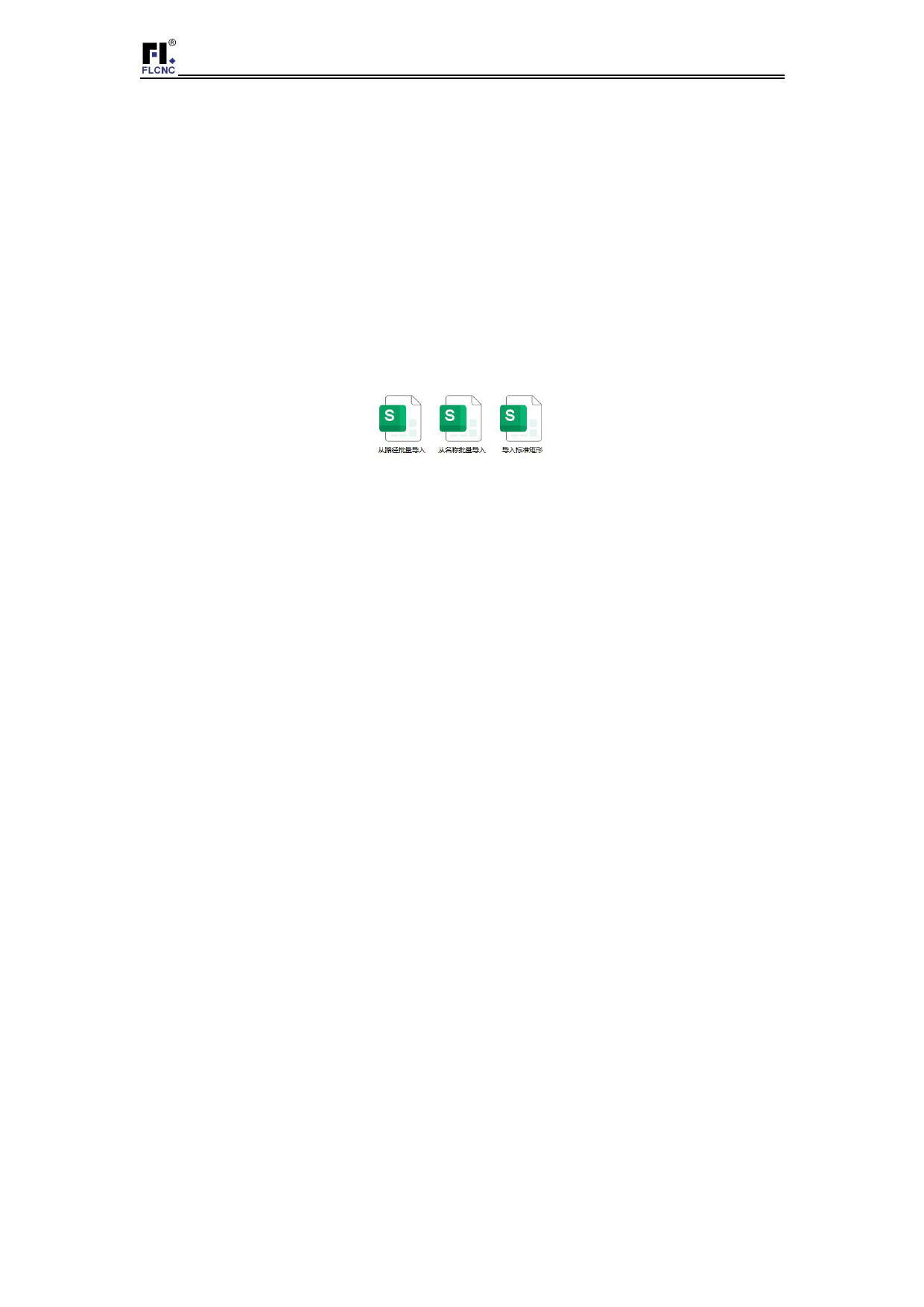
The table template is stored in the default installation path of the software:
C:\Fangling\FLCAM\ExcelTemplates
Import by path batch: support setting the absolute path of parts, and
can import parts in different positions;
Import by name: support relative path, import parts in batches;
Import standard rectangle: Set the length and width parameters of the
rectangle, and the software will automatically identify it as a standard
rectangle part import.
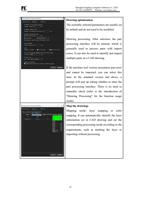
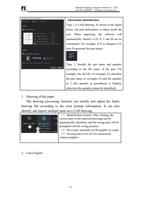
2. Automatically optimize parameter configuration
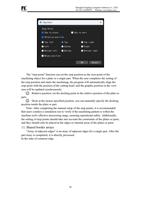
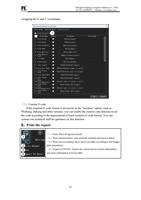
After selecting the parts to be imported, the software will open
"Automatic optimization parameter configuration" and automatically
optimize the parameter setting. There are three parameter interfaces,
namely drawing optimization, drawing mapping and information
identification. The import setting for the current part drawing is as
follows:
10