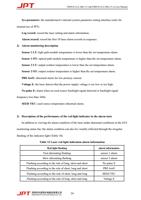
YDFLP-CL2-200-1/5-A&YDFLP-CL2-300-1/5-A User Manual
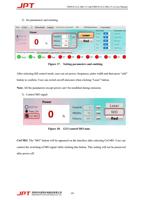
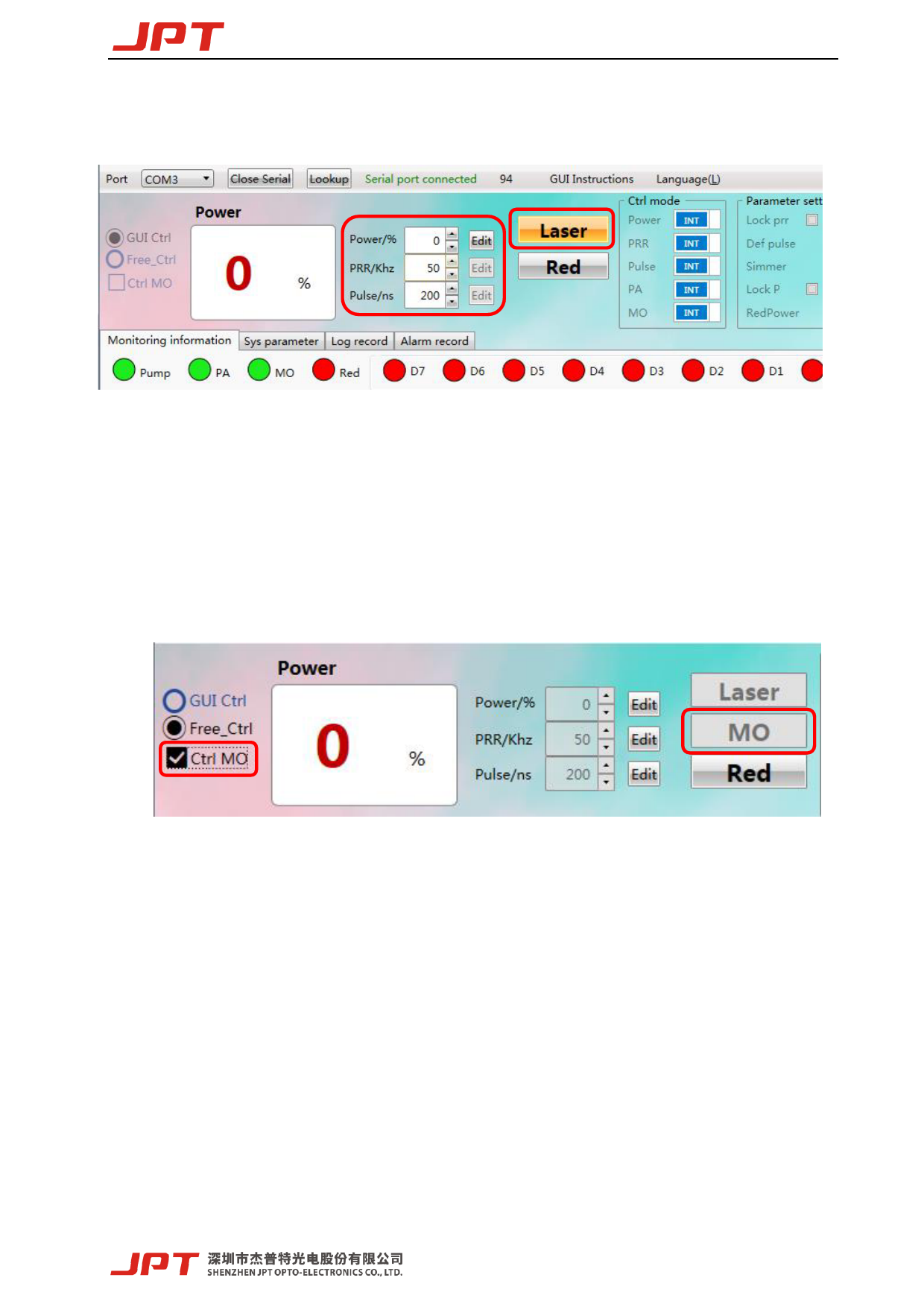
2) Set parameters and emitting
Figure 17. Setting parameters and emitting
After selecting full control mode, user can set power, frequency, pulse width and then press “edit”
button to confirm. User can switch on/off emission when clicking “Laser” button.
Note: All the parameters except power can’t be modified during emission.
3) Control MO signal
Figure 18. GUI control MO state
Ctrl MO: The “MO” button will be appeared on the interface after selecting Ctrl MO. User can
control the switching of MO signal while clicking this button. This setting will not be preserved
after power off.
19