YDFLP-CL2-200-1/5-A&YDFLP-CL2-300-1/5-A User Manual
3. JPT GUI Testing Software
TypeE is designed for YDFLP-E series laser. It has multiple functions including laser control,
setting the default parameters, setting the control mode, alarm monitoring, DB25 interface
monitoring, internal parameters monitoring etc. TypeE also records error events which caused
system self-locking.
3.1 Introduction to software connection and control
3.1.1 Connecting method
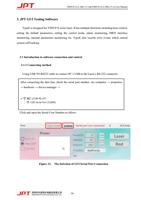
Using USB TO RS232 cable to connect PC’s USB to the Laser’s RS-232 connector.
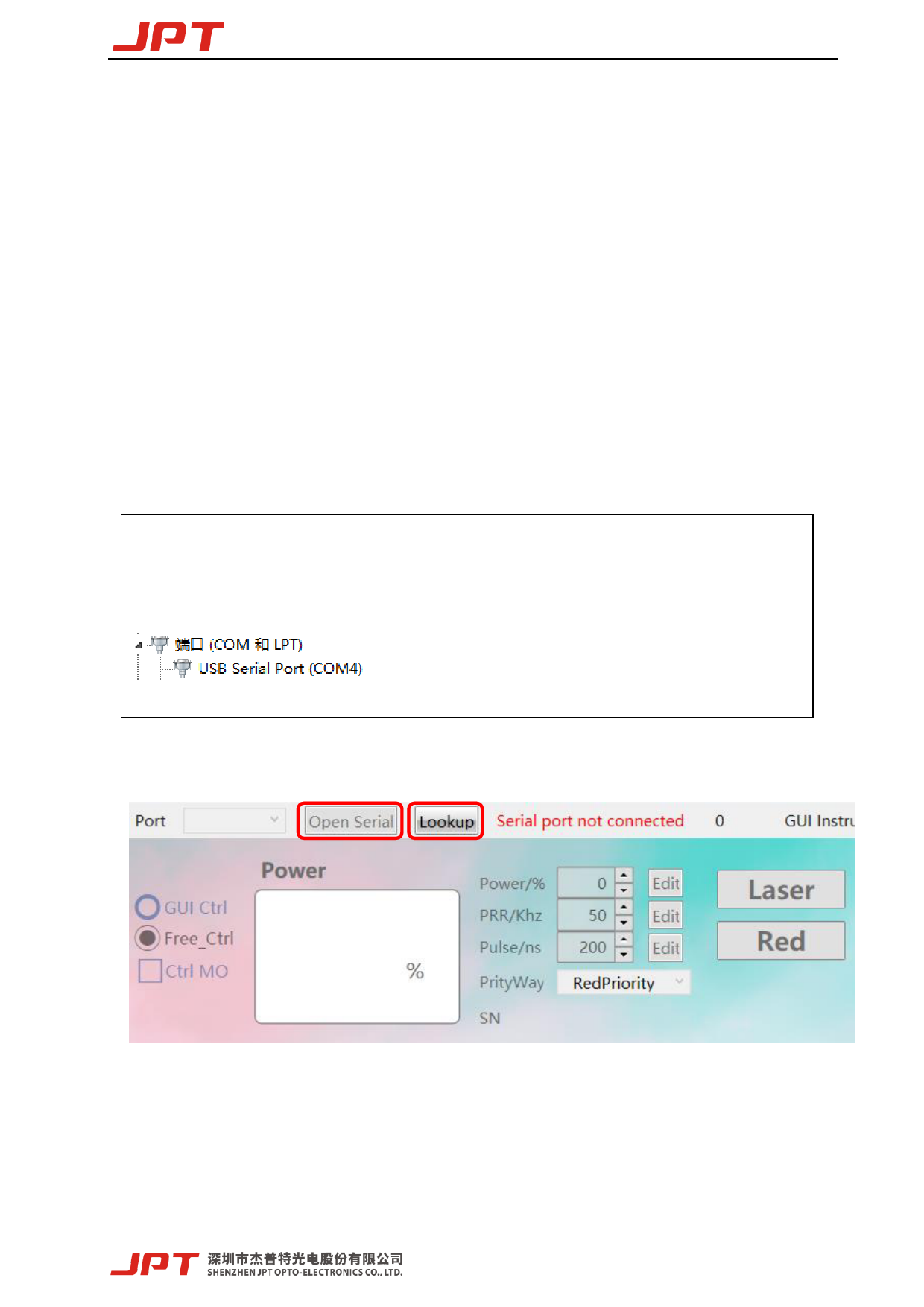
After connecting the data line, check the serial port number: my computer → properties
→ hardware → device manager →
Click and open the Serial Com Number as follow:
Figure 12. The Selection of GUI Serial Port Connection
16