Hikrobot Machine Vision Software User Manual
Chapter 5 Camera Feature Configuration
The Software provides multiple methods to configure the camera features, including
configuring manually, configuring via User Set, configuring via project file, configuring via
File Access, and batch exporting and importing features.
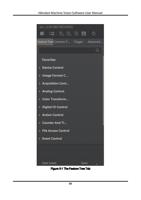
5.1 Feature Tree
Features are capabilities of the cameras and camera modules that can be controlled by
setting firmware parameters. The feature tree displays all available features of a
connected camera and you can edit the parameters under each feature.
Note
The available features of the camera vary with different camera models.
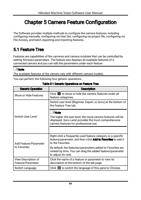
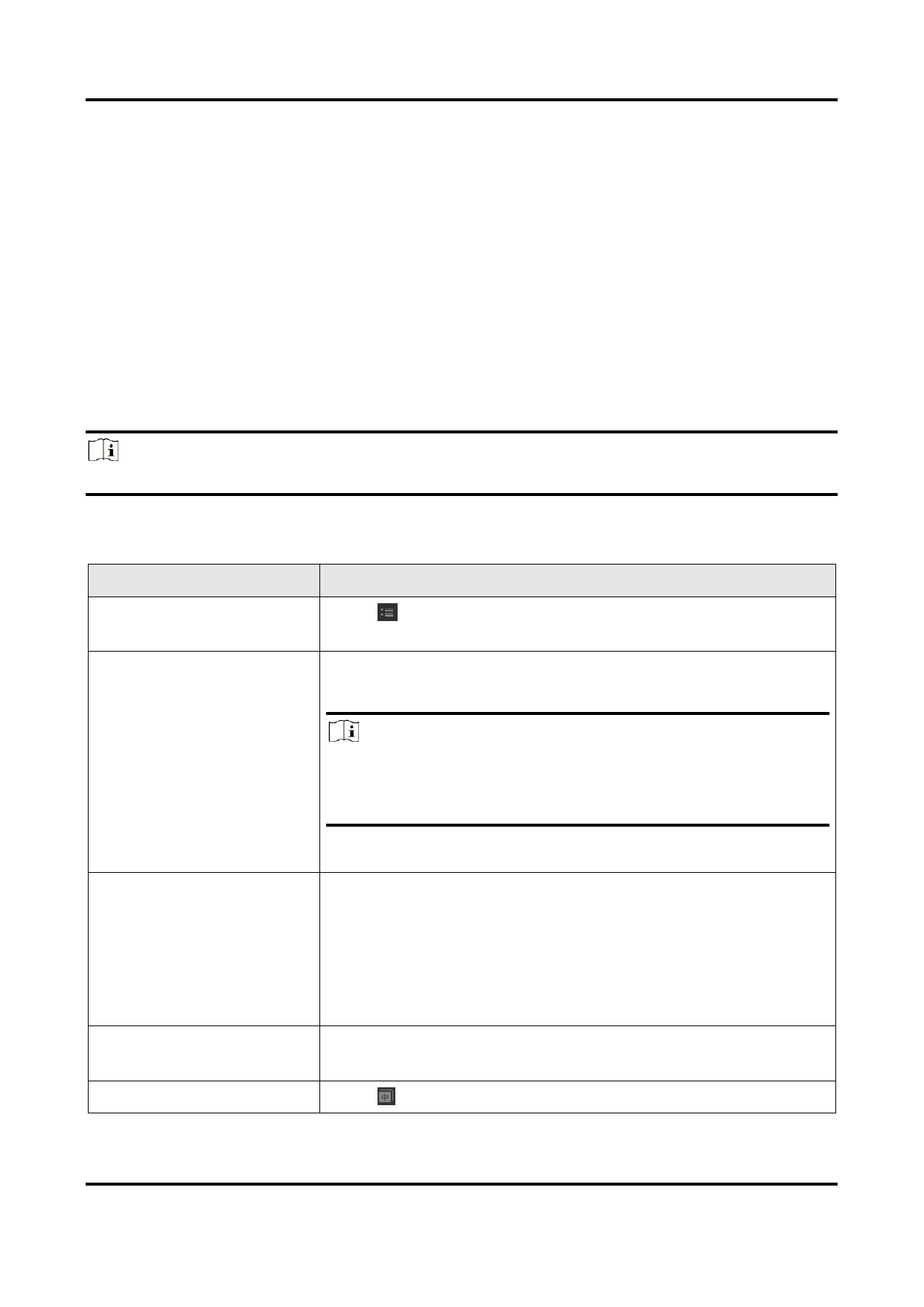
You can perform the following four generic operations.
Table 5-1 Generic Operations on Feature Tree
Generic Operation
Description
Show or Hide Features
Click to show or hide the camera features under all
feature categories.
Switch user level (Beginner, Expert, or Guru) at the bottom of
the Feature Tree tab.
Switch User Level
Note
The higher the user level, the more camera features will be
displayed. Guru Level provides the most comprehensive
camera features for professional use.
Add Feature/Parameter
to Favorites
View Description of
Feature/Parameter
Switch Language
Right-click a frequently-used feature category or a specific
feature/parameter, and then click Add to Favorites to add it
to the Favorites.
By default, the features/parameters added to Favorites are
ranked by time. You can drag the added feature/parameter
to adjust its rank.
Click the name of a feature or parameter to view its
description at the bottom of the tab page.
Click to switch the language of this pane to Chinese.
49