Hikrobot Machine Vision Software User Manual
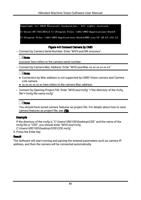
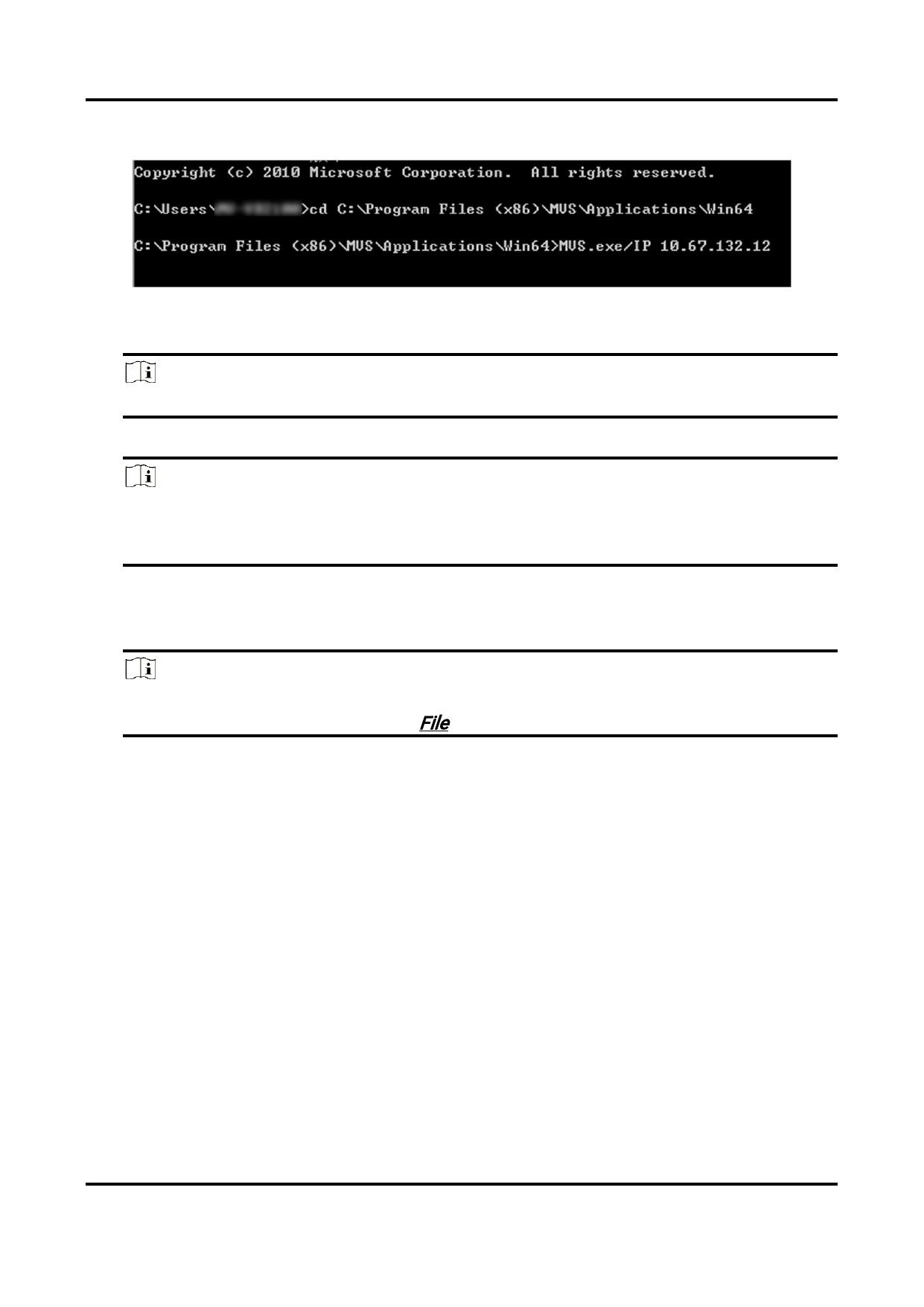
Figure 4-3 Connect Camera by CMD
– Connect by Camera Serial Number: Enter "MVS.exe/SN xxxxxxxx".
Note
xxxxxxxx here refers to the camera serial number.
– Connect by Camera Mac Address: Enter "MVS.exe/Mac xx.xx.xx.xx.xx.xx".
Note
● Connection by Mac address is not supported by USB3 Vision camera and Camera
Link camera.
● xx.xx.xx.xx.xx.xx here refers to the camera Mac address.
– Connect by Opening Project File: Enter "MVS.exe/mcfg" +"the directory of the mcfg
file"+"mcfg file name.mcfg".
Note
You should have saved camera features as project file. For details about how to save
camera features as project file, see File.
Example
If the directory of the mcfg is "C:\Users\VB2100\Desktop\CDE" and the name of the
mcfg file is "CDE", you should enter "MVS.exe/mcfg
C:\Users\VB2100\Desktop\CDE\CDE.mcfg".
5. Press the Enter key.
Result
The Software will start running and parsing the entered parameters such as camera IP
address, and then the camera will be connected automatically.
31