Hikrobot Machine Vision Software User Manual
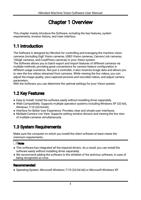
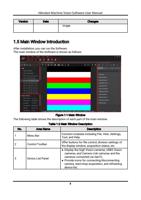
No.
Area Name
Description
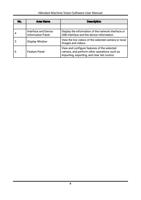
4
Interface and Device
Information Panel
Display the information of the network interface or
USB interface and the device information.
5
Display Window
View the live videos of the selected camera or local
images and videos.
6
Feature Panel
View and configure features of the selected
camera, and perform other operations such as
importing, exporting, and User Set control.
9