Hikrobot Machine Vision Software User Manual
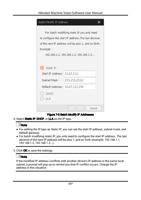
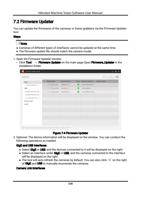
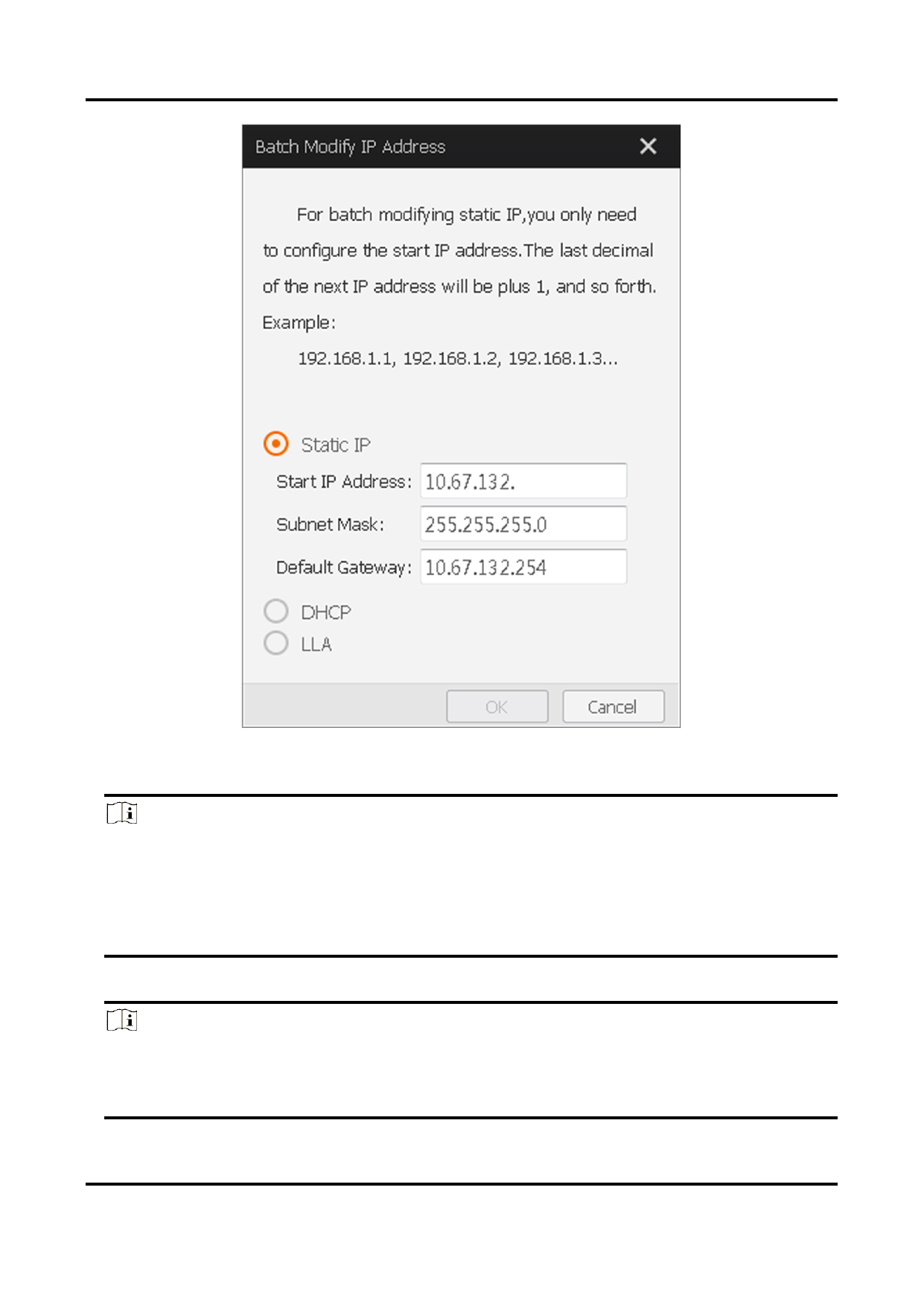
Figure 7-3 Batch Modify IP Addresses
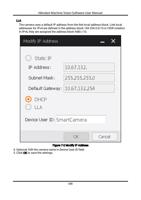
4. Select Static IP, DHCP, or LLA as the IP type.
Note
● For setting the IP type as Static IP, you can set the start IP address, subnet mask, and
default gateway.
● For batch modifying static IP, you only need to configure the start IP address. The last
decimal of the next IP address will be plus 1, and so forth (example: 192.168.1.1,
192.168.1.2, 192.168.1.3...).
5. Click OK to save the settings.
Note
If the modified IP address conflicts with another device's IP address in the same local
subnet, a prompt will pop up to remind you that IP conflict occurs. Change the IP
address in this situation.
117