Hikrobot Machine Vision Software User Manual
Contents
Chapter 1 Overview ..............................................................................................................1
1.1 Introduction ..................................................................................................................... 1
1.2 Key Features....................................................................................................................1
1.3 System Requirements.....................................................................................................1
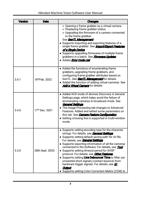
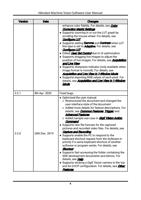
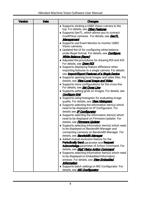
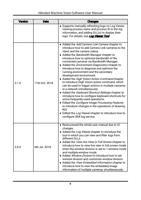
1.4 Revision History .............................................................................................................. 2
1.5 Main Window Introduction ............................................................................................. 8
Chapter 2 Environment Configuration .................................................................................10
2.1 Configurations before Using GigE Vision Cameras ....................................................10
2.2 Configurations before Using USB3 Vision Cameras...................................................13
2.3 Configurations before Using Camera Link Cameras ..................................................14
Chapter 3 Menu Bar............................................................................................................15
3.1 File..................................................................................................................................15
3.2 View ...............................................................................................................................16
3.3 Settings..........................................................................................................................17
3.3.1 General Settings .................................................................................................17
3.3.2 Capture and Recording Settings........................................................................19
3.3.3 Network Settings................................................................................................23
3.3.4 Buffer Settings....................................................................................................24
3.3.5 Resend Packet....................................................................................................25
3.3.6 Shortcut ..............................................................................................................26
3.4 Tool ................................................................................................................................27
3.5 Help................................................................................................................................28
Chapter 4 Device Management...........................................................................................29
4.1 GigE Vision Camera Management ...............................................................................29
4.1.1 Connect GigE Vision Camera.............................................................................29
4.1.2 Status of GigE Vision Camera ...........................................................................33
4.1.3 Edit Camera IP Address.....................................................................................34
4.1.4 Multicast Settings ..............................................................................................34
4.1.5 Other Features....................................................................................................37
iv