Hikrobot Machine Vision Software User Manual
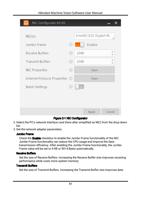
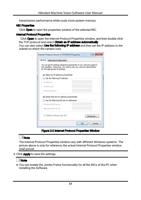
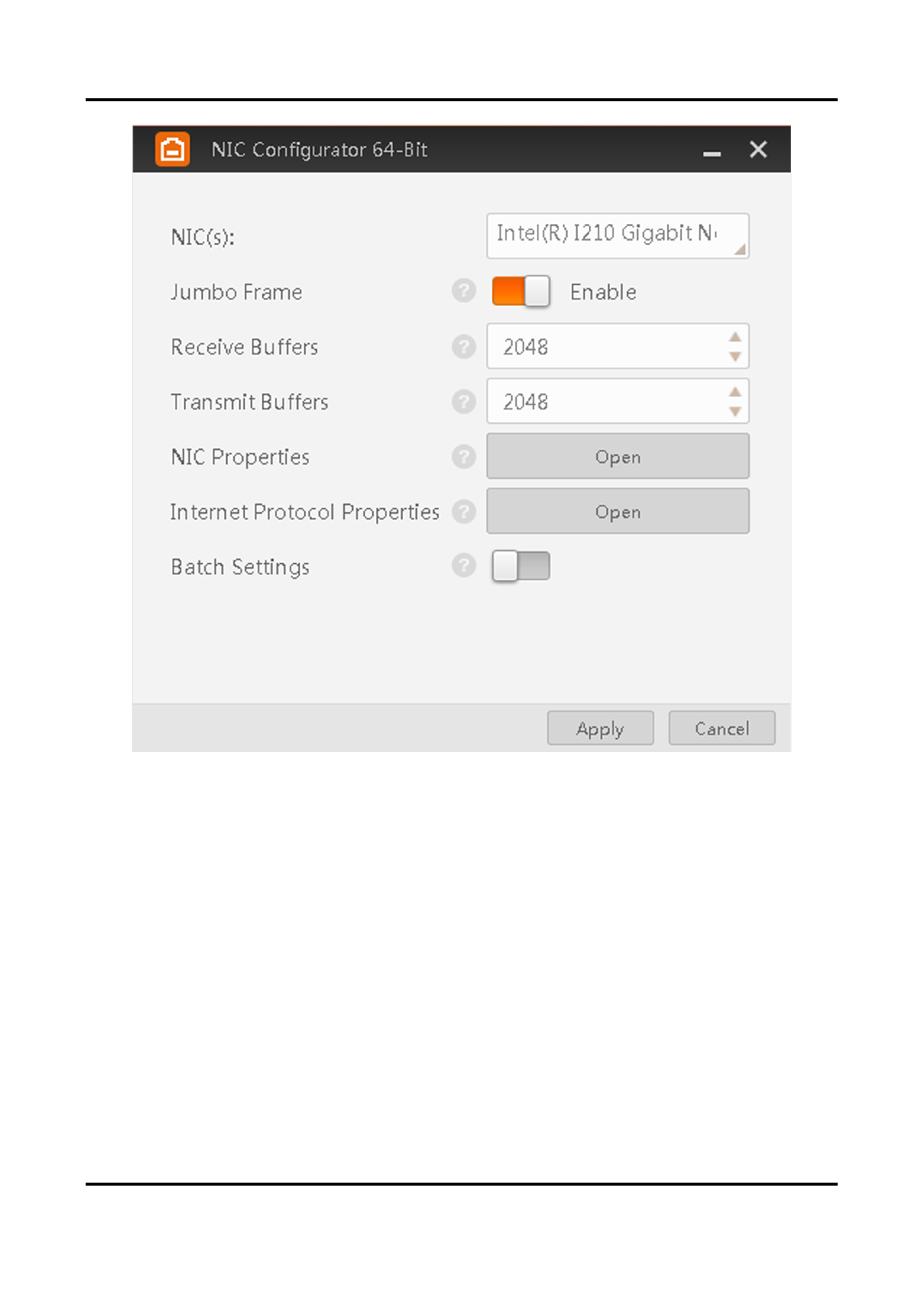
Figure 2-1 NIC Configurator
2. Select the PC's network interface card (here after simplified as NIC) from the drop-down
list.
3. Set the network adapter parameters.
Jumbo Frame
Check the Enable checkbox to enable the Jumbo Frame functionality of the NIC.
Jumbo Frame functionality can reduce the CPU usage and improve the data
transmission efficiency. After enabling the Jumbo Frame functionality, the Jumbo
Frame value will be set to 9 KB or 9014 Bytes automatically.
Receive Buffers
Set the size of Receive Buffers. Increasing the Receive Buffer size improves receiving
performance while costs more system memory.
Transmit Buffers
Set the size of Transmit Buffers. Increasing the Transmit Buffer size improves data
11