Hikrobot Machine Vision Software User Manual
● Some NICs may not support Jumbo Frame. In such cases, you should update the NIC
driver or change the NIC.
2.2 Configurations before Using USB3 Vision Cameras
Before using USB3 Vision cameras, you should make sure that the PC on which the
Software runs have installed USB driver, otherwise the Software will fail to enumerate the
camera, or the status of the enumerated camera will be Unreachable.
When you connect a USB3 Vision camera to the PC's USB interface, the camera will be
automatically detected by the Windows system and the USB driver will be installed
automatically.
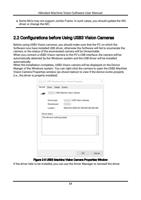
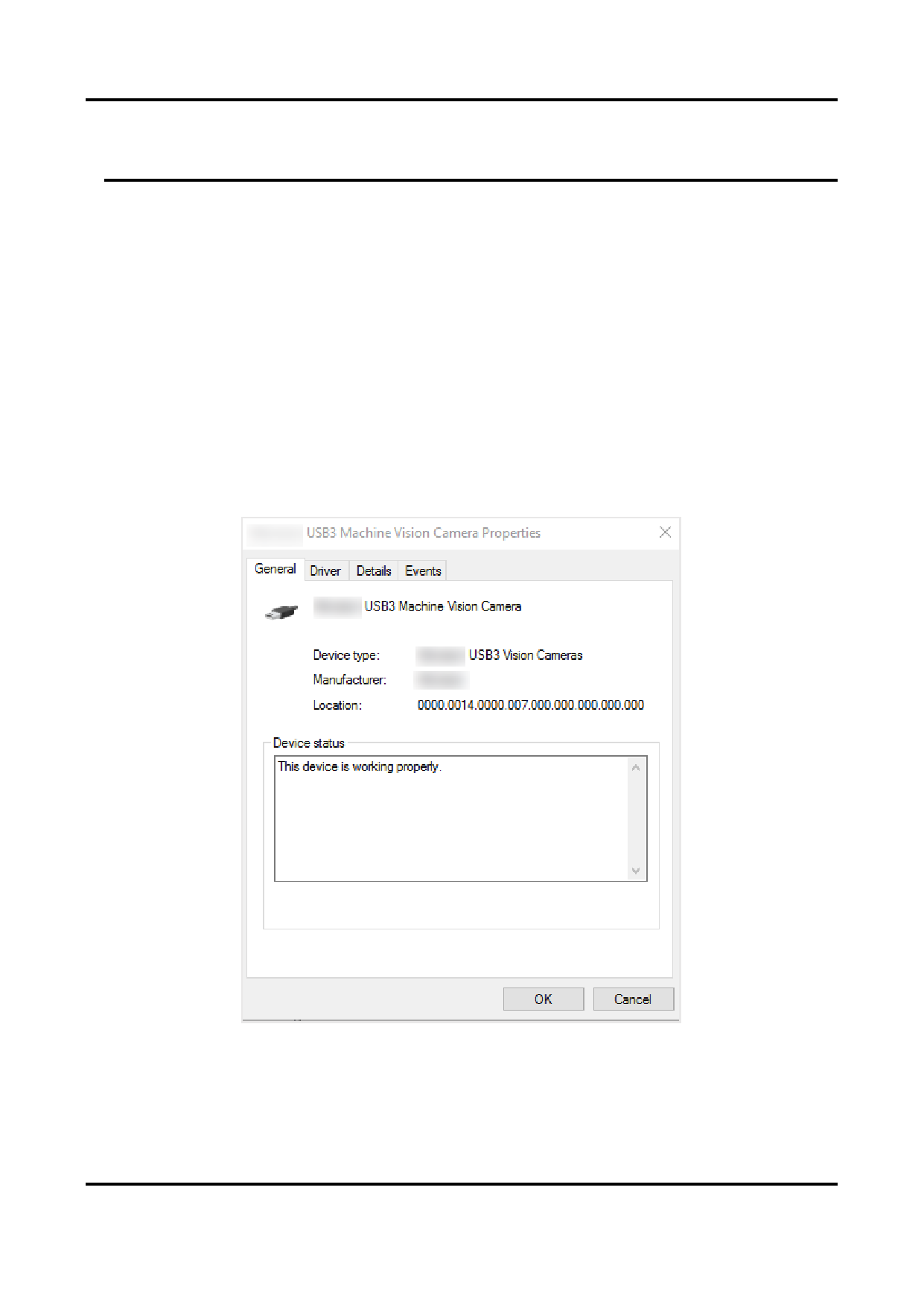
When the installation completes, USB3 Vision camera will be displayed on the Device
Manger of the Windows system. You can right-click the camera to open the USB3 Machine
Vision Camera Properties window (as shown below) to view if the device works properly
(i.e., the driver is properly installed).
Figure 2-3 USB3 Machine Vision Camera Properties Window
If the driver fails to be installed, you can use the Driver Manager to reinstall the driver.
13