Hikrobot Machine Vision Software User Manual
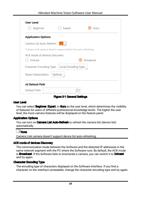
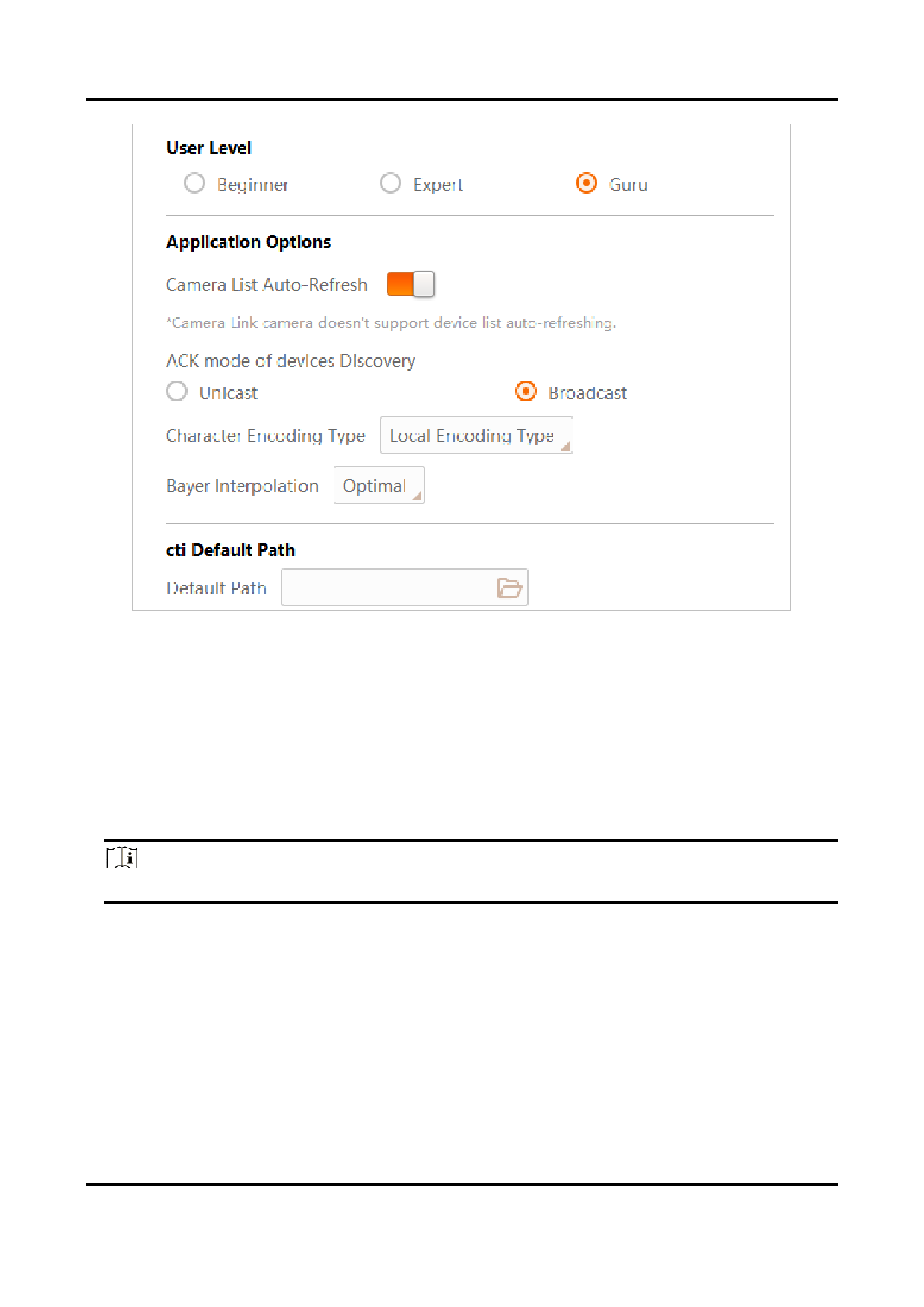
Figure 3-1 General Settings
User Level
You can select Beginner, Expert, or Guru as the user level, which determines the visibility
of features for users of different professional knowledge levels. The higher the user
level, the more camera features will be displayed on the feature panel.
Application Options
You can turn on Camera List Auto-Refresh to refresh the camera list (device list)
automatically.
Note
Camera Link camera doesn't support device list auto-refreshing.
ACK mode of devices Discovery
The communication mode between the Software and the detected IP addresses in the
same network segment with the PC where the Software runs. By default, the ACK mode
is Broadcast. If the Software fails to enumerate a camera, you can switch it to Unicast
and try again.
Character Encoding Type
The encoding type of characters displayed on the Software interface. If you find a
character on the interface unreadable, change the character encoding type and try again.
18