Hikrobot Machine Vision Software User Manual
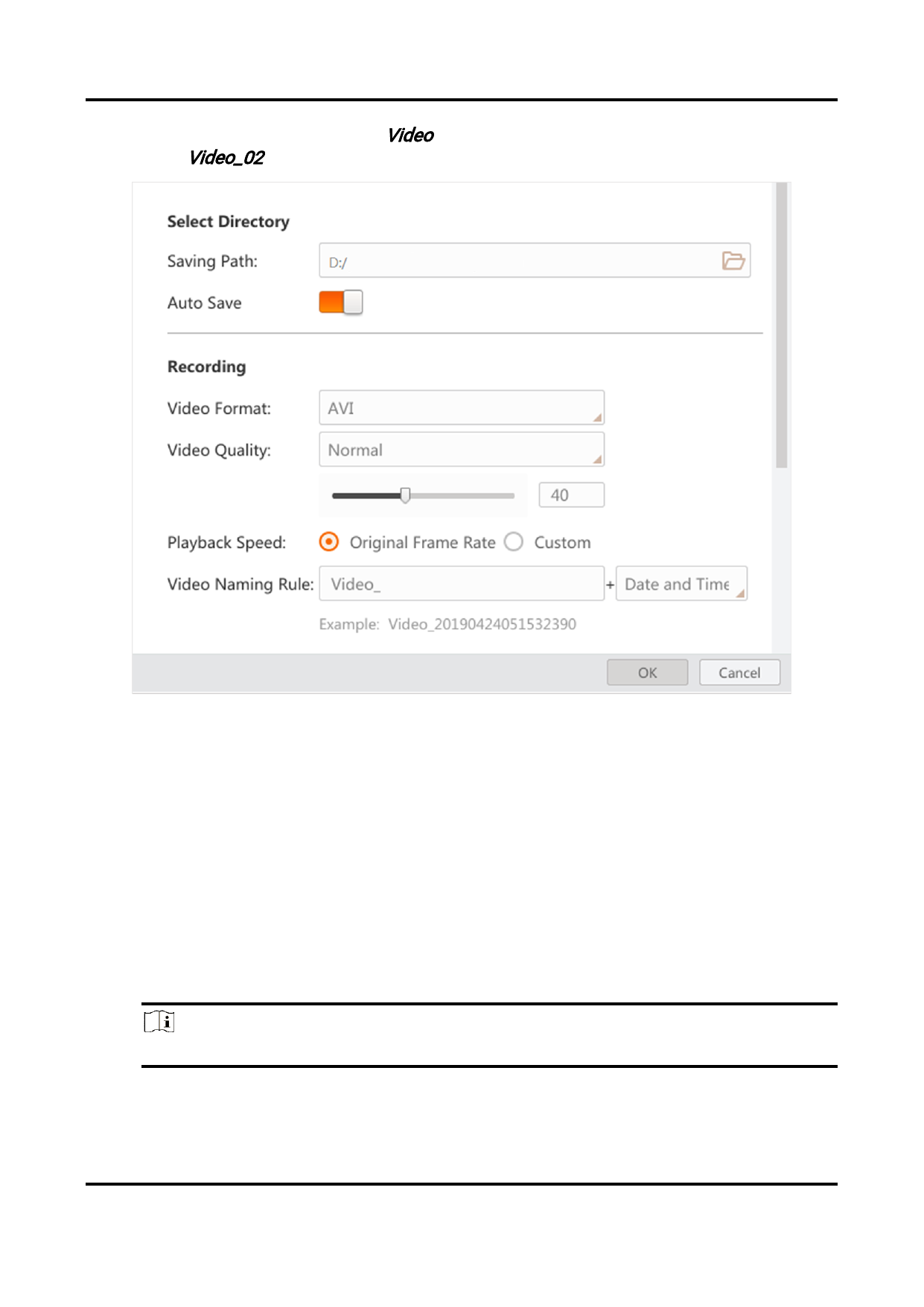
one you saved and you set Video as the prefix, the full name of the video would
be Video_02.
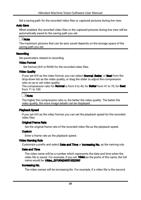
Figure 3-2 Recording Settings
Capturing
Set parameters related to the capturing of pictures.
Picture Format
Set format (BMP, RAW, JPG, PNG, TIFF) for the captured pictures during live view.
Picture Quality
If you set JPG or PNG as the picture format, you can select Normal, Better, or Best
from the drop-down list as the picture quality, or drag the slider to adjust the
compression ratio so as to set picture quality.
The compression ratio for Normal is from 0 to 40, for Better from 41 to 70, for Best
from 71 to 100.
Note
The higher the compression ratio is, the better the picture quality.
File Naming Rule
21