Home
3D
PrintUP 3D Printer
PioCreat 3D Printer
Printers
FastCOLOUR >>
ATools
DTF Textile
UV-DTF
FlatPRINT
PrintExp
InkRIP
Lasers
TruCUT CO
2
>>
TruCUT RDWorks
TruCUT 2020+
TruCUT Express
TruCUT Lite >>
4030 & Vertical Software
4030 & Vertical Documents
New 6040 Desktop
LabelMark
RayCUT
MorCUT >>
MorCUT-Cyclops
LaserMaster
Plasmas
MetalWise
Fabricam
Routers
EasyRoute
PowerRoute
Blade Cutters
Vinyl Cutters >>
V-Series
V-Smart
V-Auto (& V-Smart+)
Vinyl4
Flatbed Cutters >>
FlatCUT
Label Cutters >>
V-Auto Label Cutters
Software >>
VinylCut
More
FastCUT
Heatware
Rollman
ScreenMaster
Other Software
Miscellaneous
AM.CO.ZA
/
Buy CNC Software
/
CNC Software Training
/
CNC Software Downloads
Sales: 072 222 2211
Support: 076 666 6655
Training: 060 818 1818
Jo’burg: 087 802 5368
Cape Town: 087 802 7106
An
Project
Multimedia
Univision Videos
#SortIT Videos
MakersLab.TV
Software Training
Welldone Gallery
Updates
Prevision Blog
Cornerstone Trust
Email Campaigns
Contact Us
Sales WhatsApp
060 600 6000
Support WhatsApp
060 600 7000
Johannesburg Headquarters
011 397 1429
087 802 5368
Cape Town Showroom
021 555 3250
087 802 7106
Links
CNC Machine Repair
Vinyl Cutter
Heatware
You are here:
AM.CO.ZA
Buythis
CNC Utilities Homepage
Other-Softwares
AM.CO.ZA InkRIP Easy RIP Software
AM.CO.ZA InkRIP Easy RIP Software V7.2.14.0 Universal x64 R 20260306
help-Chs.pdf
Page 51 of 81
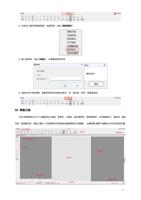
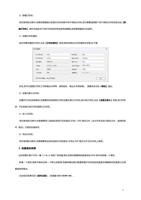
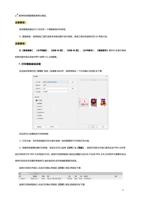
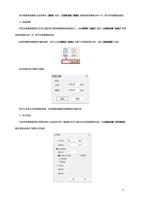
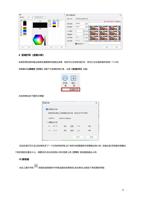
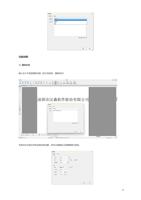
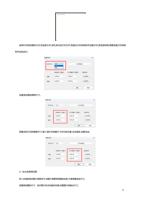
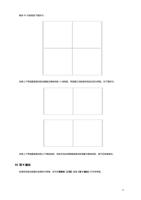
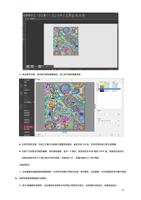
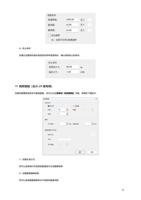
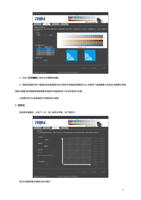
您也可以使用
【表格裁切】
,在图片四周生成以图片宽和高为基准的矩形表格,线距图的距离您可以自行设定。
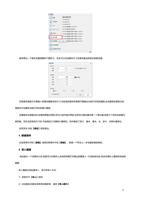
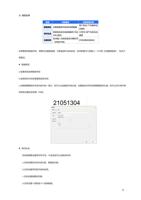
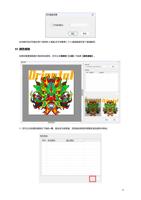
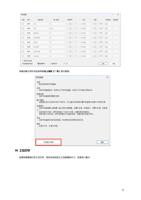
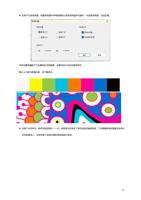
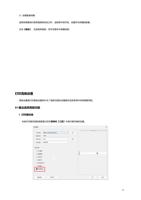
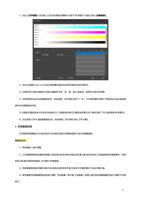
如果您之后不需要裁切线,您可以点击进入裁切线设置,勾选
【清除裁切线】,
点击确定,即刻清除。
5.
切割机设置
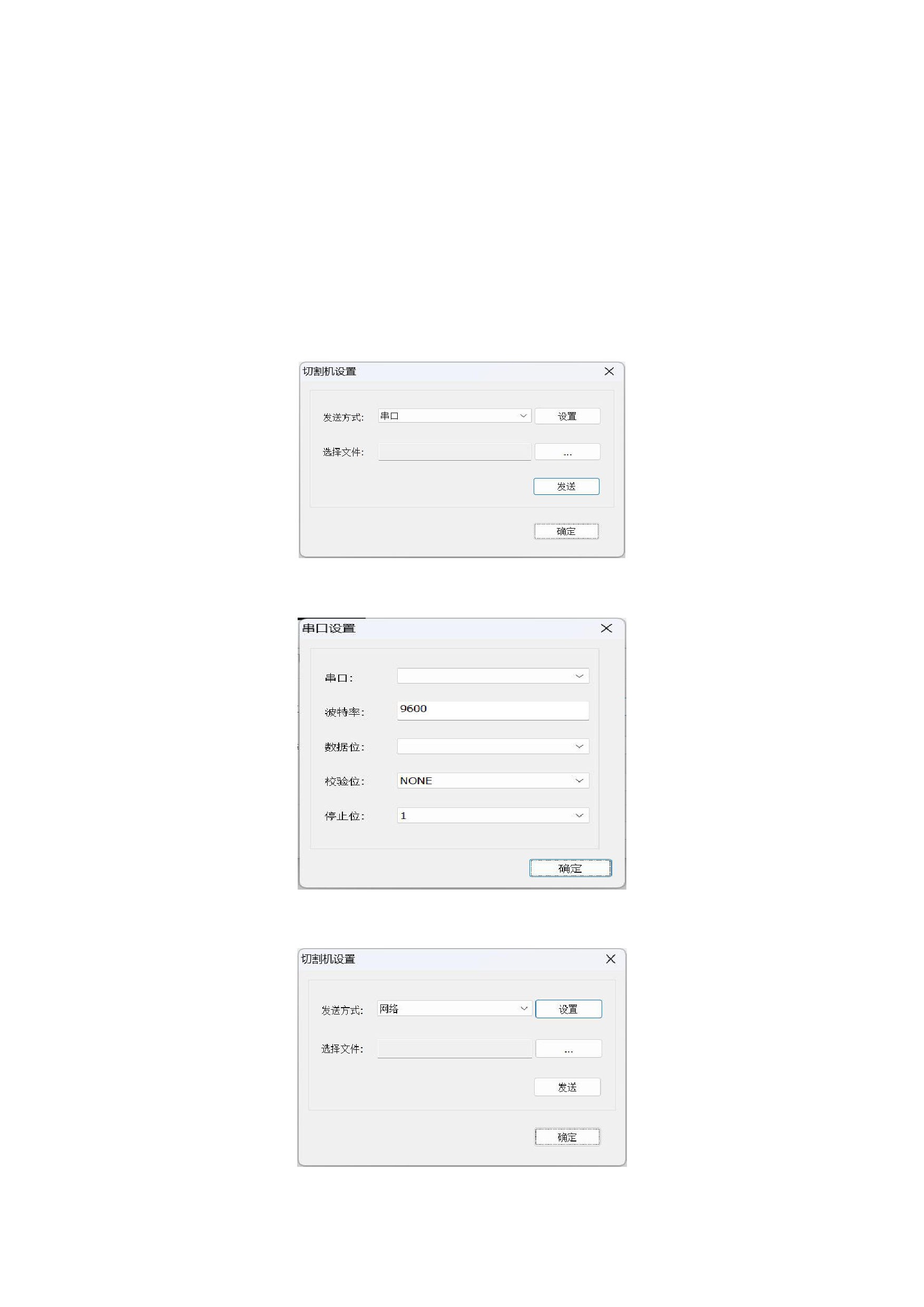
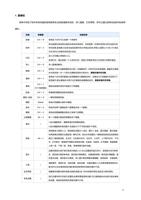
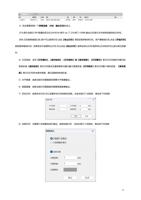
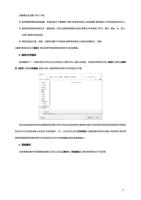
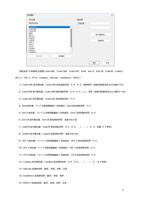
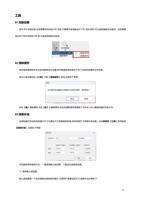
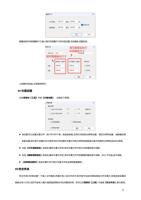
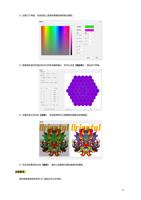
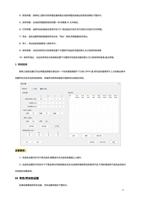
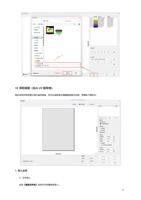
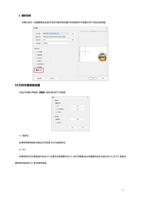
排版文件打印完成后,您可以将导出的 PLT 文件直接通过切割机设置发送到切割机。
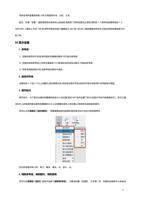
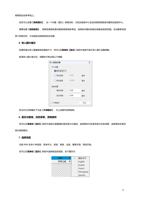
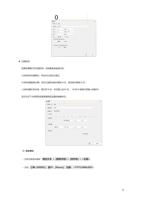
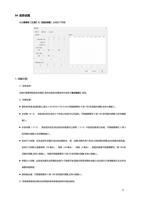
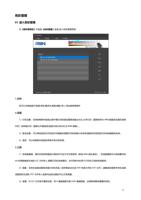
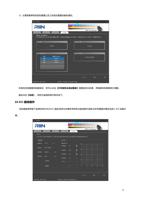
1)设置切割机通信参数
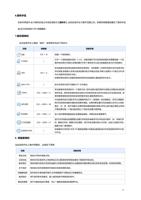
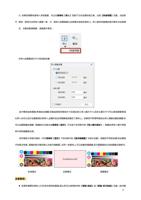
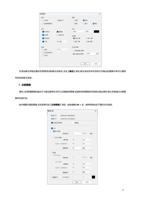
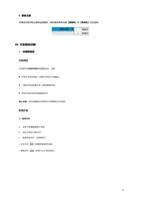
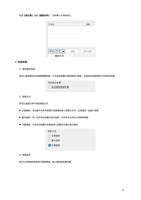
您可以选择
【串口】
或
【网络】
两种方式发送至切割机,点击
【设置】
来设置相应参数。
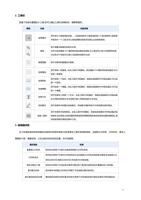
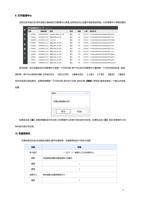
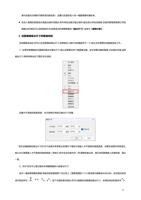
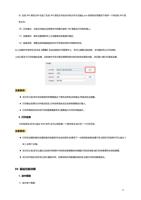
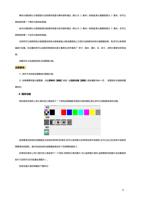
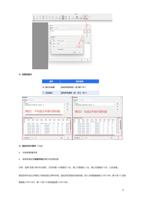
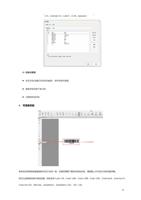
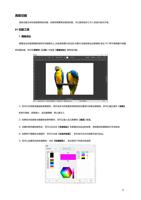
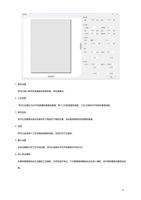
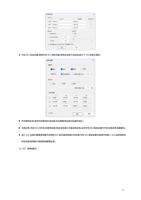
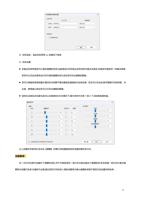
通过串口发送至切割机
通过网络发送至切割机
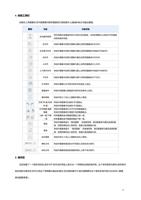
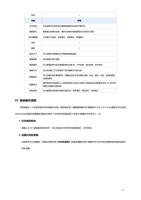
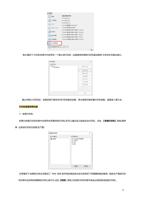
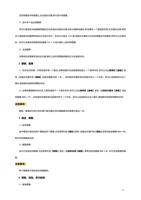
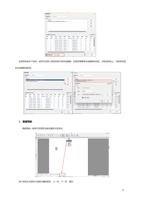
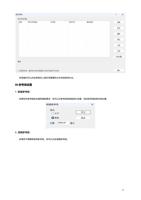
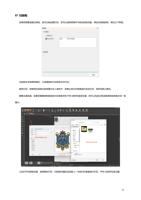
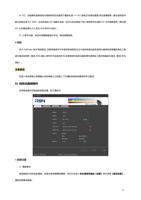
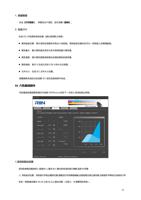
2)选择您要发送的 PLT 文件
51
"
Do you need help?
Call Me Back