Software Use
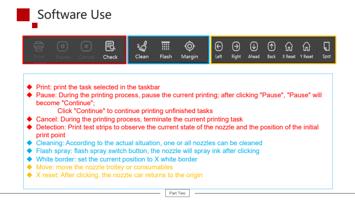
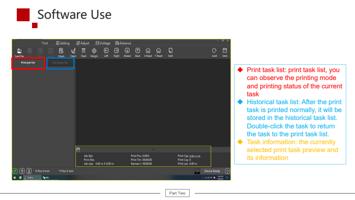
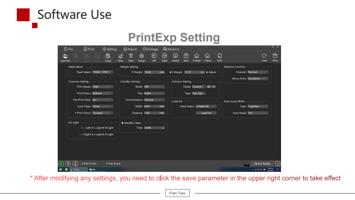
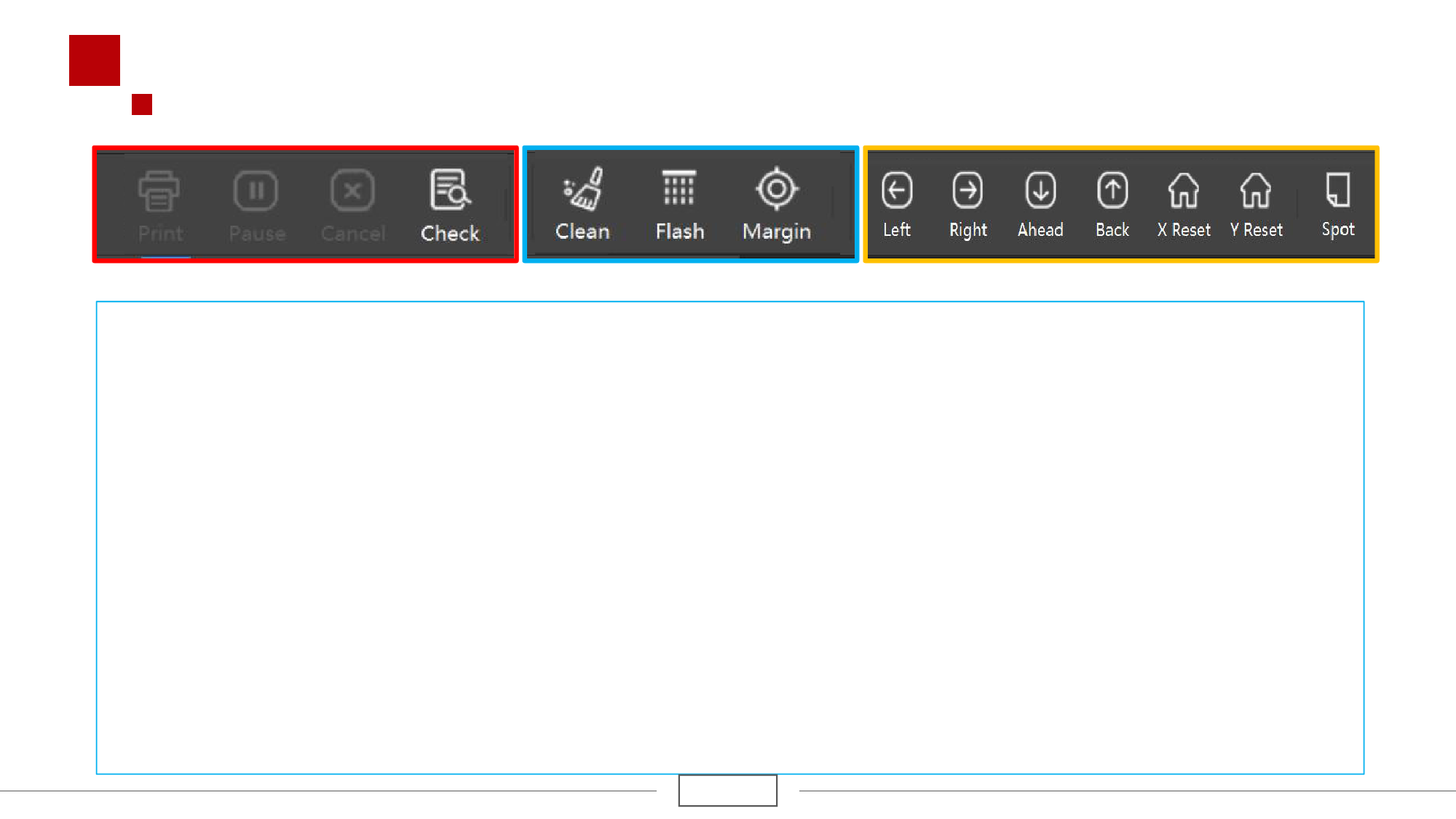
u Print: print the task selected in the taskbar
u Pause: During the printing process, pause the current printing; after clicking "Pause", "Pause" will
become "Continue";
Click "Continue" to continue printing unfinished tasks
u Cancel: During the printing process, terminate the current printing task
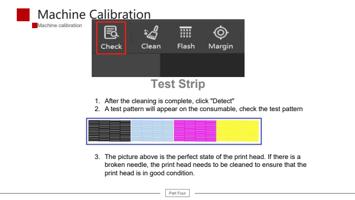
u Detection: Print test strips to observe the current state of the nozzle and the position of the initial
print point
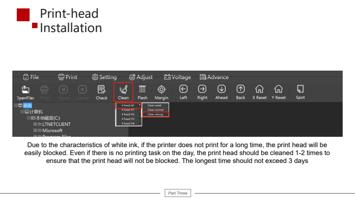
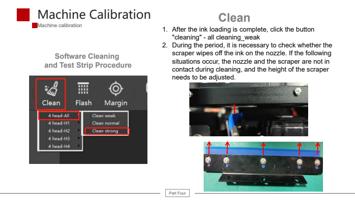
u Cleaning: According to the actual situation, one or all nozzles can be cleaned
u Flash spray: flash spray switch button, the nozzle will spray ink after clicking
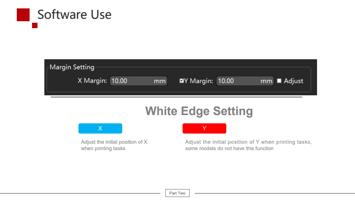
u White border: set the current position to X white border
u Move: move the nozzle trolley or consumables
u X reset: After clicking, the nozzle car returns to the origin
Part Two