RDEMarkVision Operation Manual
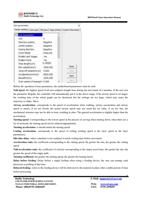
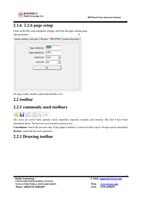
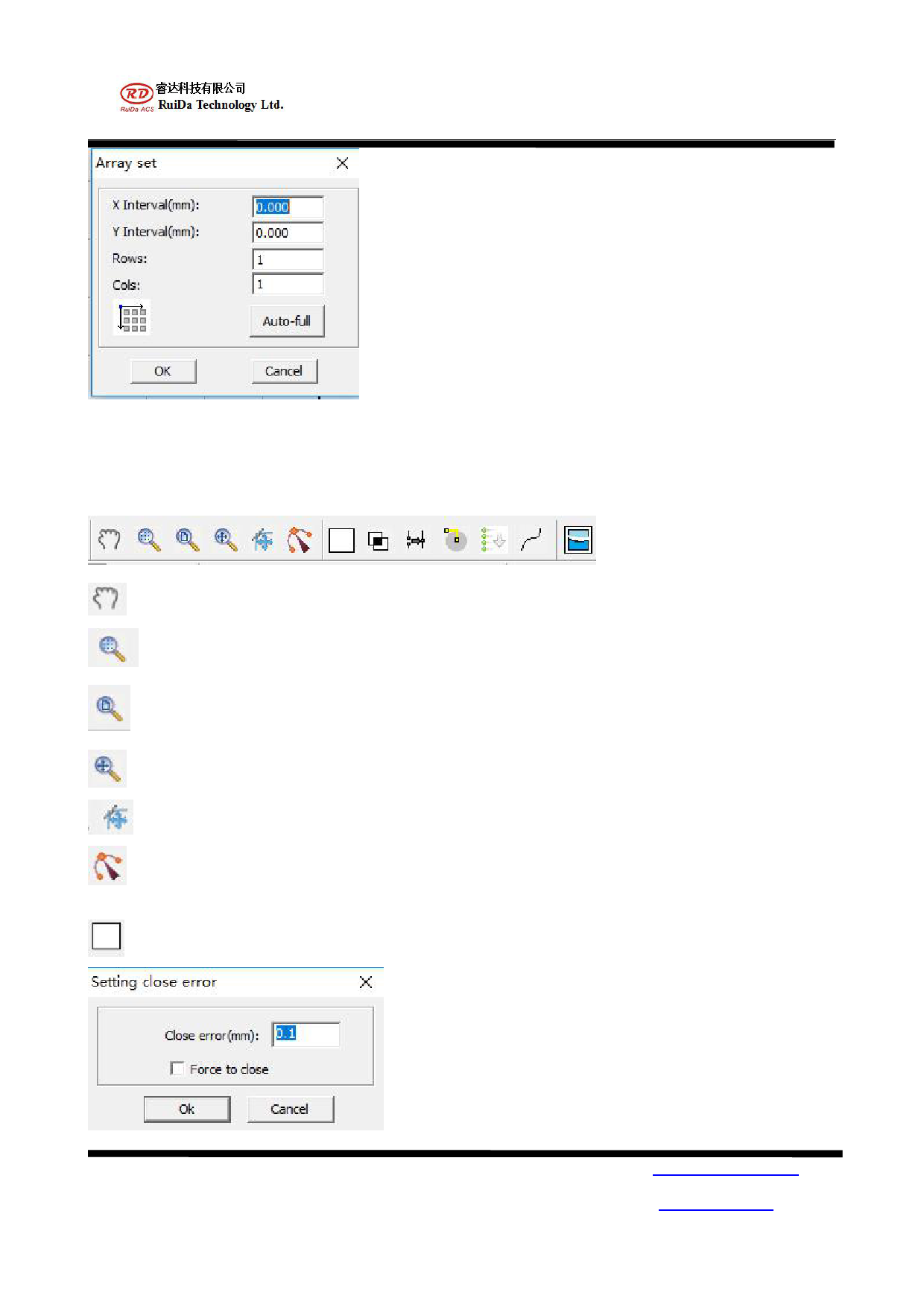
Input the corresponding parameters, you can copy "row number, column number" of the same graphics on the
screen. The distance between each figure is determined by spacing.
2.2.2 operation toolbar
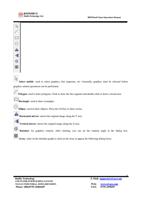
Mobile: movement of the whole workspace.
Frame selection view: box to select a region to enlarge view.
Page scope: click the page scope, and the interface is back to the set range.
Data range: select graphics, click output range, maximize graphics rendering.
Path display: shows the processing sequence of graphics.
Display node: node displaying graphics
Curve closure: select the unclosed graph click icon to appear in the following dialog box:
RuiDa Technology
1TH FLOOR,5TH BUILDING,NANYOU
TIANAN INDUSTRIAL ZONE,SHENZHEN
Phone: (086)0755-26066687
9
E-Mail: support@rd-acs.com
Web: www.rd-acs.com
FAX: 0755-2698287