RDEMarkVision Operation Manual
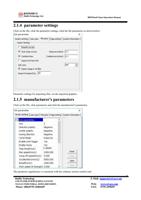
2.1.4 parameter settings
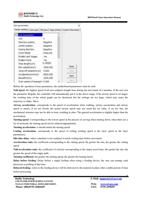
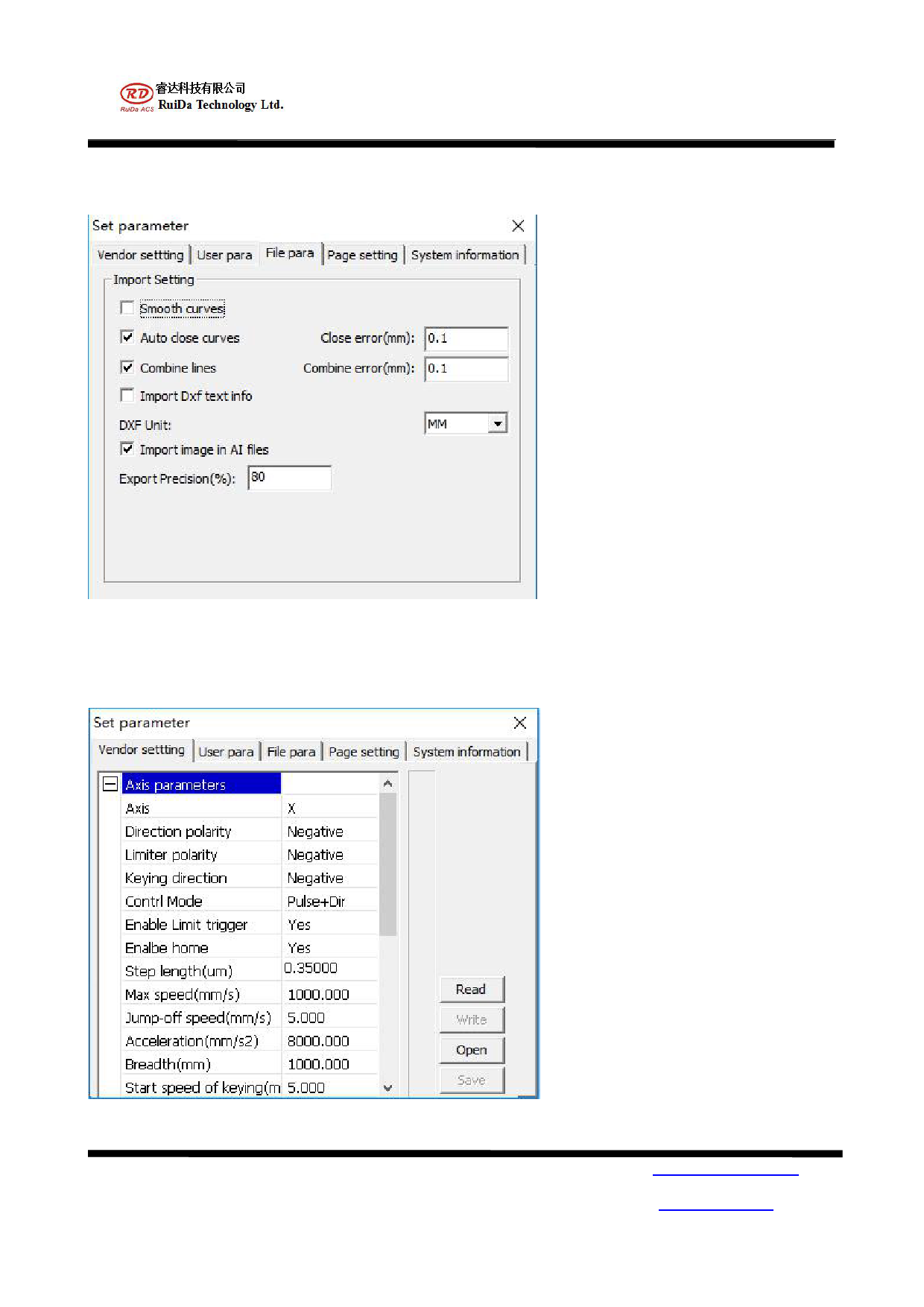
Click on the file, click the parameter settings, click the file parameters as shown below:
Parameter settings for importing files: set the imported graphics.
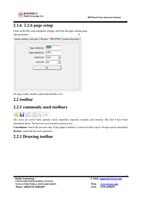
2.1.5 manufacturer's parameters
Click on the file, click parameters and click the manufacturer's parameters.
The parameter significance is consistent with the ordinary motion control card.
RuiDa Technology
1TH FLOOR,5TH BUILDING,NANYOU
TIANAN INDUSTRIAL ZONE,SHENZHEN
Phone: (086)0755-26066687
6
E-Mail: support@rd-acs.com
Web: www.rd-acs.com
FAX: 0755-2698287