RDEMarkVision Operation Manual
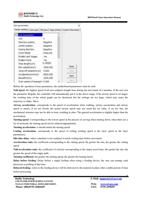
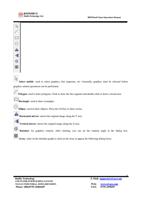
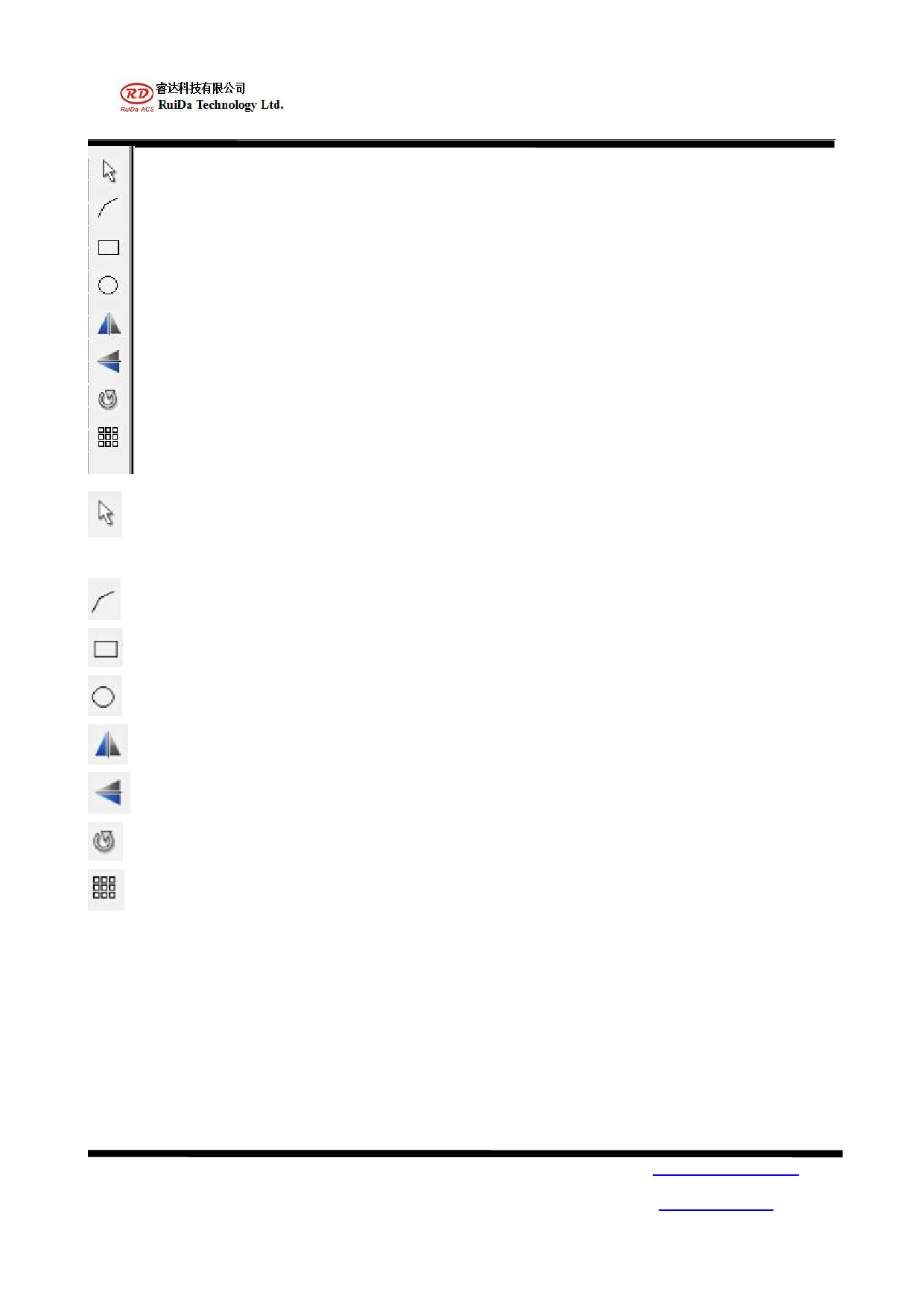
Select mobile: used to select graphics, line segments, etc. Generally, graphics must be selected before
graphics related operations can be performed.
Polygon: used to draw polygons. Click to draw the line segment and double-click to form a closed area.
Rectangle: used to draw rectangles.
Ellipse: used to draw ellipses. Press the Ctrl key to draw circles.
Horizontal mirror: mirror the original image along the Y axis.
Vertical mirror: mirror the original image along the X axis.
Rotation: for graphics rotation. After clicking, you can set the rotation angle in the dialog box.
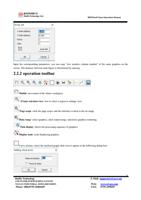
Array: click on the interface graph to click on the array to appear the following dialog boxes
RuiDa Technology
1TH FLOOR,5TH BUILDING,NANYOU
TIANAN INDUSTRIAL ZONE,SHENZHEN
Phone: (086)0755-26066687
8
E-Mail: support@rd-acs.com
Web: www.rd-acs.com
FAX: 0755-2698287