- You are here:
- AM.CO.ZABuythisCNC Utilities Homepage
- PrintUP-3D-Printer
- Component Manuals
- 3D打印机使用英文说明.pdf
- Page 7 of 17
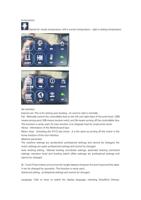
Traditional Chinese, English, Russian, Spanish, French, and Italian. The WIFI :function is
currently not turned on and cannot be clicked to enter the operation.
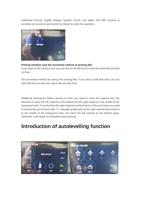
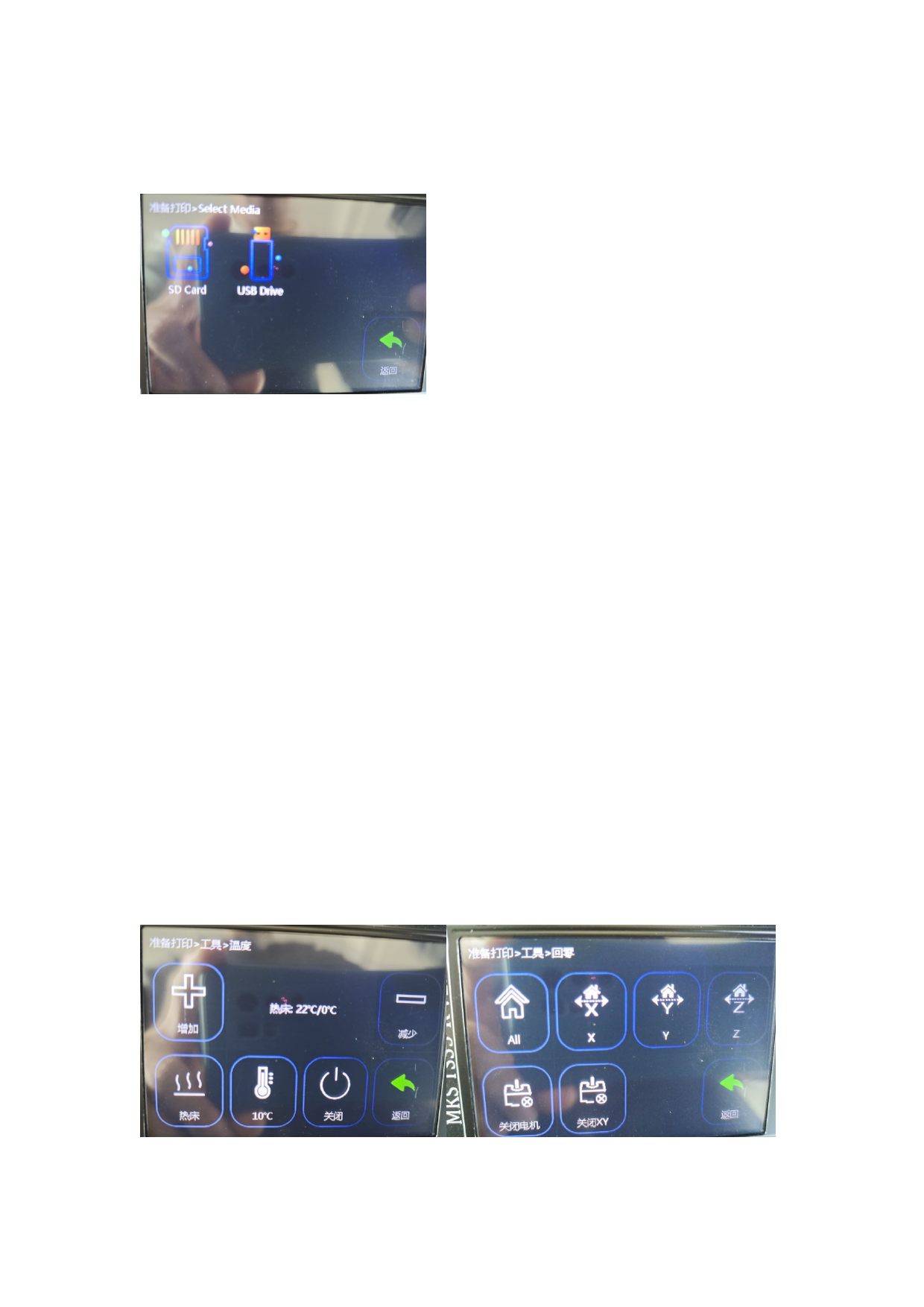
Printing interface: save the connection method of printing files.
If you insert an SD memory card, you can click on the SD Card to enter the search file and click
on Print.
The connection method for saving and printing files. If you insert a USB flash drive, you can
click USB Drive to enter the search file and click Print.
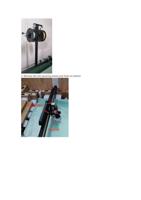
Additional instructions: Before starting to print, you need to insert the material first. Pay
attention to insert the left material to the bottom and the right material in the middle of the
transparent tube. If you find that the right material is at the bottom of the print head, you need
to preheat the print head to 200. °C, manually quickly pull out the right material and reinsert it
to the middle of the transparent tube, and insert the left material to the bottom again.
Otherwise, it will easily to be blocked when printing.
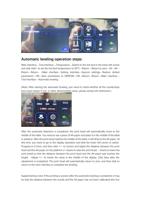
Introduction of autolevelling function