- You are here:
- AM.CO.ZABuythisCNC Utilities Homepage
- PrintUP-3D-Printer
- Component Manuals
- 3D打印机使用英文说明.pdf
- Page 6 of 17
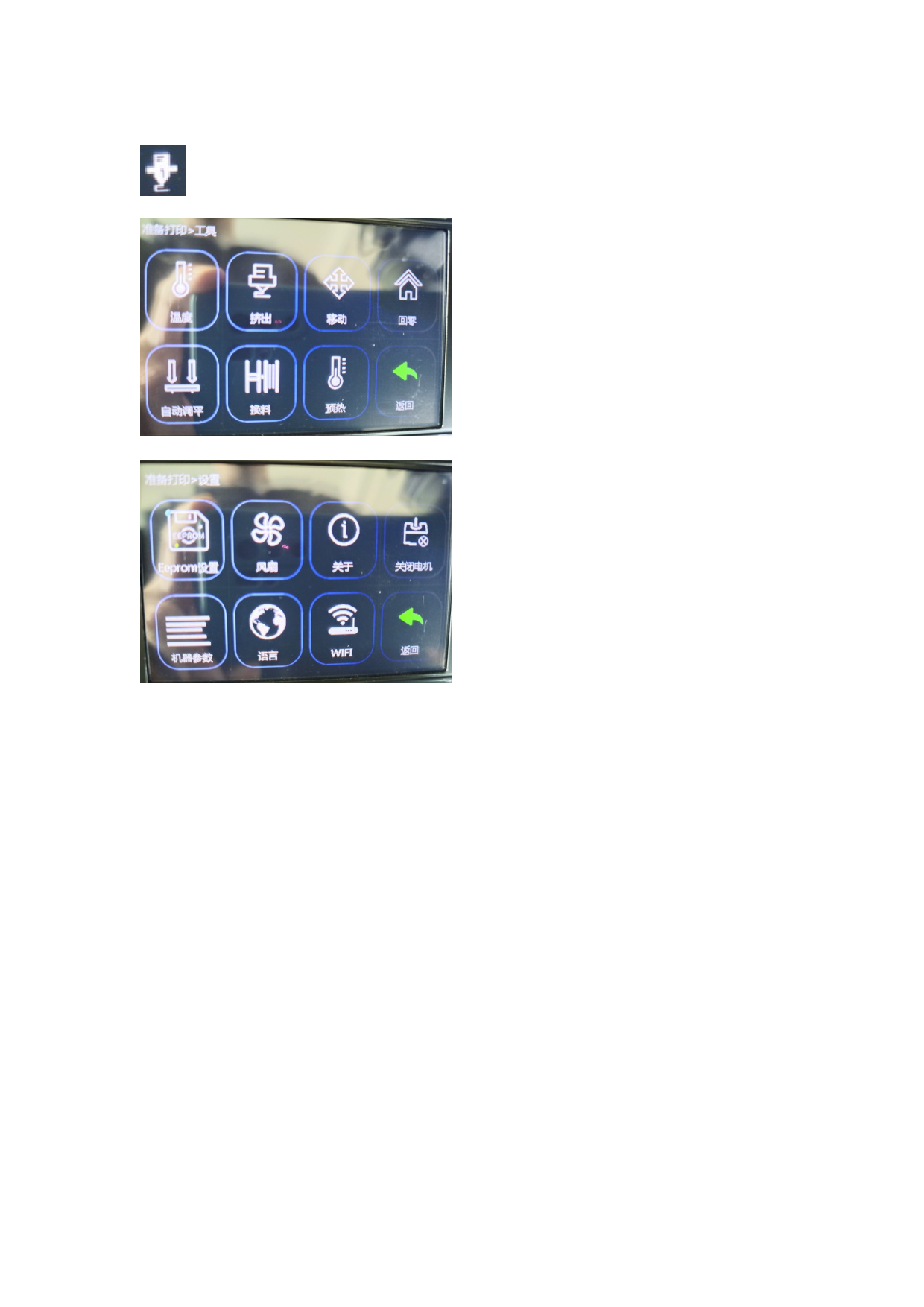
temperature
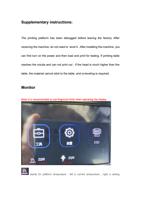
Stands for nozzle temperature .left is current temperature , right is setting temperature
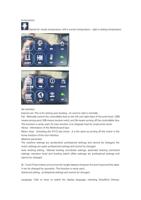
Set interface
Eeprom set: This is for setting auto leveling , no need to click it normally.
Fan : Manually control the controllable fans on the left and right sides of the print head. 100%
means strong wind, 50% means medium wind, and 0% means turning off the controllable fans.
This function is rarely used. Its main function is to dissipate heat for small prints alone.
About: information of the Motherboard type
Motor close : Unlocking the X/Y/Z axis motor , it is the same as turning off the motor in the
home function of the tool interface.
Machine parameter :
The machine settings are acceleration professional settings and cannot be changed; the
motor settings are pulse professional settings and cannot be changed .
Auto leveling setting : Manual leveling coordinate settings, automatic leveling command
settings, extrusion head and leveling switch offset settings) are professional settings and
cannot be changed .
BL-Touch Probe Detect and correct the height distance between the print head and the table.
It can be changed by operation. This function is rarely used.;
Advanced setting , professional settings and cannot be changed .
Language: Click to enter to switch the display language, including Simplified Chinese,